
• Skip to Content
  • Skip to Footer

Resume Genius

Resume Genius

The World's Smartest Resume Builder

  • Builders

    Resume Builder Software

    Making a resume is easy with the right tool. Our resume builder does the hard work for you.

    Cover Letter Generator

    Short on time or simply don't like writing? Try our cover letter generator and make a cover letter fast.

    CV Maker Tool

    CVs are often longer than resumes. With our CV maker, you can create a CV in the same amount of time.

    Monday to Friday, 8AM – 12AM (Midnight) and Saturdays and Sundays, 10AM – 6PM EDT (866) 215-9048

  • Resumes

    Free Resume Templates

    SimpleBasic templates that focus on your work experience.
    ModernContemporary templates perfect for your new job.
    CreativeA little visual flair to highlight your creativity.
    PictureTemplates with photos to add some personality.

    Genius Resume Builder

    • ATS Resume checker
    • Resume summary generator
    • How to write a resume
    • The best resume format in 2025
    • Best skills for your resume

    Resume Examples

    Monday to Friday, 8AM – 12AM (Midnight) and Saturdays and Sundays, 10AM – 6PM EDT (866) 215-9048

  • Cover Letters

    Cover Letter Templates

    ProfessionalHR approved, organized, and stylish.
    ModernContemporary templates perfect for your new job.
    CreativeA little visual flair to highlight your creativity.
    SimpleBasic templates that focus on your work experience.

    Genius Cover Letter Generator

    • How to write a cover letter
    • How to start a cover letter
    • Cover letter format guide
    • Short cover letter examples
    • The best cover letters of 2025

    Cover Letter Examples

    Monday to Friday, 8AM – 12AM (Midnight) and Saturdays and Sundays, 10AM – 6PM EDT (866) 215-9048

  • CVs

    CV Templates

    BusinessProfessional CV templates for senior-level positions.
    HarvardTemplates for academics and scholars.
    ResearchA format to showcase your research background.
    WriterPerfect templates for published writers.

    Genius CV Maker

    • How to format your CV
    • How to write a CV for a job
    • CV vs resume: what's the difference?
    • How to write an academic CV
    • CV examples for students

    CV Examples

    Monday to Friday, 8AM – 12AM (Midnight) and Saturdays and Sundays, 10AM – 6PM EDT (866) 215-9048

  • Resources

    FAQS

    • Technical Assistance
    • Resume FAQs
    • Cover Letter FAQs
    • CV FAQs

    Blog

    Resume Help

    Learn the ins and outs of writing a resume. From formatting to fonts, we cover every topic.

    Cover Letter Help

    Cover letter writing is a skill that will help you outshine other applicants. Our guides can teach you that skill.

    Interview Help

    You're one step away from getting the job. Win over hiring managers with our expert interview tips.

    Monday to Friday, 8AM – 12AM (Midnight) and Saturdays and Sundays, 10AM – 6PM EDT (866) 215-9048

  • Pricing
Build My CVLogin

Monday to Friday, 8AM – 12AM (Midnight) and Saturdays and Sundays, 10AM – 6PM EDT (866) 215-9048

ONLINE CV MAKER

Make a professional CV in minutes.

Use our AI-powered online CV Maker to create a job-winning CV in just a few minutes.

Build My CV NowUpload Existing CV
Career Advice Experts
logoStar Summary4.5
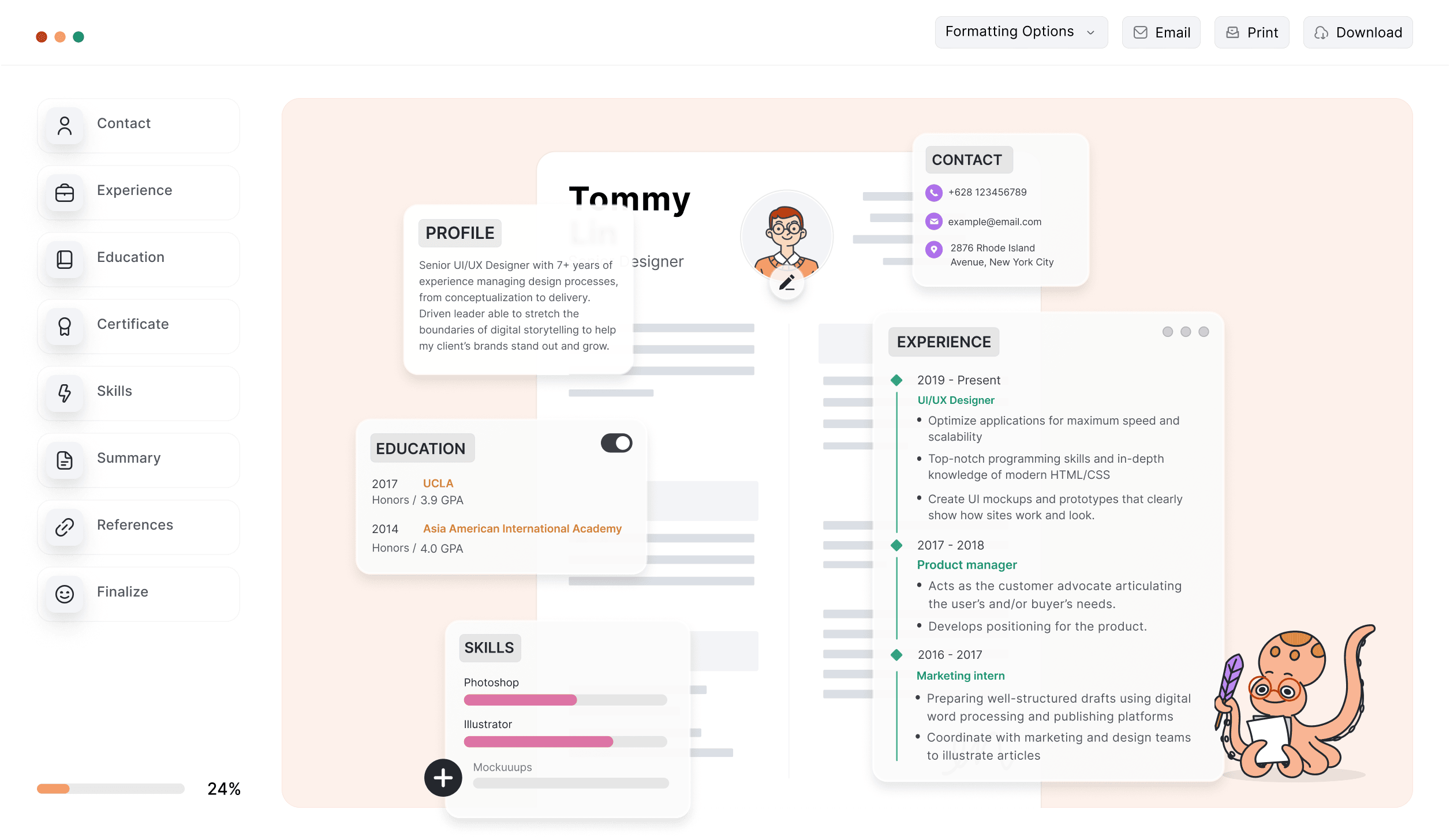
Example of the Resume Genius cover letter generator, with some of the great features the builder has to offer highlighted. On the left side is a field to fill in your personal information, in the middle is a cover letter being made, and on the right is a questionnaire to find out more about the candidate's background.

Save hours of your time

Don't stress over wording or formatting. Just choose your favorite CV template, and our builder will guide you through each section.

ATS-friendly templates

Our software automatically formats your information into an ATS-optimized CV template design. Each layout is easy for both human recruiters and HR screening software to read.

AI-powered writing help

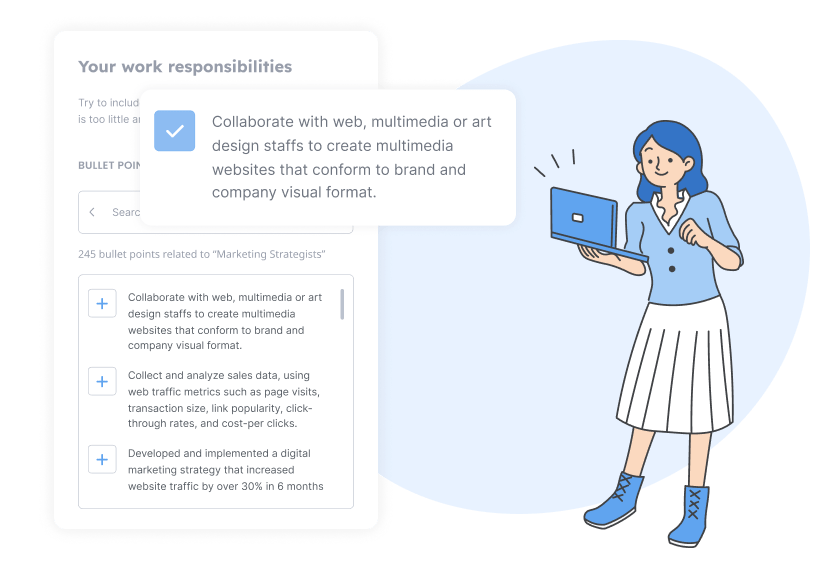
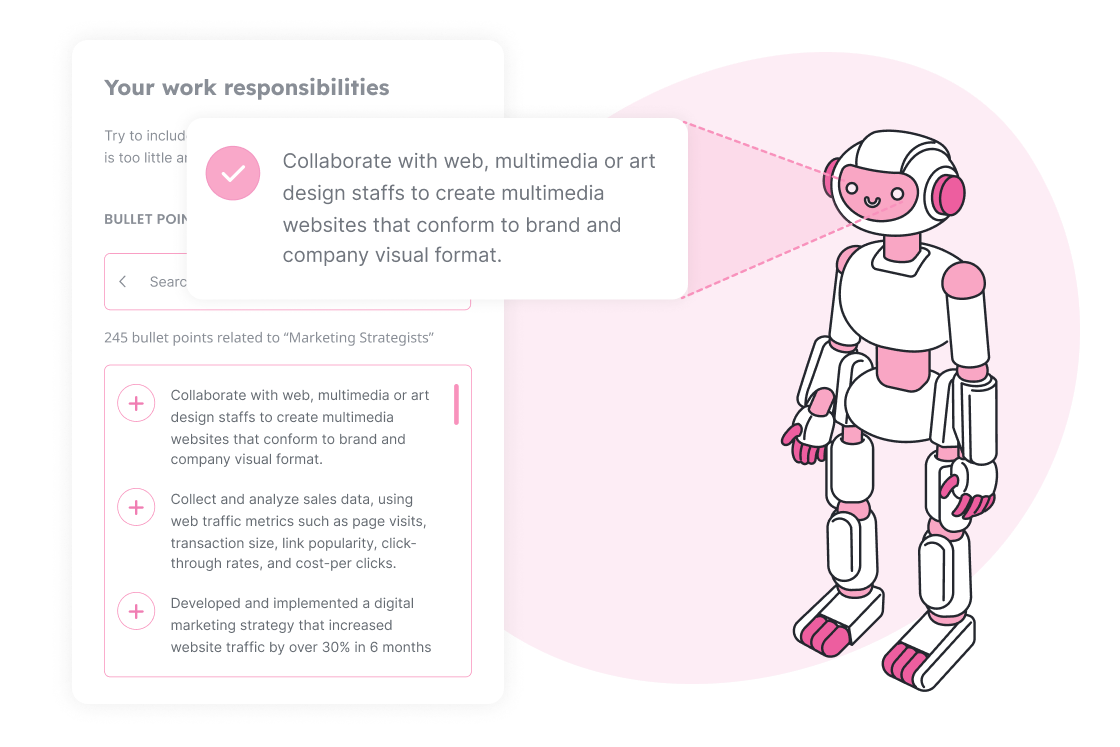
Our AI CV maker uses data from real job listings to generate customized work experience bullet points, helping employers clearly see the value you bring.

Stand out from the competition

Use AI to create a CV that highlights your experience and skills, then present it in an eye-catching, professional design that gets attention.

Data-backed skills suggestions

Not sure what skills to list? Enter your job title and our CV maker will provide targeted, data-driven suggestions.

Make a matching cover letter

Use our cover letter builder to generate a matching cover letter that pairs perfectly with your CV.

ATS-optimized CV templates

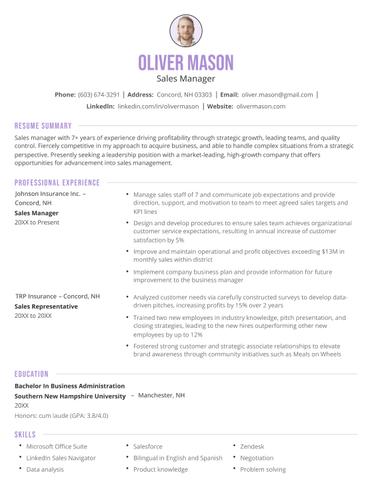
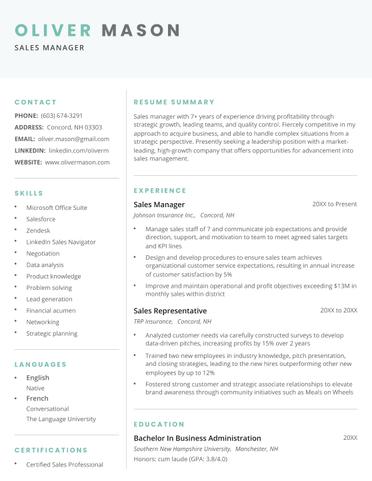
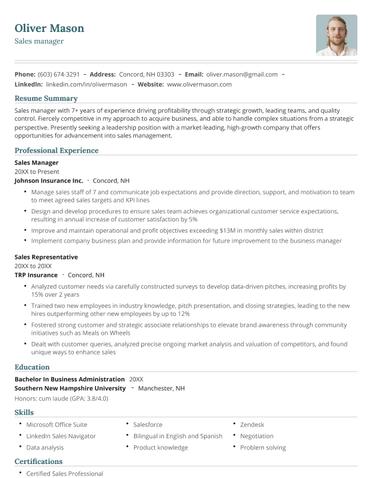
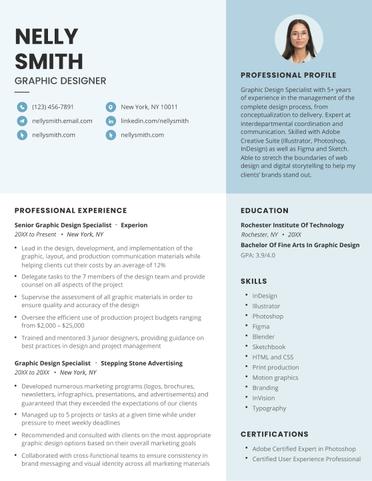
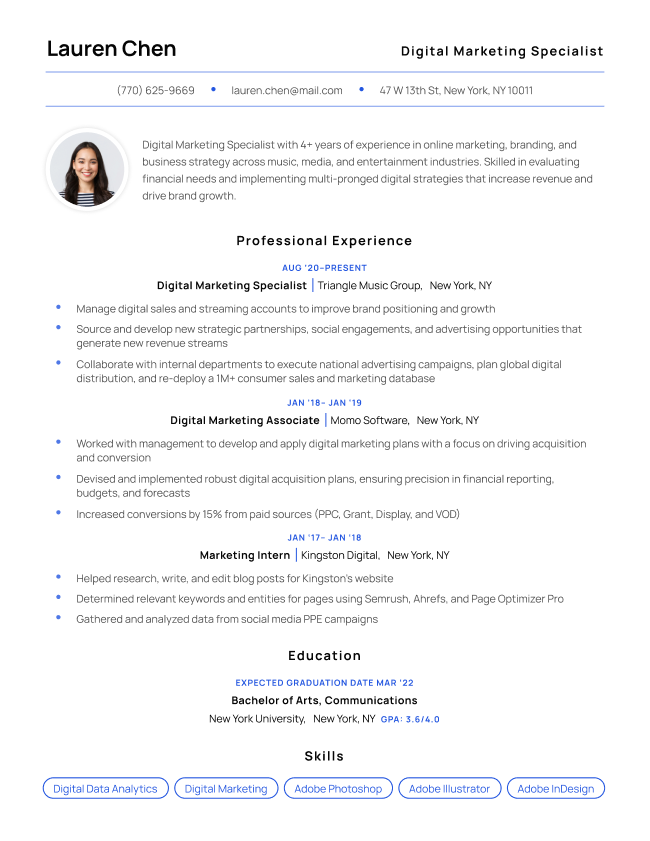
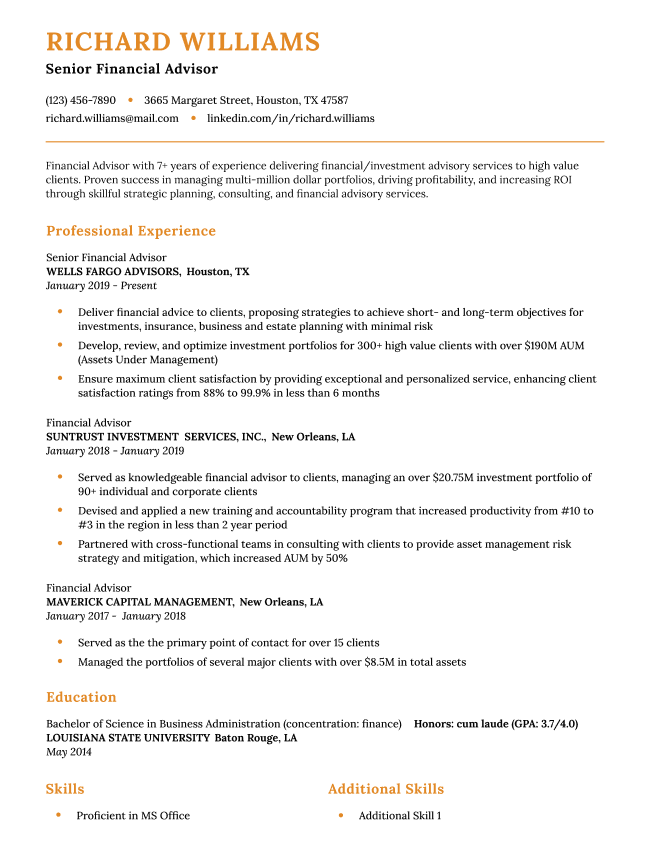
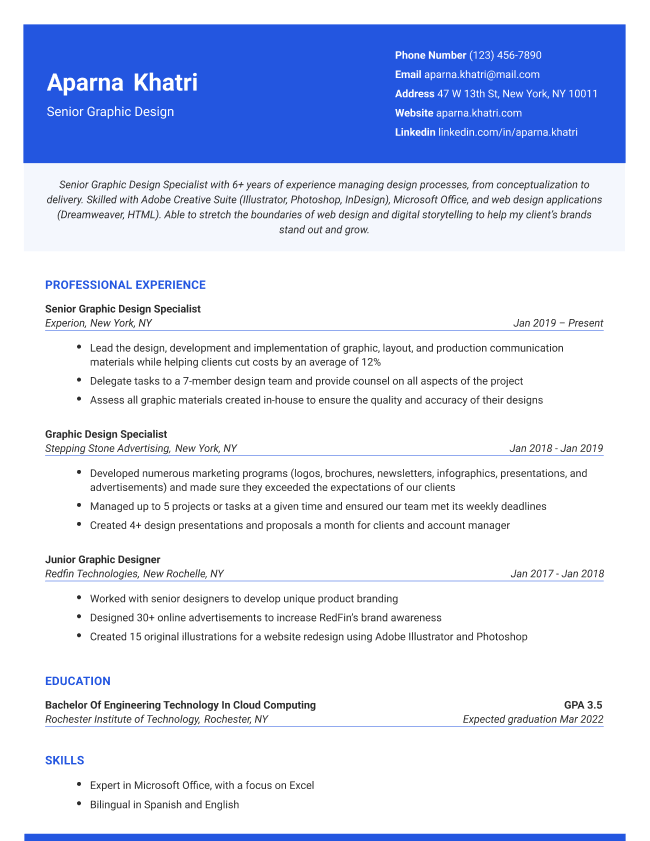
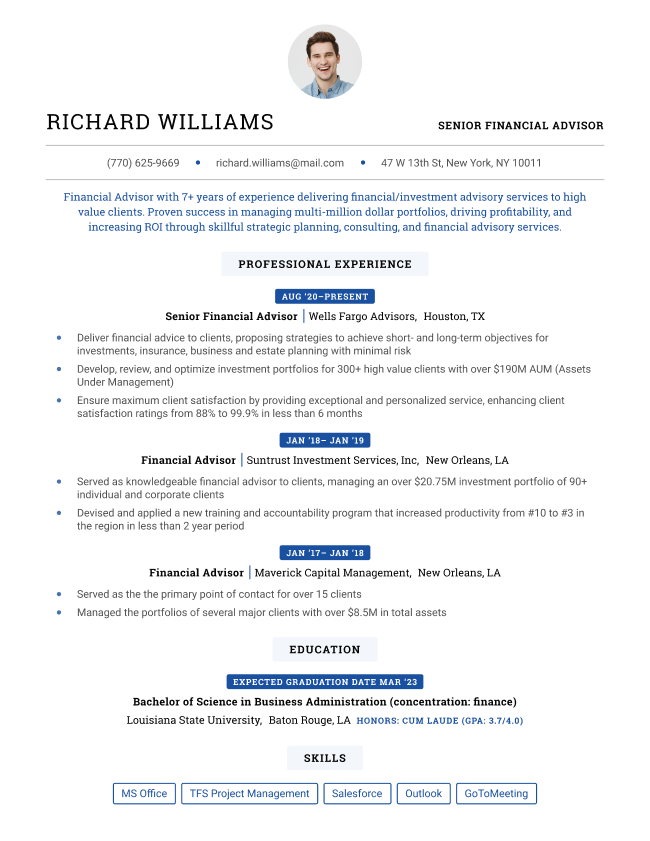
Choose from 32 sleek template designs available in a range of colors.

Build My CV Now
Use This Template

Advanced

Pastel Template Dark Blue Use This Template

Pastel

Use This Template

Professional

Use This Template

Minimalist

Use This Template

Modern

Use This Template

Milano

Use This Template

Pantheon

Use This Template

Elegant

Tech Template Violet Use This Template

Tech

Graduate Template Dark Blue Use This Template

Graduate

Use This Template

Chicago

Current Template Yellow Use This Template

Current

Use This Template

Classic

THE NEXT STEP

Build and download a CV in 3 easy steps

Whether you're starting from scratch or updating an existing CV, our builder helps you create a tailored application in just a few clicks.

1st Step

Choose a template

Select one of our professional designs in multiple color choices.

2nd Step

Answer some basic questions

Fill in some information about your background, skills, experience.

3rd Step

Download your new CV

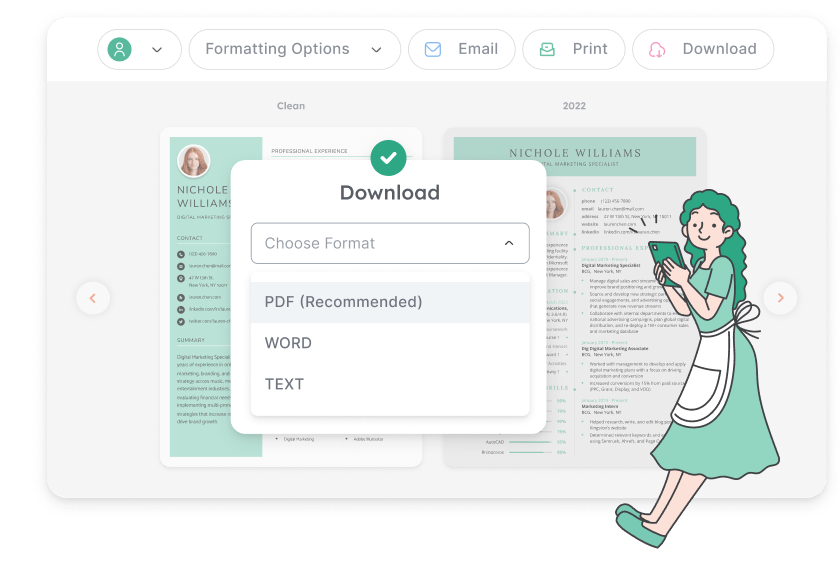
Make any final edits in our easy-to-use editor and download your CV as a PDF or Word file.

Why our CV builder is trusted by thousands of job applicants

Trained using real-world data

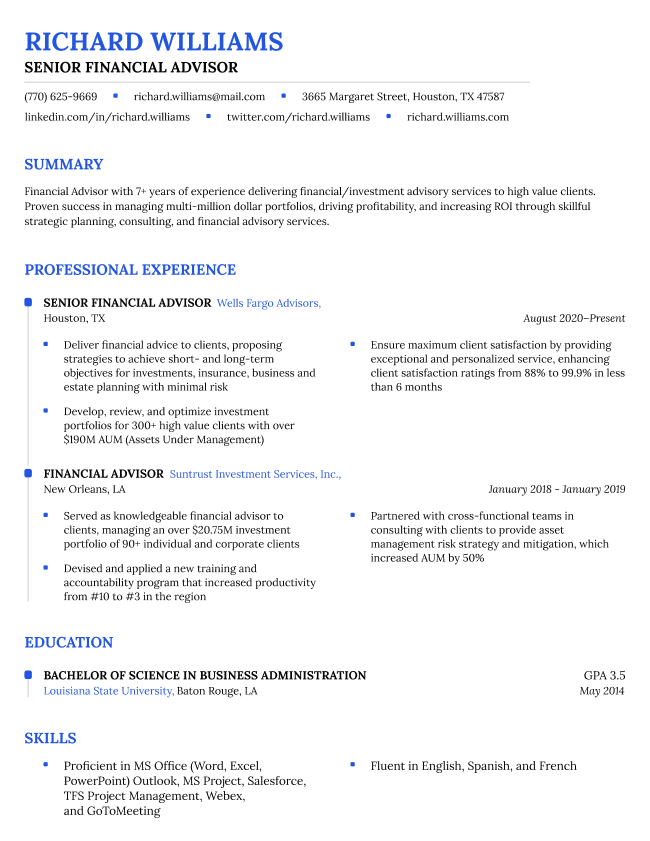
Our CV builder is trained on thousands of real job listings across every industry, so it writes just like a professional in your field. Simply enter your previous job title, and our software will provide personalized suggestions to help you describe your experience, skills, and achievements.

Formats everything instantly

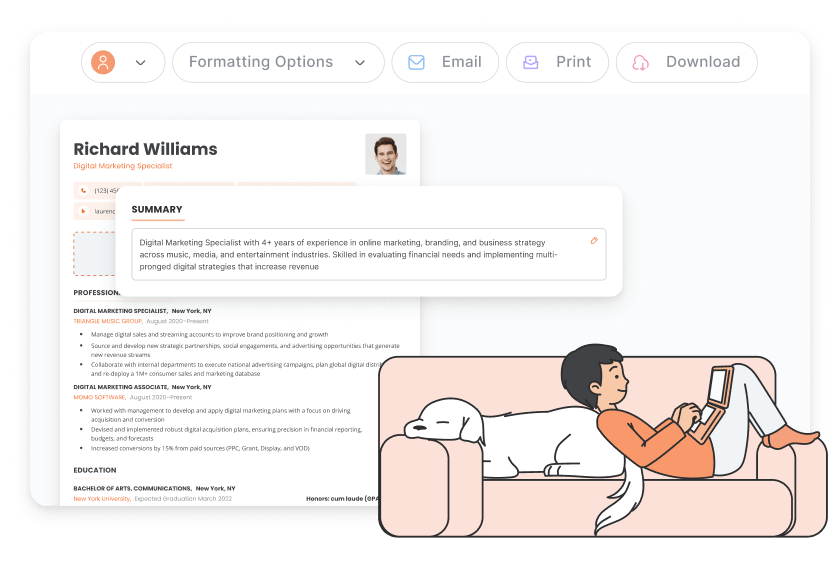
Margins, spacing, fonts, and text size are all preset, so your CV formats automatically as you complete each section. Our templates are designed to look great as one-, two-, or multi-page documents, giving you the flexibility to add as much detail as you need.

Compatible with HR software

Our CV templates are fully optimized for applicant tracking systems (ATS), ensuring your CV won’t be rejected by automated HR filters. You can export your finished CV as a Microsoft Word file or PDF so it opens correctly on any device or operating system.

Helps you write faster with AI

Our CV maker uses AI to generate industry-specific work experience bullet points for all types of jobs. Just point and click to add relevant duties from your past roles, formatted as neat bullet points.

Additional CV writing support

You can always return to the builder to update your CV for future jobs. If you need help fine-tuning your application for a new role or situation, we've created a library of guides to walk you through everything you need to know.

  • CV examples
  • CV help (writing & resources)

CV examples

Whether you’re writing an academic CV or a CV for another type of job, we offer a wide range of examples to provide you with ideas. Each CV sample on Resume Genius was carefully researched, professionally designed, and reviewed by certified CV-writing experts.

Academic Artist Medical Assistant
Nurse Practitioner Pharmacist Physician Assistant
Research Assistant Science Student
View All CV Examples

CV help (writing & resources)

Our CV Help blog covers everything from what to put on a CV to the finer details like formatting and fonts. Regardless of where you are in your job hunt, we provide expert resources to make building your application easier.

Blog

How to Write a CV (Curriculum Vitae)

Blog

How to List References on Your CV (With Examples)

Blog

Curriculum Vitae (CV) Format (Examples & Guide)

Get Help On Your CV

Frequently Asked Questions

What’s the difference between a CV and a resume?

The main difference between a CV and resume is length and purpose.

A CV is a detailed, comprehensive document that covers your full career history and academic background, while a resume is a short, targeted summary of your most relevant skills and experience.

In the U.S. and Canada, CVs are typically used for academic, research, medical, and international job applications. Resumes are the preferred format for most other jobs in the U.S. and Canada.
Which CV template should I use?

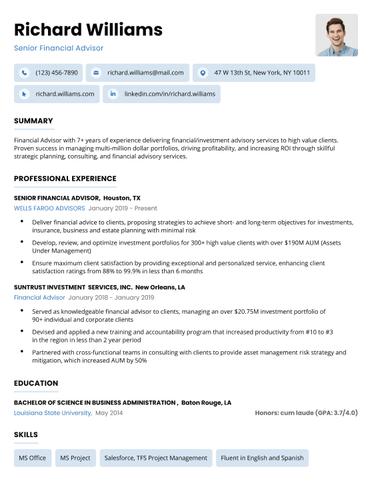
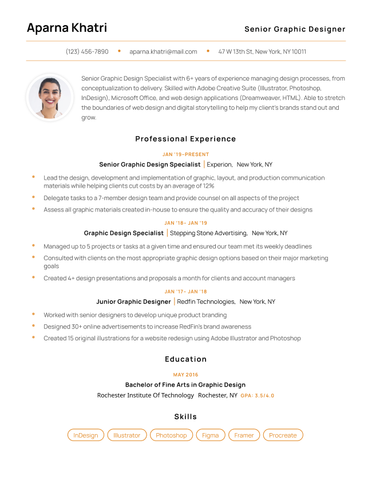
You should use a CV template that fits your industry. All of our builder templates are clean, professional, and versatile, making it simple to choose one. You can also personalize your CV by adjusting the color and text size, no design skills needed.

What should I include in my CV?

To write a comprehensive CV, include your contact information, a professional introduction, your relevant experience, education, and key skills. Depending on the job, you may need to include additional sections, such as licenses, certifications, awards, publications, or research experience.

How do I format a CV?

For most nonacademic jobs, follow the standard resume format widely used across North America:

  • Header
  • Introduction
  • Work experience
  • Education section
  • Skills section

However, if you’re applying for a job as a professor, doctor, engineer, or other highly qualified professional, your CV format will look different to make room for details like publications, certifications, and other relevant information.

How do I make sure my CV is ATS-friendly?

To make sure your CV is ATS-friendly, keep the layout simple and avoid elements like tables, text boxes, icons, or graphics. Most applicant tracking systems can’t read these features.

Use clear, standard section headings such as Work Experience, Education, and Skills so the system can correctly categorize your content.

Make sure your formatting is consistent and stick to common fonts like Arial, Calibri, or Times New Roman.

Finally, include keywords from the job description. ATS software scans for specific skills, job titles, and industry terms, so naturally incorporating them helps your CV pass initial filters.

Should I download my CV as a PDF or Word doc?

You should download your CV as a PDF unless the job listing specifically requests a Word file format. A PDF preserves your formatting across all devices, ensuring your CV looks exactly as intended.

More questions? Visit our FAQ library.

Ready to make your CV?

Answering a few simple questions about your skills and experience and get your professional CV ready in minutes. The whole process is quick and easy.

Build My CV
Resume Genius
LinkedIn Instagram Youtube Facebook Twitter Tiktok Pinterest Giphy
Resumes
  • Resume Builder
  • Resume Templates
  • Resume Examples
  • How to Make a Resume
  • Resume Format
  • Resume Summary Generator
  • ATS Resume Checker
  • Resume Parser
  • Resume Bullet Point Generator
  • Resume Skills Generator
Cover Letters
  • Cover Letter Generator
  • Cover Letter Templates
  • Cover Letter Examples
  • How to Write a Cover Letter
  • Cover Letter Format
CVs
  • CV Maker
  • CV Templates
  • How to Write a CV
  • CV Examples
  • CV vs Resume
Policies
  • Terms & Conditions
  • Privacy Policy
  • CCPA/GDPR
  • Accessibility
  • Editorial Guidelines
Additional Resources
  • About Us
  • Affiliate Opportunities
  • Career Experts Program
  • Join Our Team
  • Press & Media Mentions
  • Pricing
  • Product Reviews
  • The Genius Blog
Support
  • Help & Support
  • Contact Us
  • Forgot Password
Member of
Certified professional resume writer official seal

© 2025, Sonaga Tech Limited. All rights reserved

ResumeGenius.com is owned and operated by Sonaga Tech Limited, Hamilton, Zweigniederlassung Luzern with offices in Luzern Switzerland.