



Exclusive InDesign resume templates
Our in-house design team created the following InDesign resume templates to offer a solid foundation you can fill out and send as-is, or further customize with your own creative touch.
1. Professional
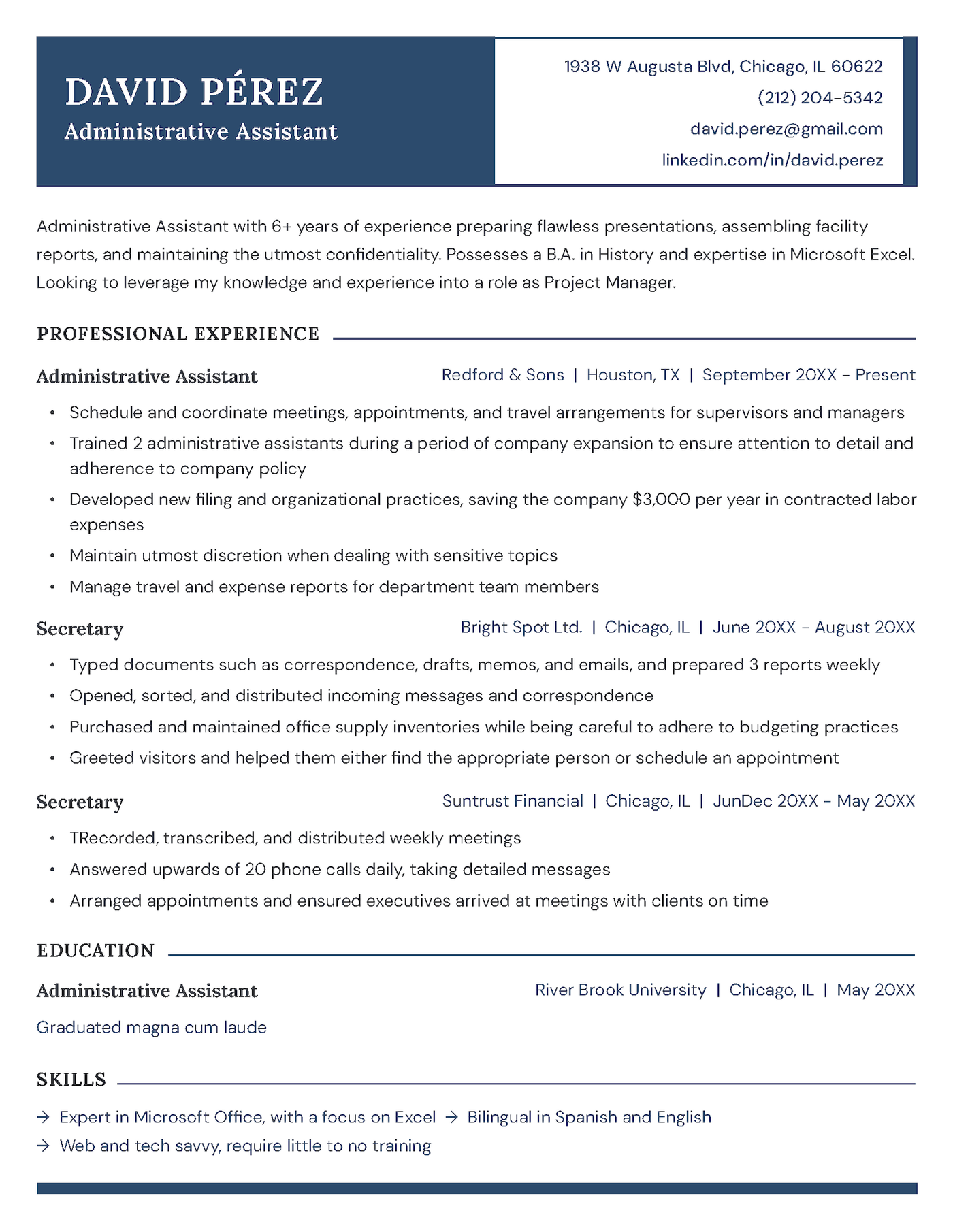
This resume template creates a strong first impression with its bold header and clean two-tone color scheme. The well-structured layout uses clear sectioning and smart use of white space to enhance readability, striking the perfect balance between professionalism and approachability.
2. Bold
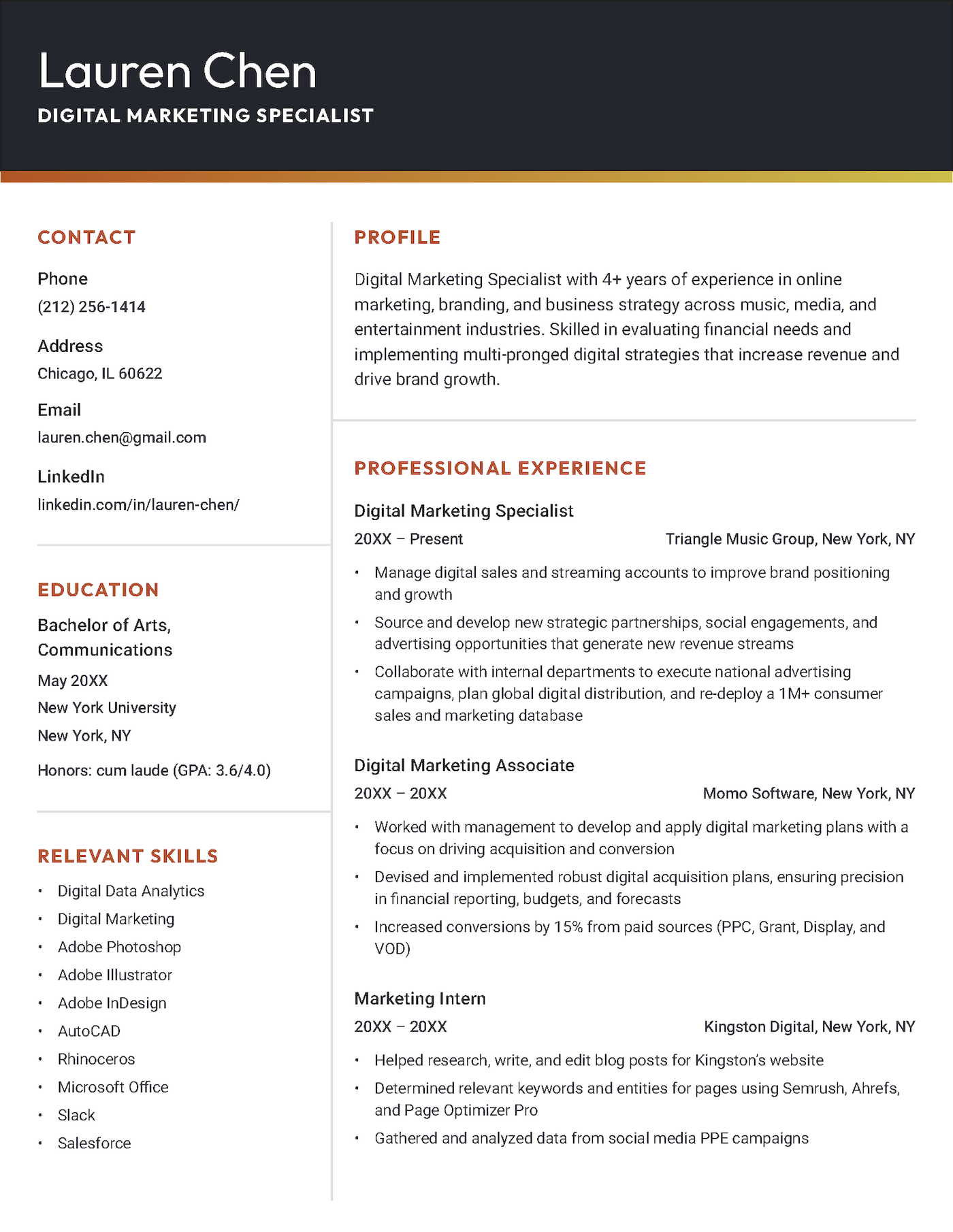
This design uses hierarchy and spacing to excellent effect. The bold sidebar contrasts with the clean content area to improve readability, while the pops of color add personality. It’s an ideal choice for digital professionals who want to showcase design awareness without losing a polished, professional look.
3. Creative
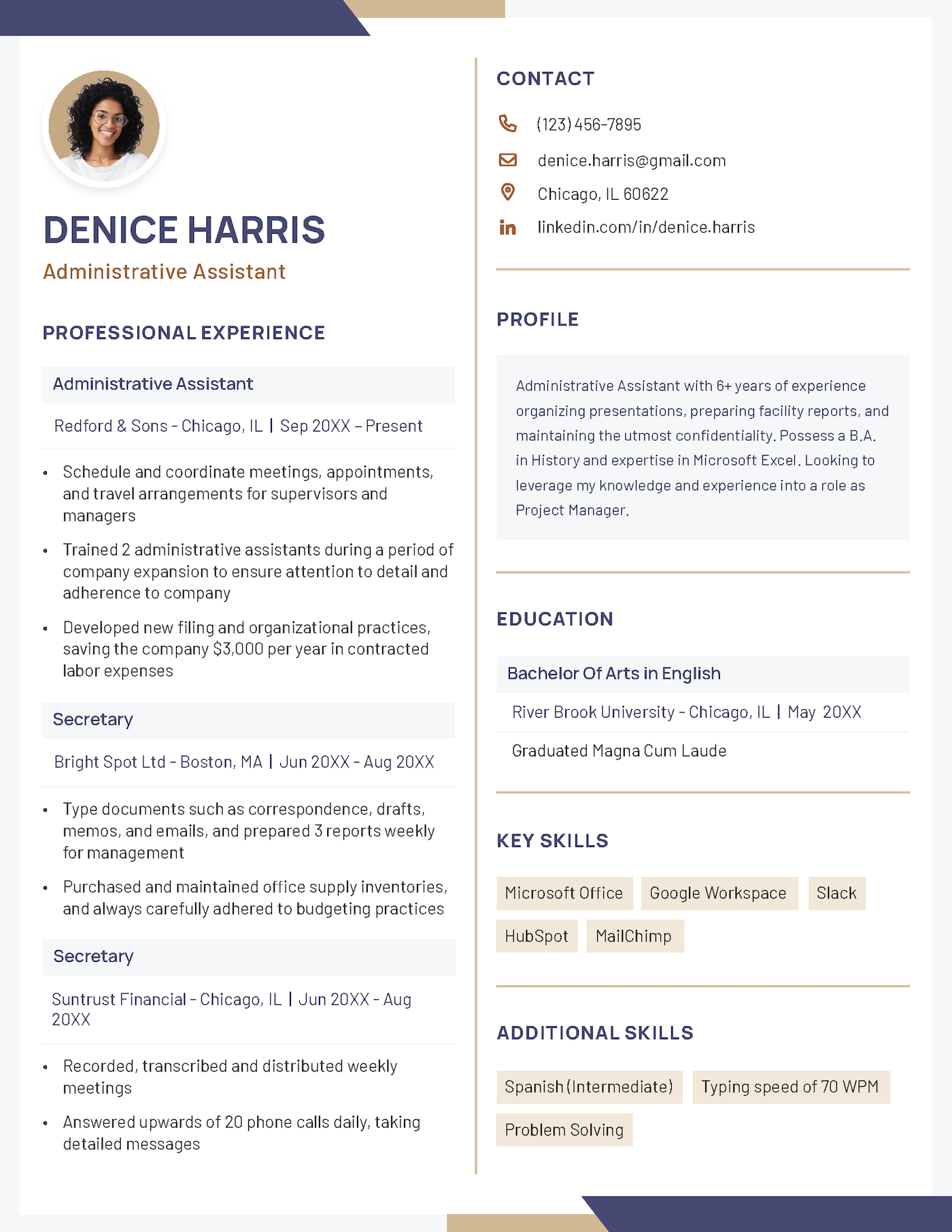
The photo header and color-blocked layout give this resume a contemporary, distinctive look. Clear sectioning and strong visual balance make the content easy to scan, while the muted color palette maintains a professional feel.
The best resume templates for 2025
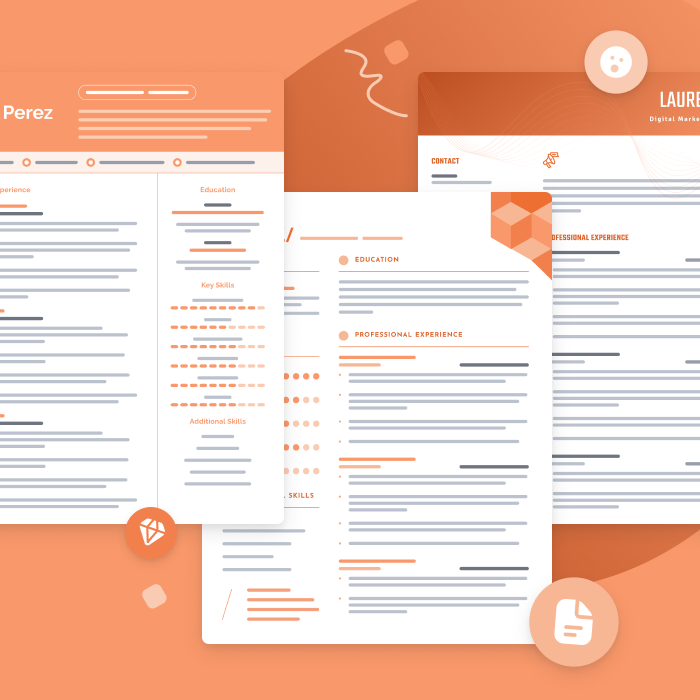
One of the best ways to make your resume is by filling out one of our free resume templates. All our templates are designed by experts and free to download for Microsoft Word or Google Docs.
Pros and cons of making a resume with InDesign
InDesign gives you total control over layout and style, making it a favorite among creatives — but is it the best choice for your job search? Let’s take a look at the pros and cons:
Pros
- Precision design: InDesign offers full control over layout, typography, spacing, and alignment, making it easier to create resumes that look polished and modern.
- Creative flexibility: Unlike Word or Google Docs, InDesign supports advanced design elements (columns, grids, custom color palettes, icons, and shapes) to help your resume stand out.
- Consistency in branding: Features like master pages, style sheets, and grids let you maintain a consistent look across your resume, cover letter, portfolio, and personal branding materials.
Cons
- Not ATS-friendly by default: Most companies use applicant tracking systems (ATS). If your InDesign resume relies heavily on visuals, custom fonts, or text embedded in images, the ATS may struggle to read it correctly.
- Time-consuming: Designing from scratch (or even customizing a template) often takes significantly longer than editing a standard Word or PDF resume.
- Steep learning curve: InDesign isn’t beginner-friendly. It requires knowledge of grids, typography, and export settings, which can be overwhelming compared to Word or online resume builders.
While InDesign can be a powerful option for graphic designers and other visual creatives, it’s more complex than most job seekers need, and it often requires more time and effort than it’s worth. If you’d prefer a faster, easier way to build a professional resume, our resume builder has you covered.
Build a professionally-designed resume in minutes

Frequently asked questions
Not sure if InDesign is the right tool for your resume? We’ve answered the most frequently asked questions to help you decide.
Is InDesign a good program to create a resume with?
InDesign is a great choice for designers and visually creative professionals who want total control over layout and typography. However, for most job seekers, it can be overly complex and time-consuming. Simpler tools like resume builders or Word templates offer more convenience and better ATS compatibility.
Does Adobe InDesign have built-in resume templates?
No, Adobe InDesign doesn’t have built-in resume templates. Most users prefer downloading third-party InDesign resume templates for more variety and better customization.
Can I edit my resume template in InDesign?
Yes, InDesign allows you to fully customize any resume template, including colors, fonts, layouts, and spacing. Just keep in mind that InDesign has a steep learning curve. If you’re new to InDesign, editing may take time and require some familiarity with design tools and layer management.
More resume templates
These templates are a small sample of our full selection. Here are more resume template types you can try:
Templates by design style:
- Basic resume templates: Simple layouts for a clean, professional look
- Blank resume templates: Perfect for tailoring to each role you apply for
- Creative resume templates: Unique designs to help you stand out
- Entry-level resume templates: Resume layouts for students and recent grads
- Modern resume templates: Trendy, sleek resume designs
- Picture resume templates: Templates with room for a professional headshot
Templates by software/app type:
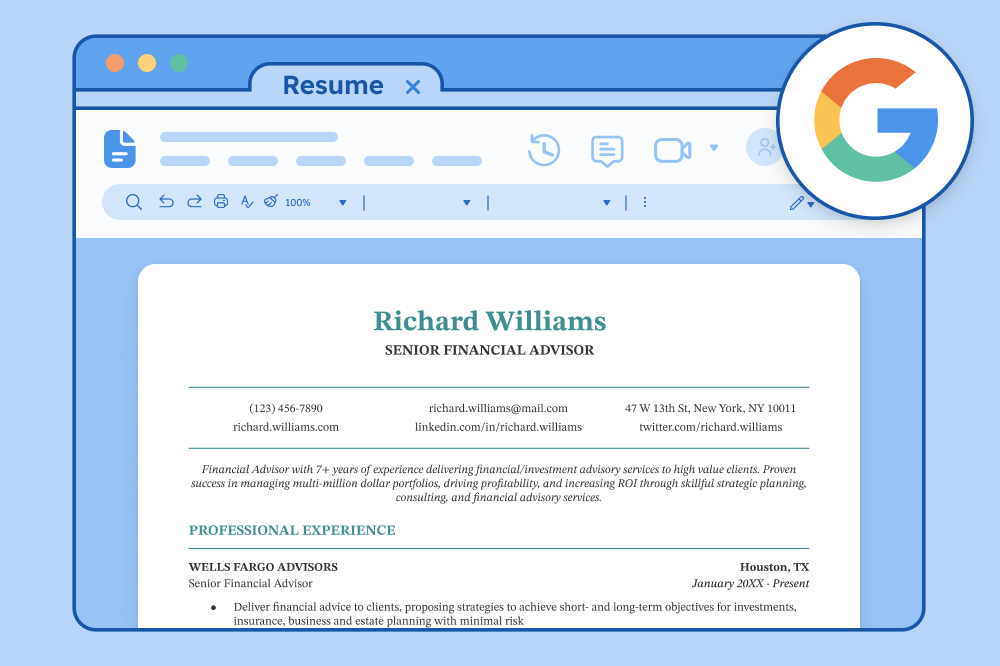
- Google Docs resume templates: Easy-to-customize templates designed for Google Docs
- LaTeX resume templates: Technical formats for precise customization
- LibreOffice resume templates: Free resume templates for LibreOffice
- Pages resume templates: Designed to be compatible with Apple Pages
- Canva resume templates: Online resumes you can customize, edit, and download instantly
Templates by file type:
- PDF resume templates: Layouts that stay the same on every device
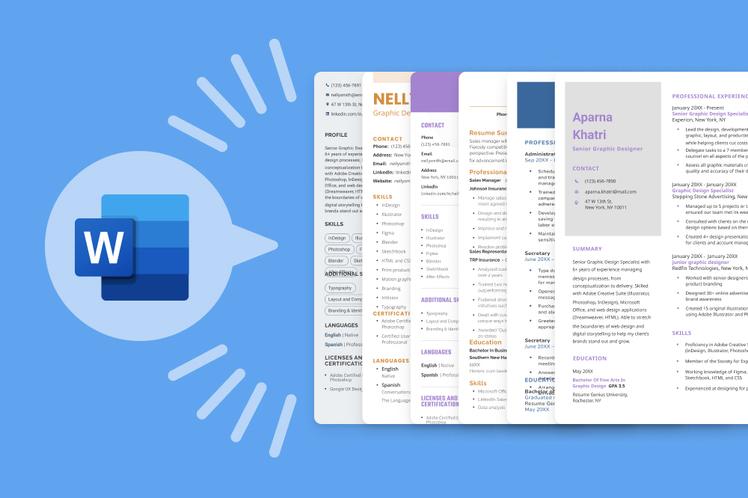
- Word resume templates: Customizable templates for Microsoft Word











Facebook
Twitter
Linkedin
Pinterest
Reddit
Copy link