



LaTeX is one of the most powerful word-processing tools available for creating resume templates, but it’s also one of the most complex.
It takes significantly longer to create a resume or CV in LaTeX compared to Microsoft Word or Google Docs. If you don’t know how to use the editor, your best option for creating a LaTeX resume is to download a free resume template.
We’ve scoured the web to provide you with the best LaTeX resume templates that are free to download and easy to edit.
Resume Genius LaTeX resume templates
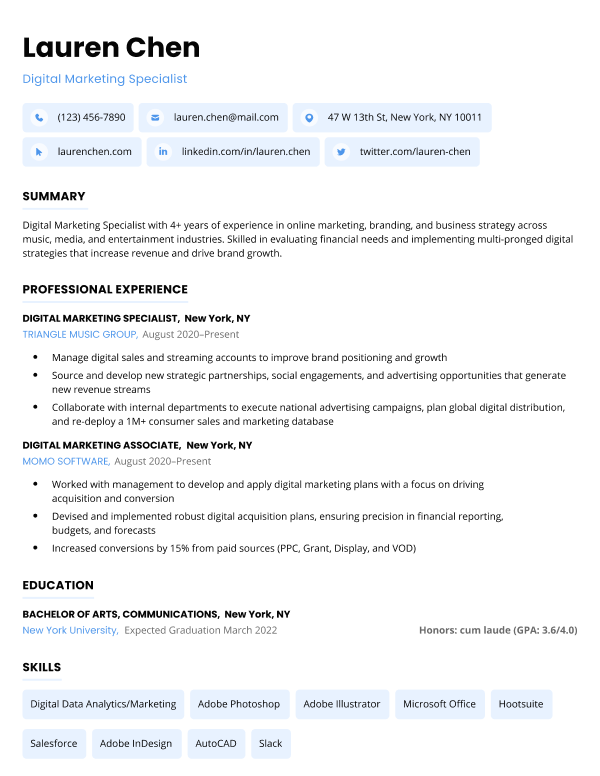
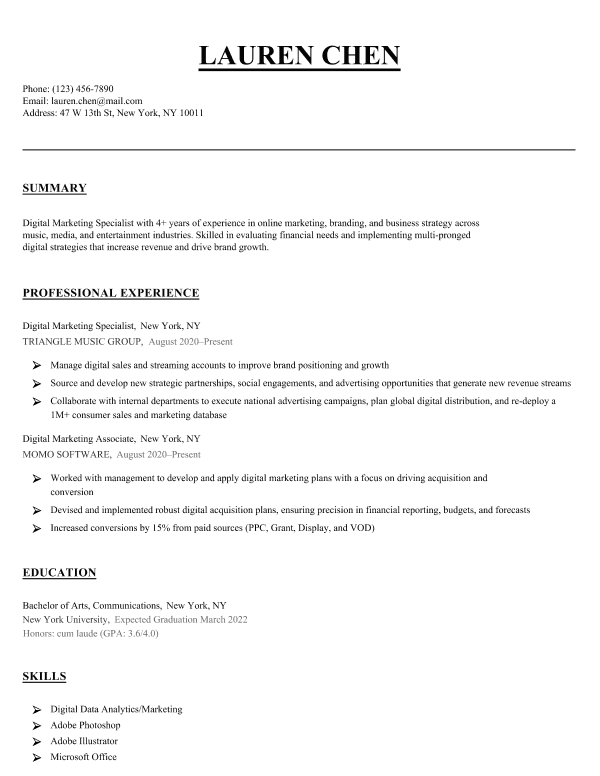
Our LaTeX templates offer a sleek, modern look while allowing you to easily customize the content and formatting.
To use our templates, download the source files and either upload them or paste their contents into your favorite LaTeX editor.
1. Chicago
Whether you’re a seasoned professional or a just starting your career, this straightforward design ensures your qualifications stand out without any unnecessary frills.
2. Milano
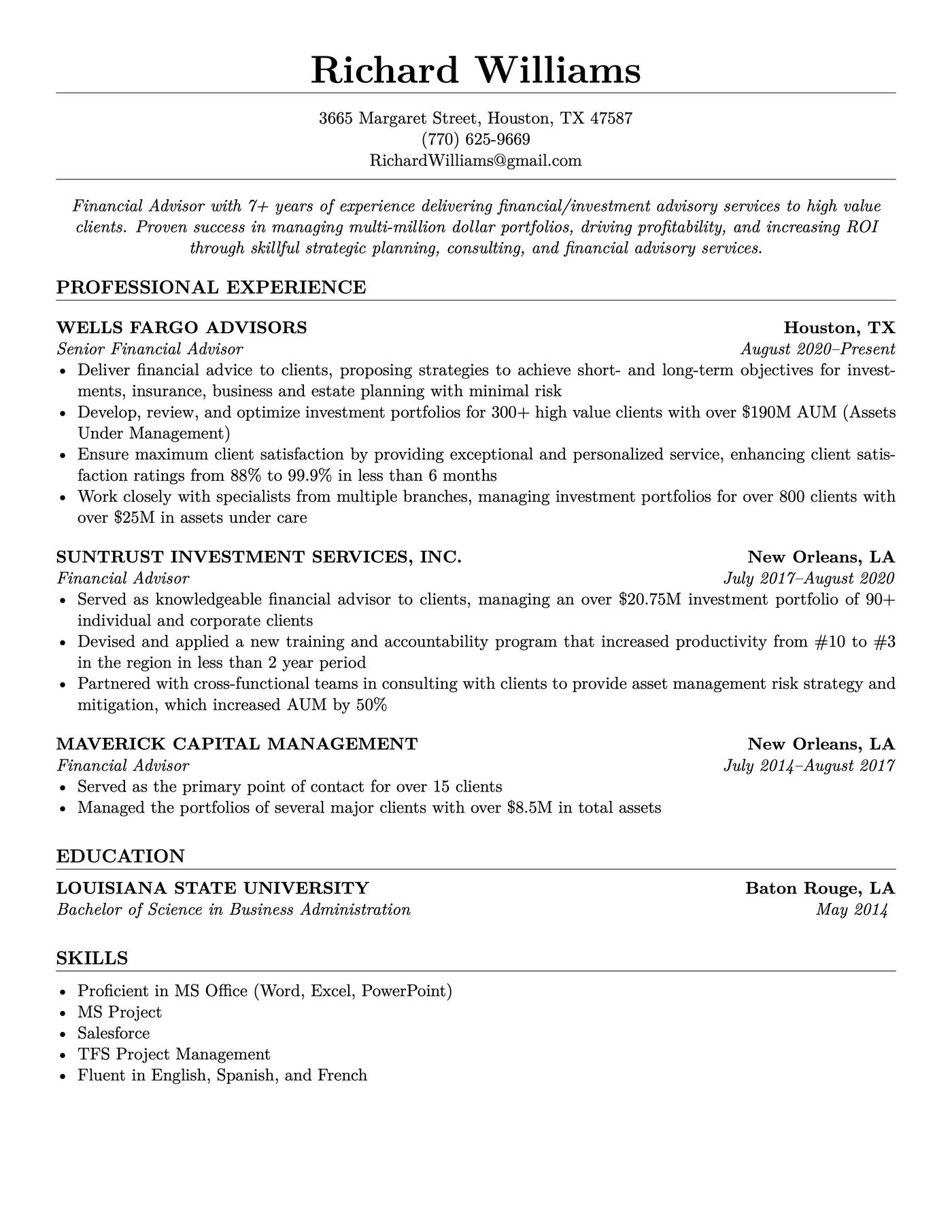
This template strikes an excellent balance between visual appeal and functionality. Its polished, minimalist design conveys professionalism while ensuring that the content remains the focus.
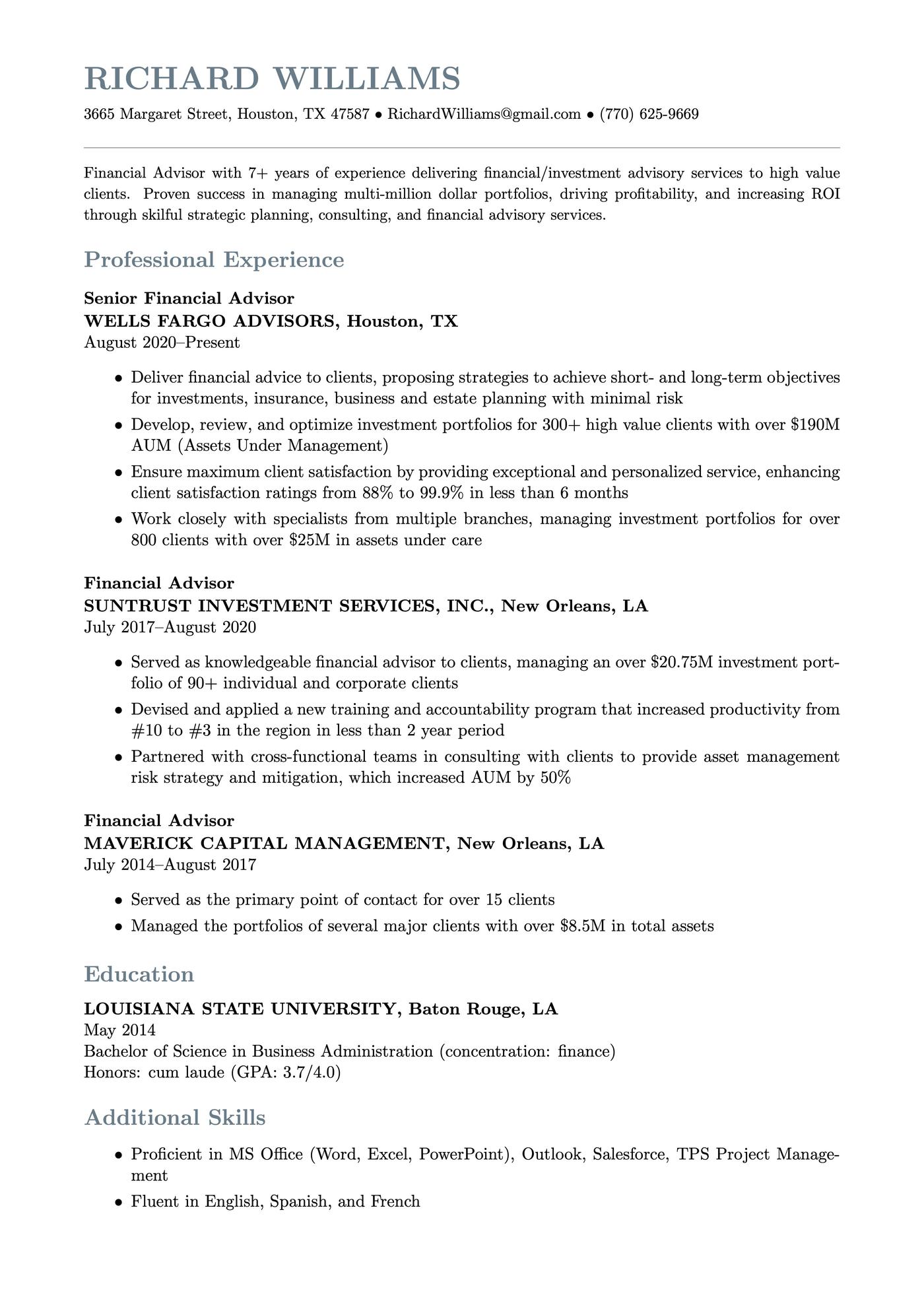
3. Classic
Our Classic template lets you go into detail about your skills and achievements while maintaining a clean, modern look. It’s the kind of template that would work well for any professional field.
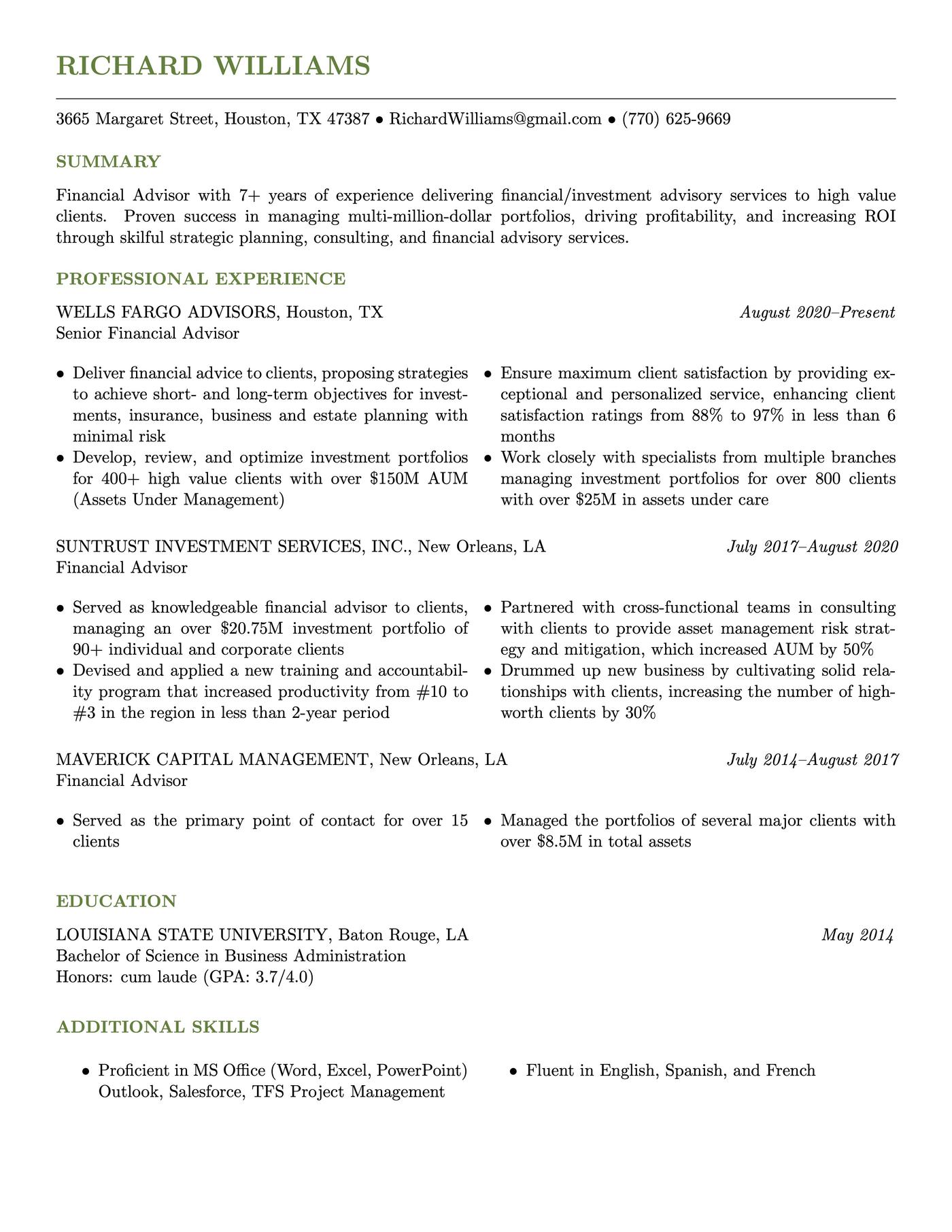
4. Easy
This template’s layout is simple and intuitive. It uses a single-column format that’s easy to scan. The balance between text and white space gives the document a polished, uncluttered appearance while leaving plenty of room to elaborate on your accomplishments.
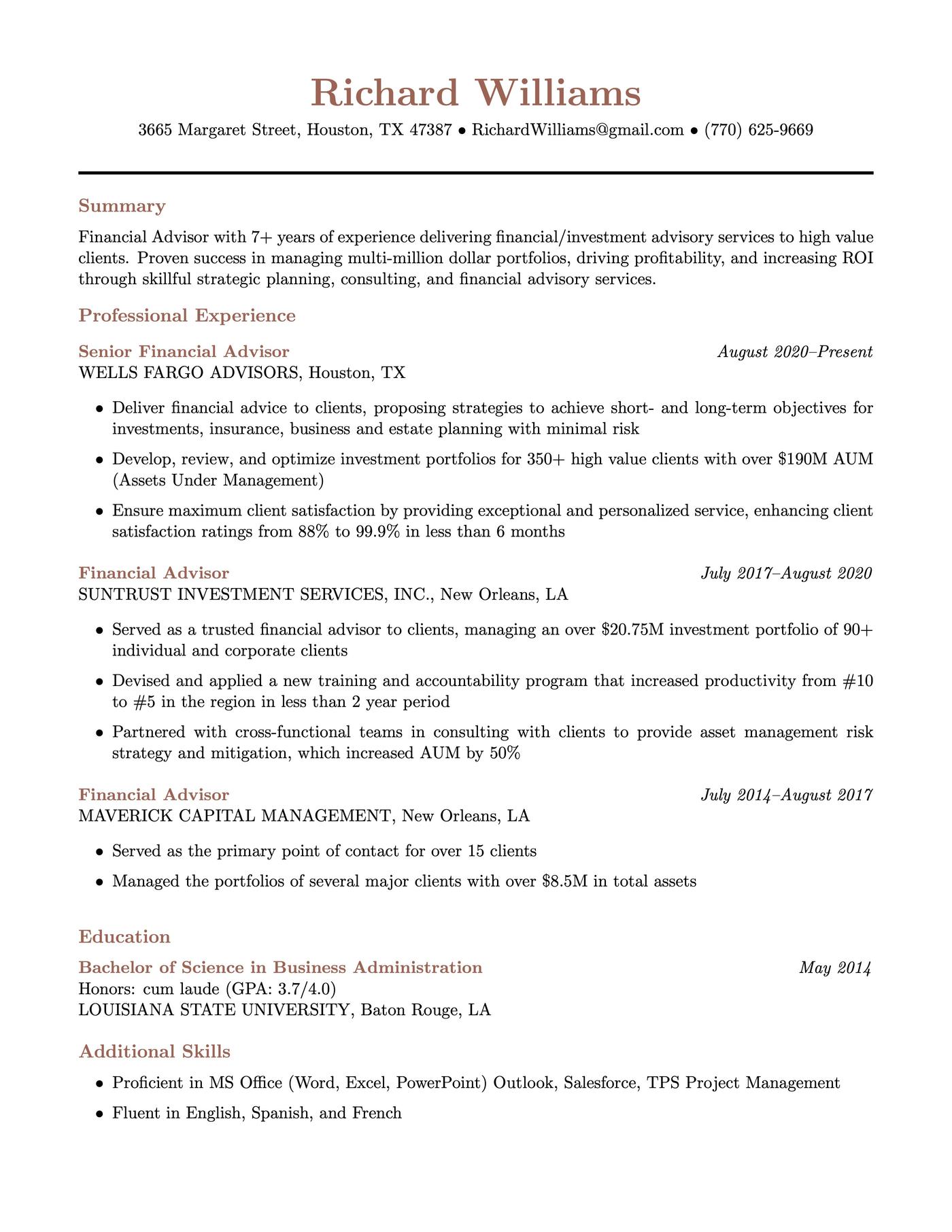
5. Empire State
The Empire State template features a minimalist aesthetic, focusing on clarity and efficient use of space. The black-and-white color scheme and clean layout create a bold, no-nonsense impression right from the start.
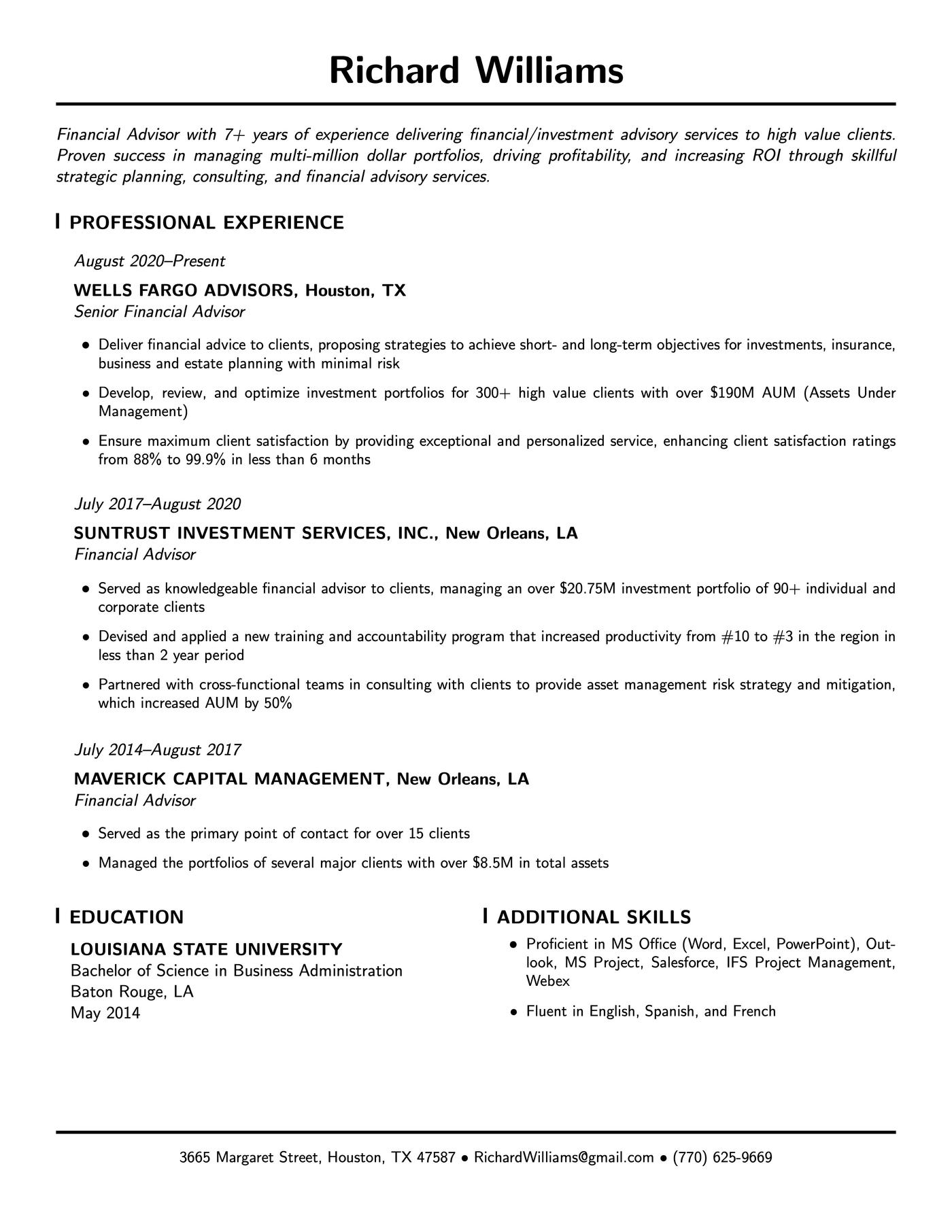
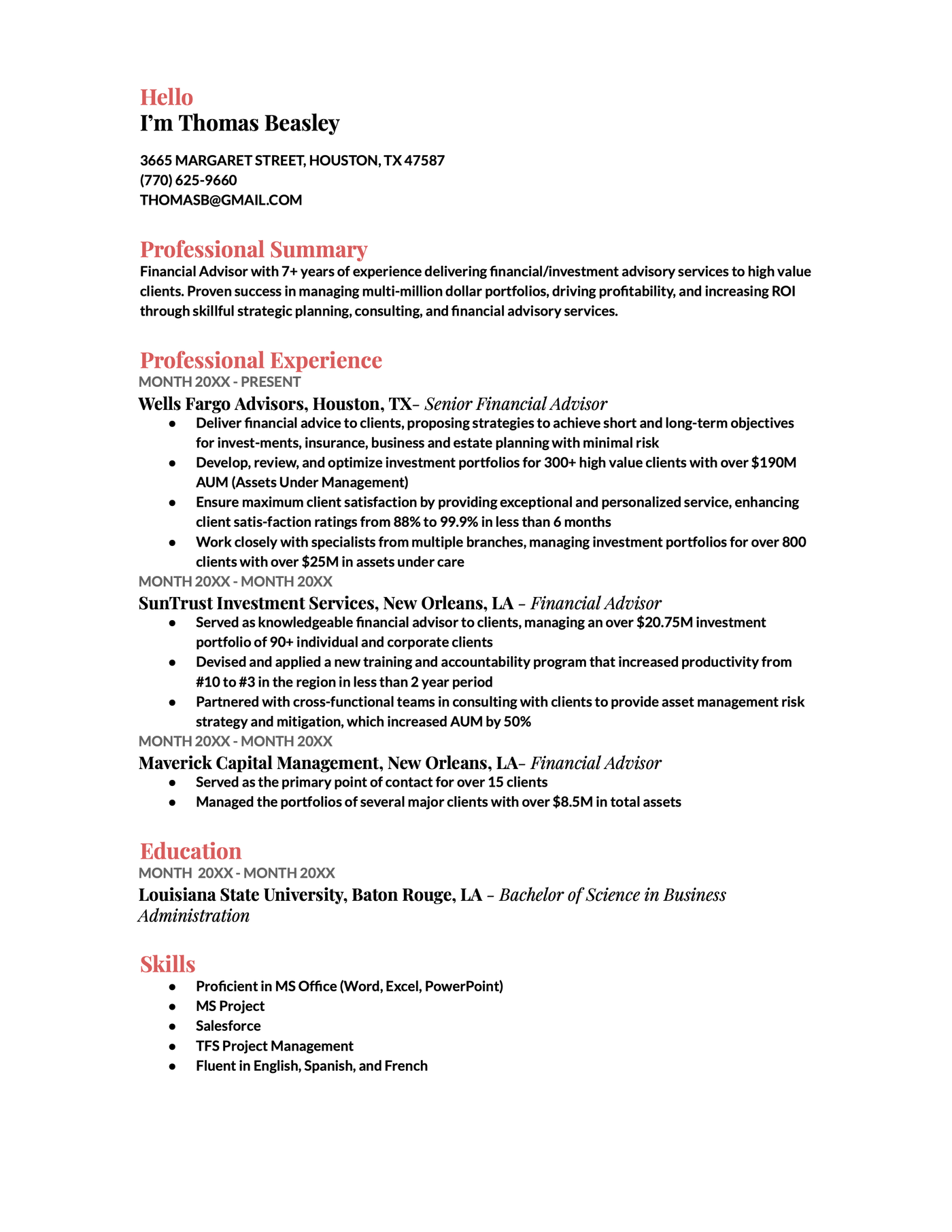
6. Coral
The headers on the Coral Google Docs template are a bright pop of color that makes this resume stand out without distracting from the important information. The first word you see is ‘Hello’ giving this resume a friendly and welcoming impression from the get-go.
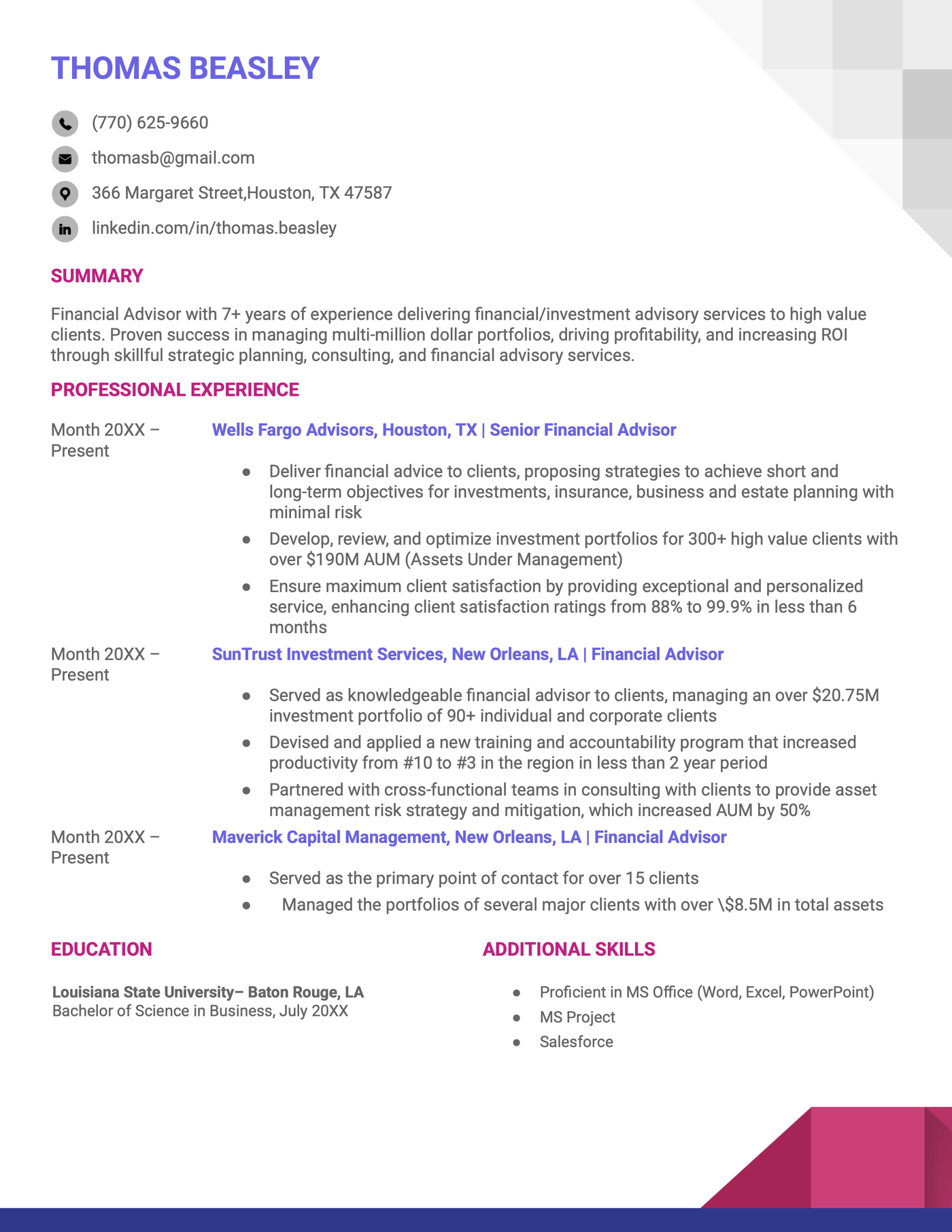
7. Geometric
The Geometric Google Docs resume template uses two bright colors in its design, a meditative purple for your name and job positions, and a bold pink for the headers of the different sections. This template is sure to make hiring managers remember your name.
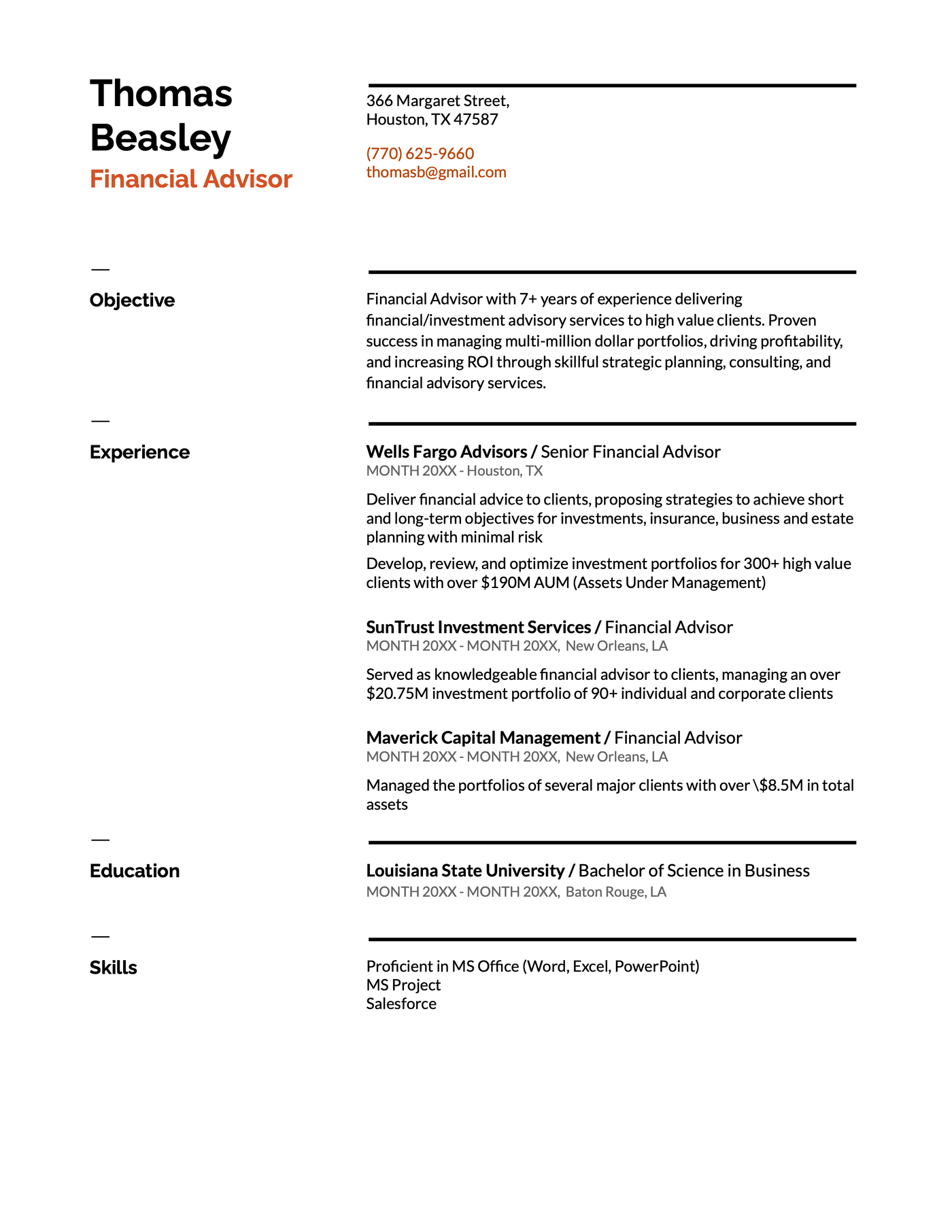
8. Swiss
The Swiss Google Docs resume template gives off a modern and spacious feel, perfect for someone in a more buttoned-up role who wants to show off their personality. The electric orange in the title is a great offset to the crisp black text found throughout the rest of the document.
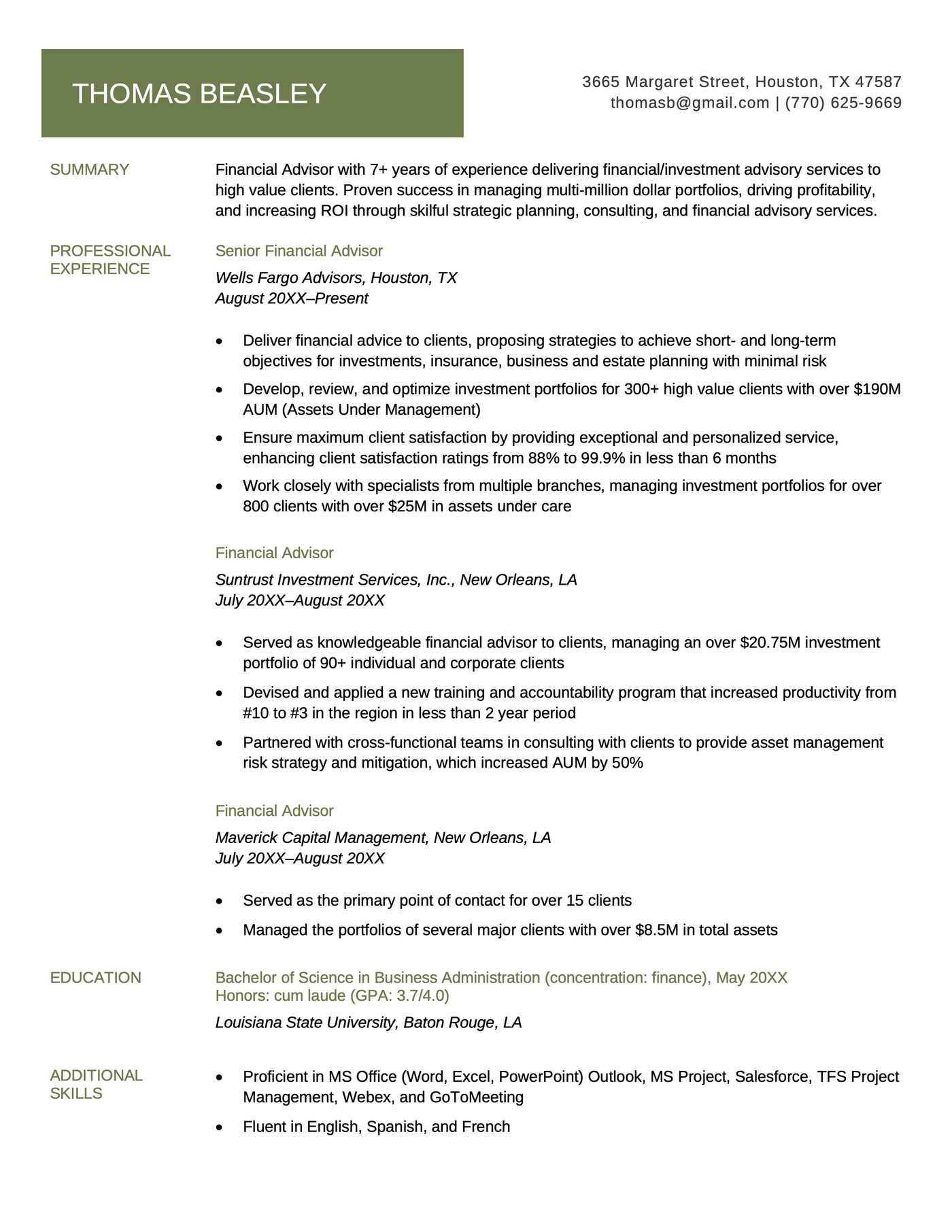
9. White House
With its green accents, left-aligned headers for easy navigation, and larger sections for professional experience and education, the White House resume template is a great choice if you’re updating your resume.
Other LaTeX resume templates
Whether you’re in tech, business, or a creative field, these templates offer professional designs to showcase your unique skills and experiences.
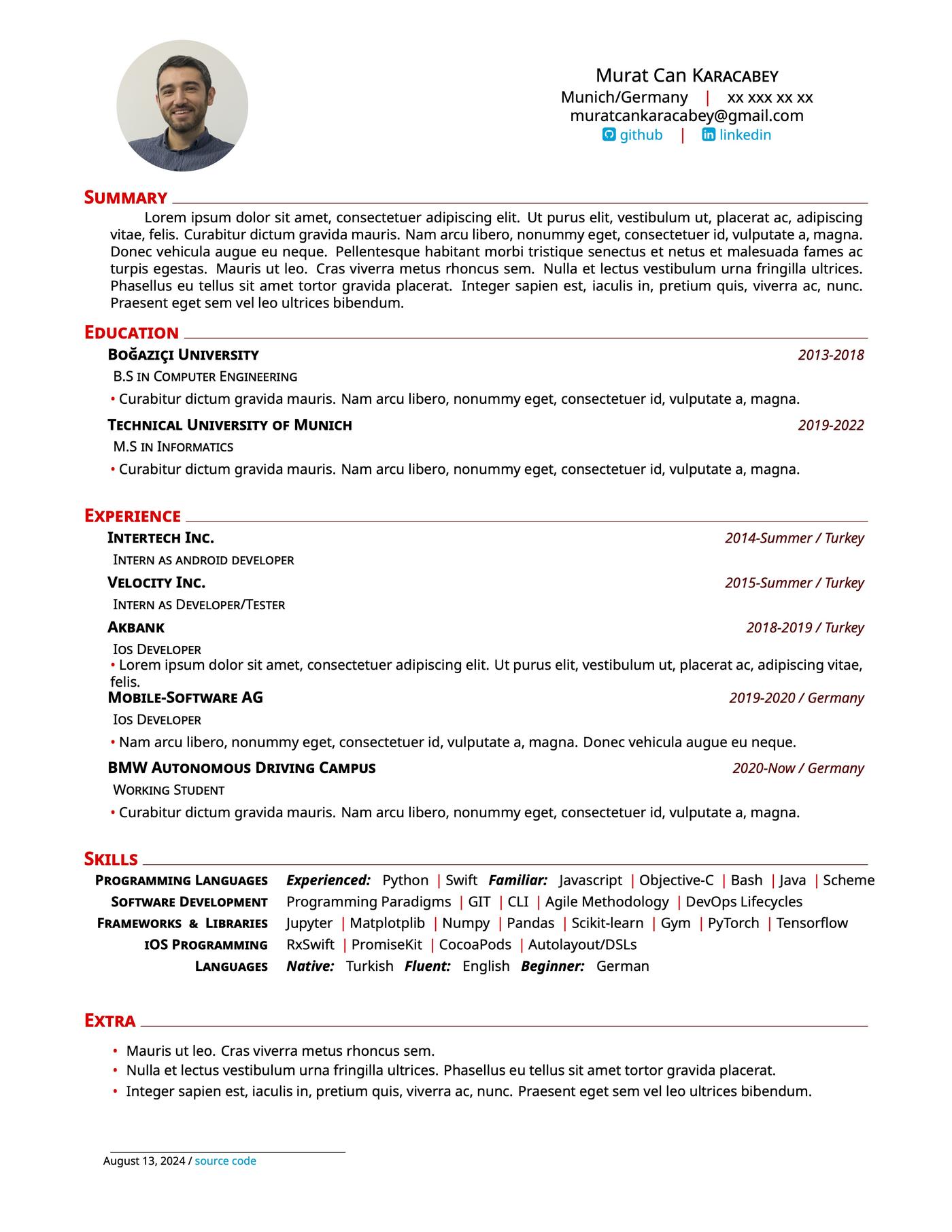
10. Contemporary
Need a clear and professional LaTeX resume template? This one’s for you. Each section is highlighted in red, and the resume’s margins and lines create just the right amount of white space.
11. Cutting-edge
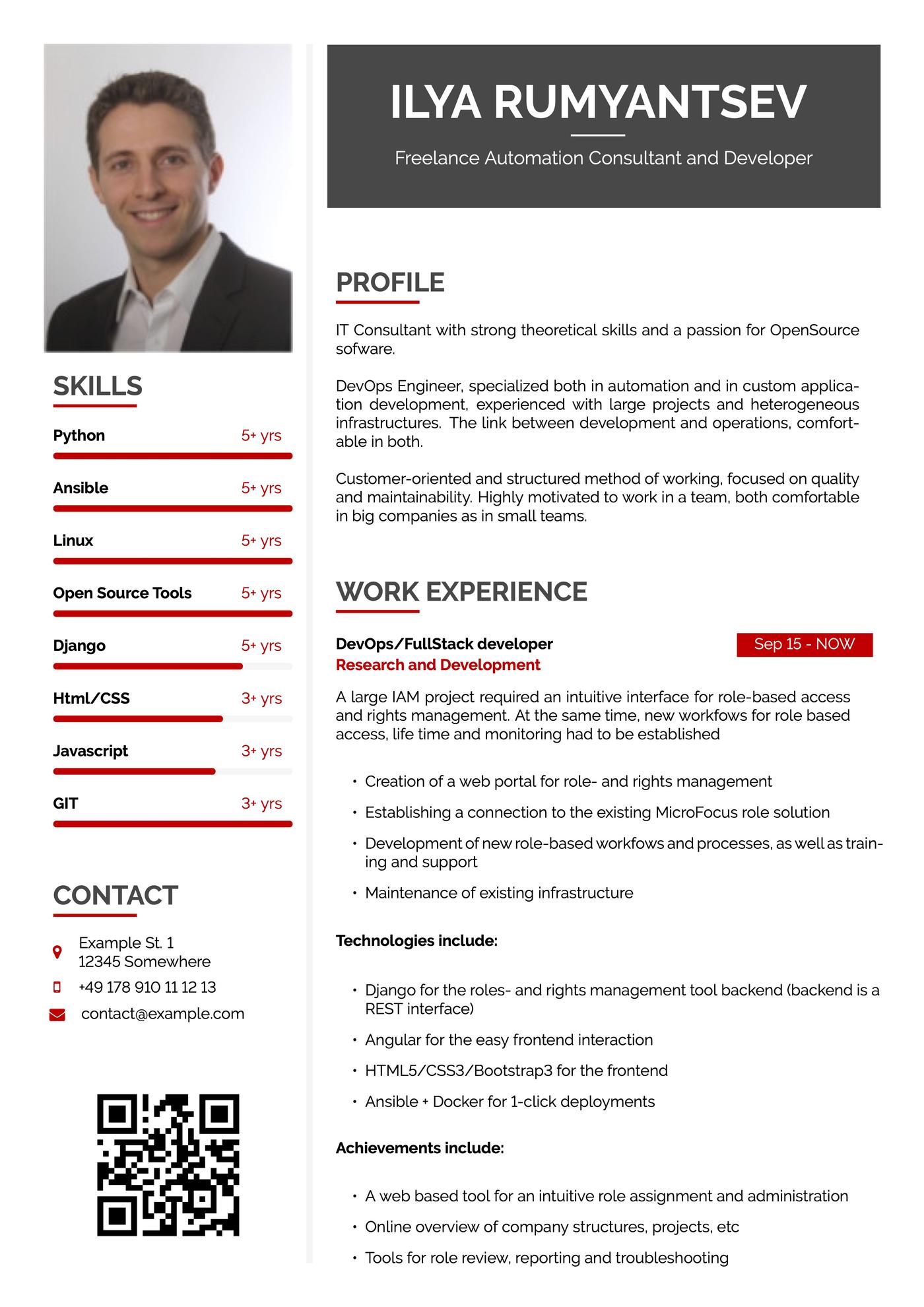
If you’d like a modern LaTeX resume template, check out this one provided by Overleaf. You can add a personalized QR code with a logo that links to your online portfolio, LinkedIn profile, or personal website.
If you’re applying for a job in the US, don’t include a photo on your resume.
12. Innovative
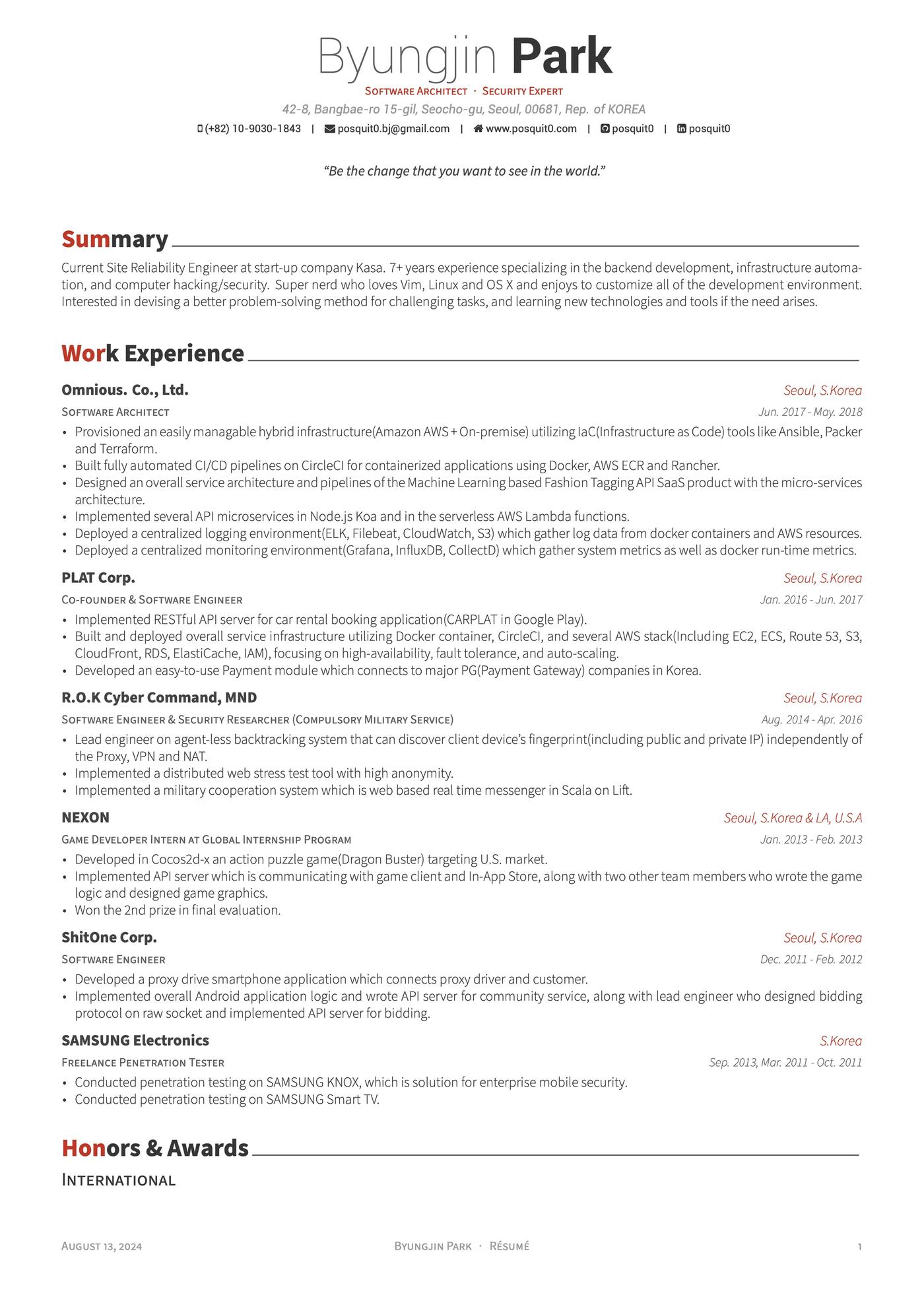
This downloadable resume template from ShareLaTeX provides plenty of space for your work experience. It’s a great option if you’ve had a long and distinguished career.
13. Project highlights
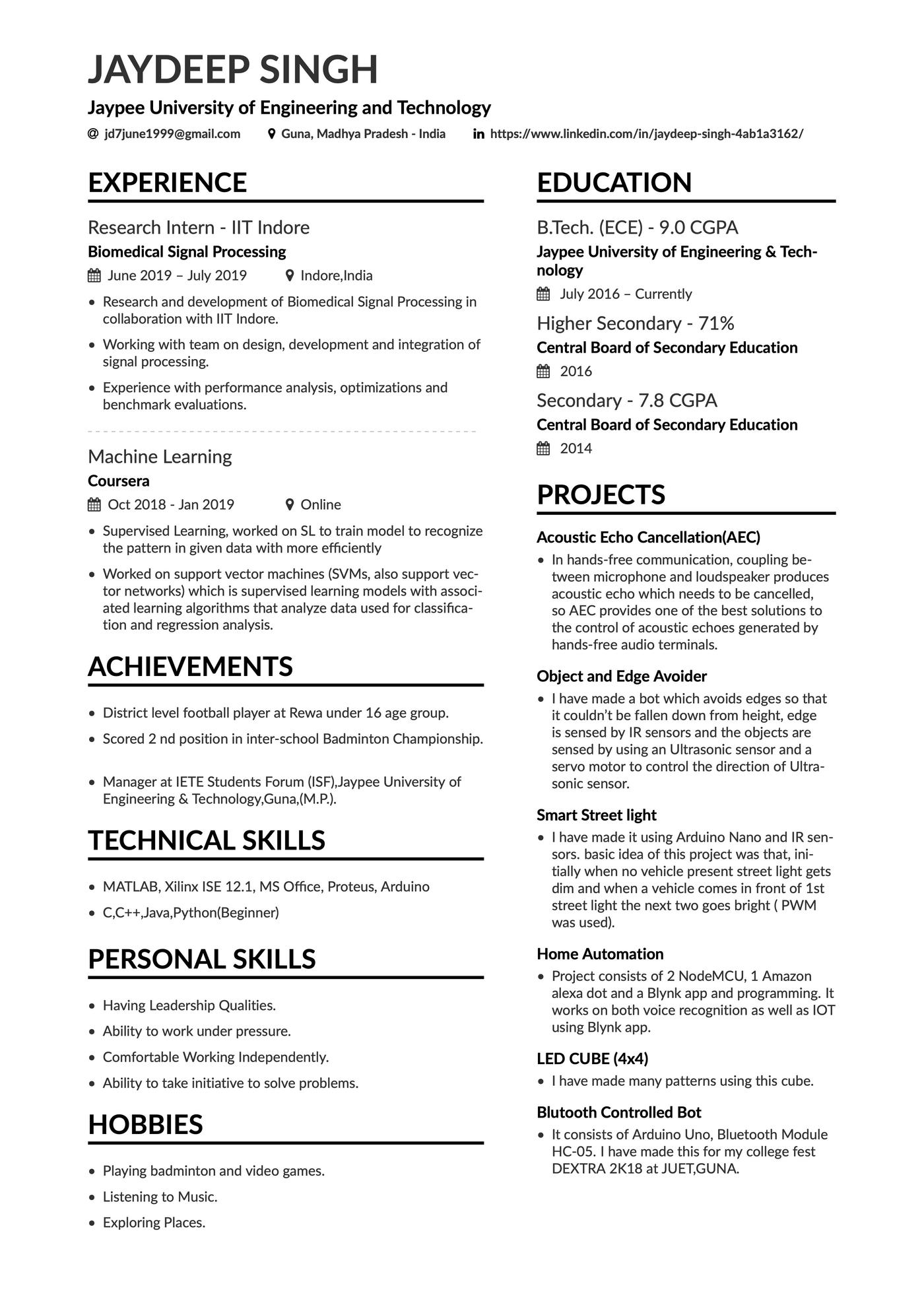
This efficient resume template allows you to focus on your work experience while also showcasing particular programming projects that show how you’ve honed your unique skill set.
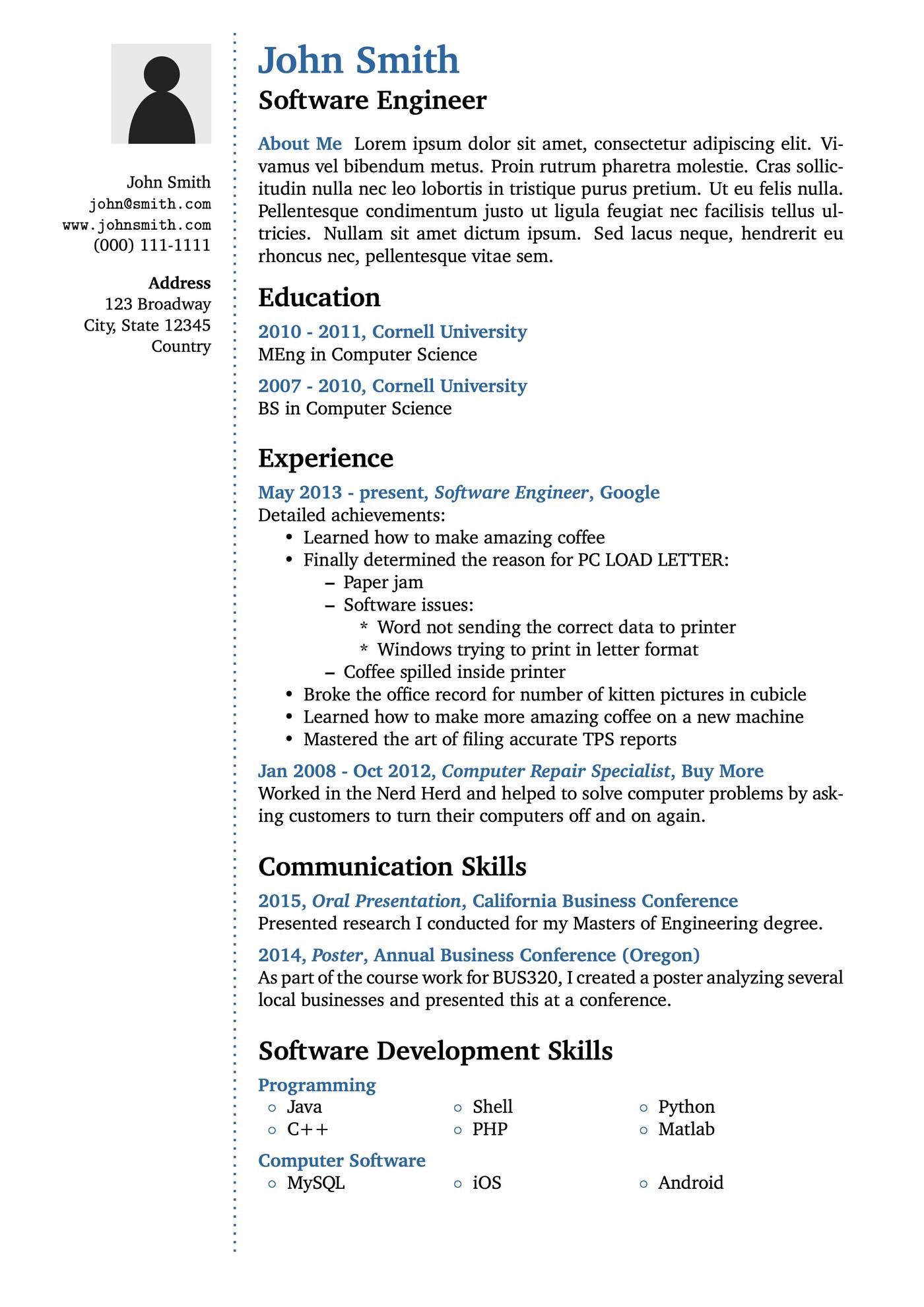
14. Software engineer
This resume template includes multiple skills sections, making it easy to separate your hard skills from your soft skills. The large empty section on the left-hand side can be used however you like — for example, to add your certifications or relevant coursework.
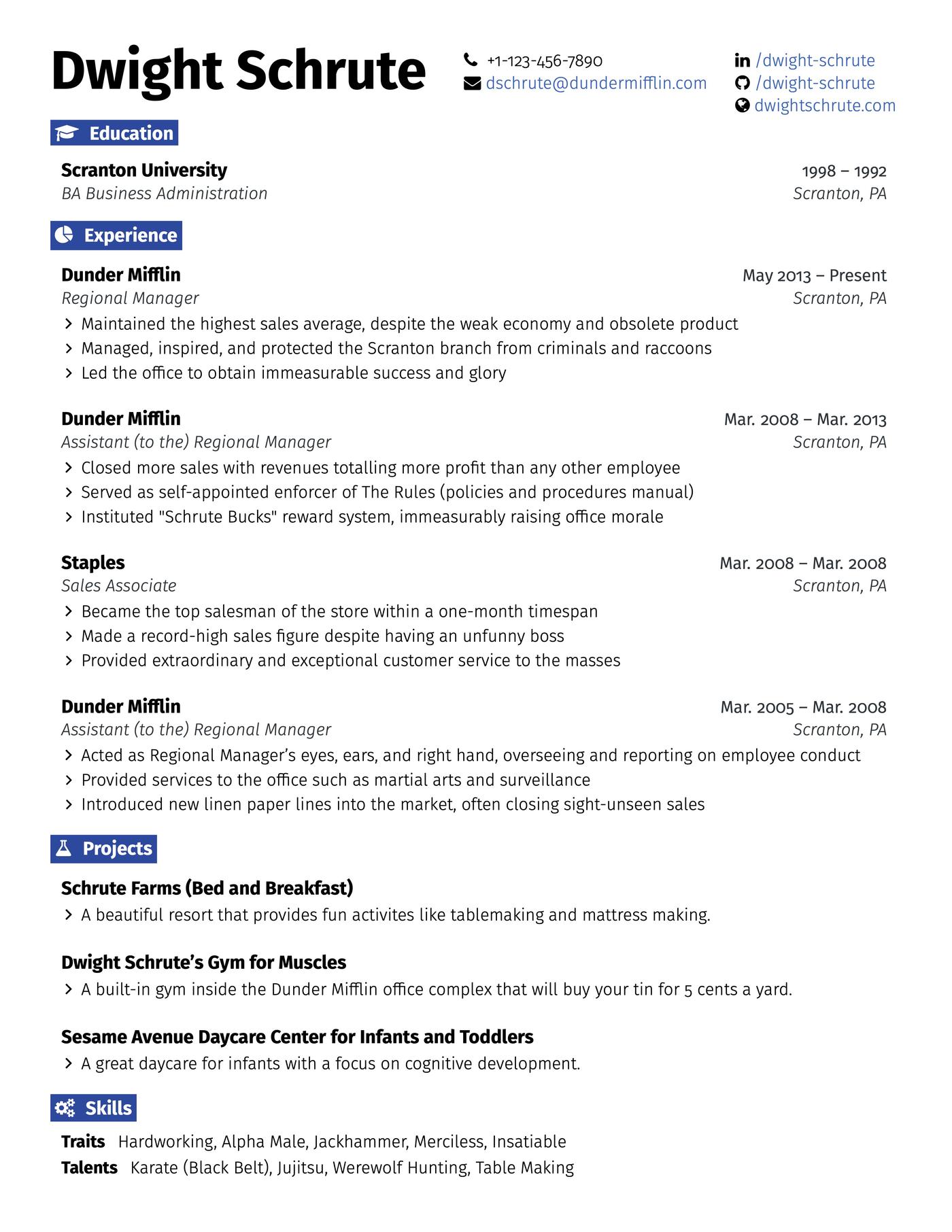
15. Engineering
A formal design featuring a space to list your GitHub, this template is made for engineers. Not only that, but this template includes a large work experience section, giving you room to summarize all your professional achievements.
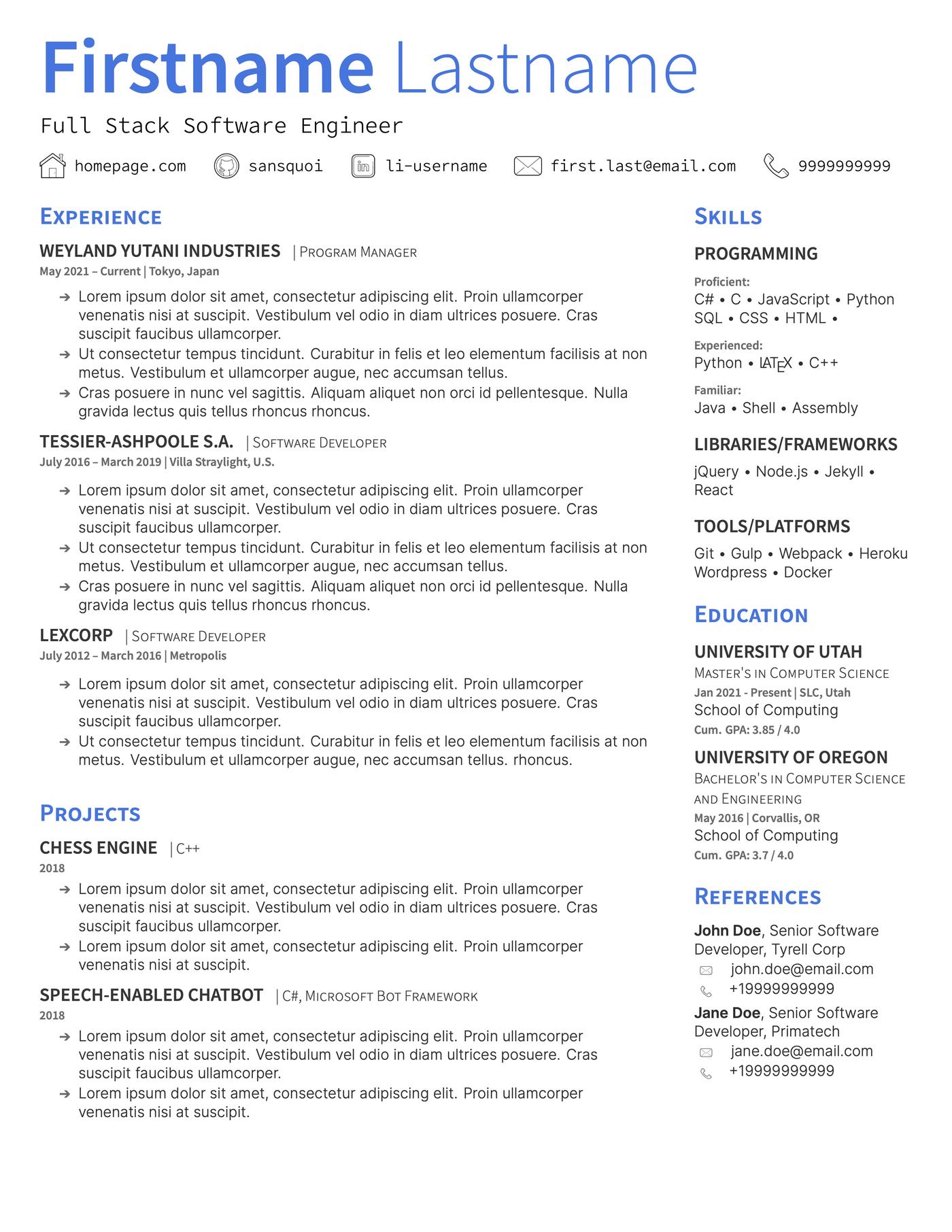
16. Technical
With a unique sidebar and compact layout, this LaTeX resume template is perfect for candidates writing a technical resume.
The sidebar gives you plenty of space for a detailed skills section, where you can list all the programming languages and tools you’re experienced with.
Additionally, this template provides you with room to expand on various projects on your resume, allowing you to show off some of your biggest achievements.
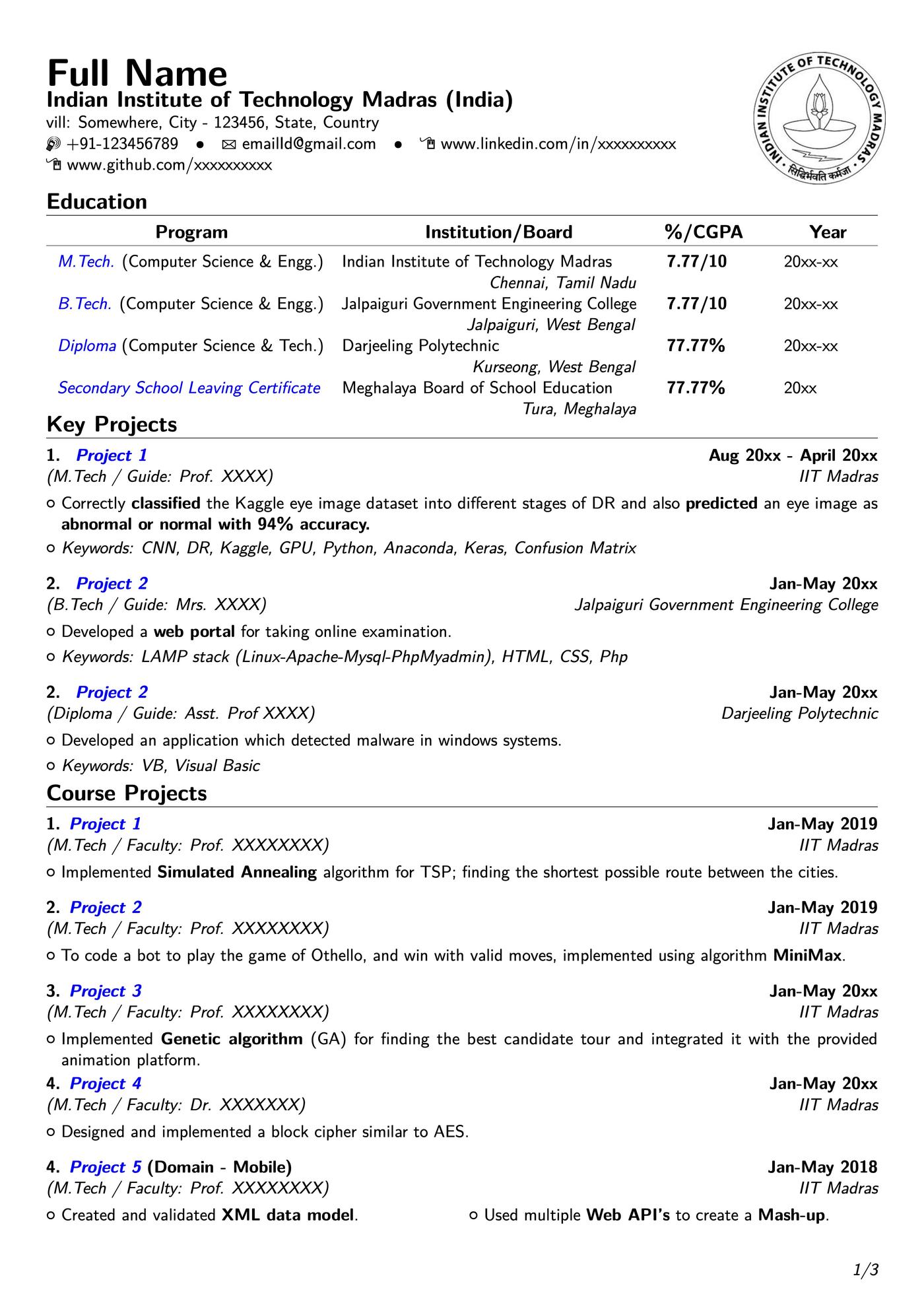
17. Academic
Do you need a resume that shows off your academic accomplishments? This template is perfect for you. Featuring a large education section and space for any academic or personal projects, this template makes it easy to highlight all your skills and qualifications.
18. Simple
Want a formal, basic resume? This simple LaTeX resume template will help you highlight your qualifications with a sleek, minimal design.
The template’s dense sections and simple headers give you maximum space to talk about your professional accomplishments. And with its formal design, it won’t ever attract attention for the wrong reasons.
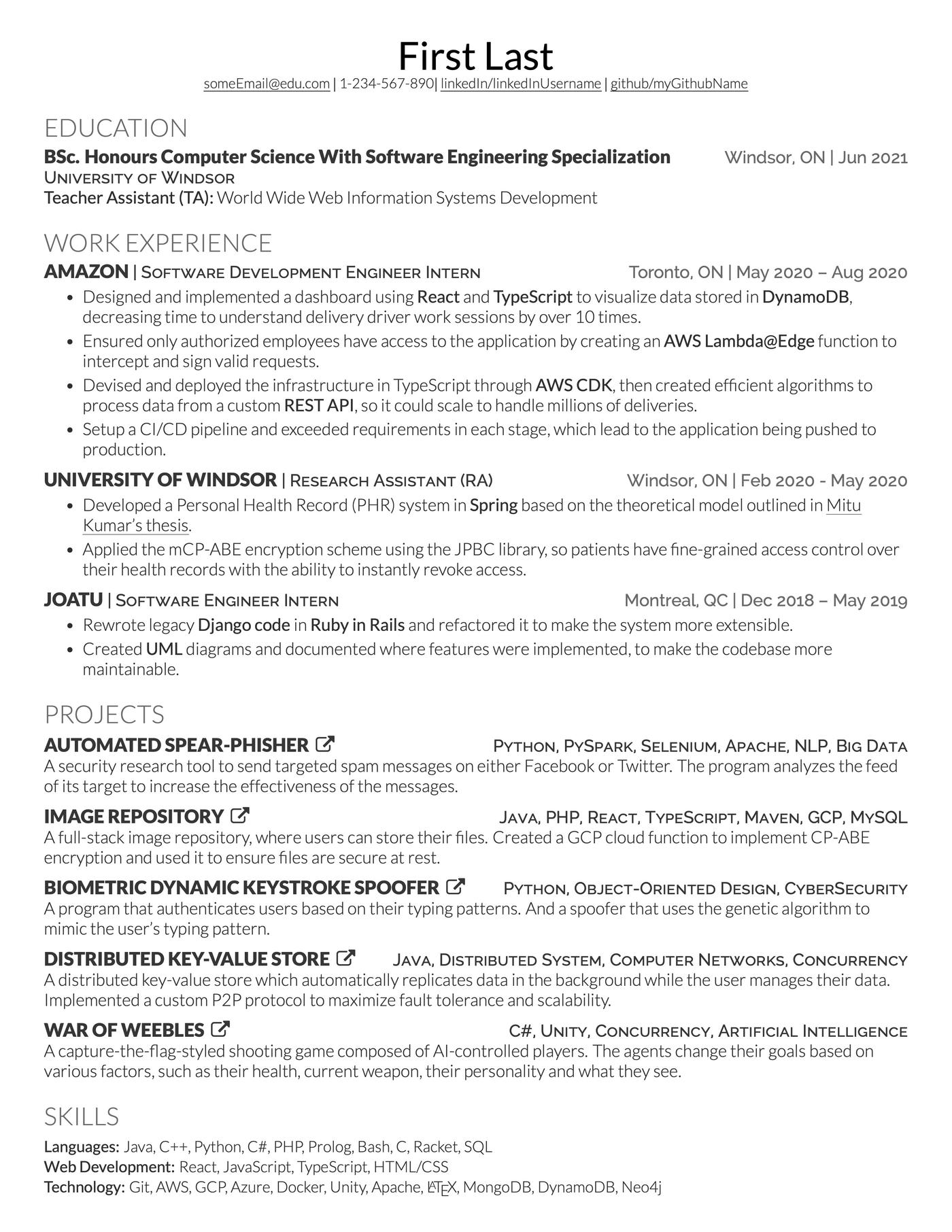
19. Scholarly
This template is perfect if you’re an academic with minimal work experience. It features all the key sections your resume needs, including publications, relevant coursework, research, and of course — your education section. All while remaining one page long.
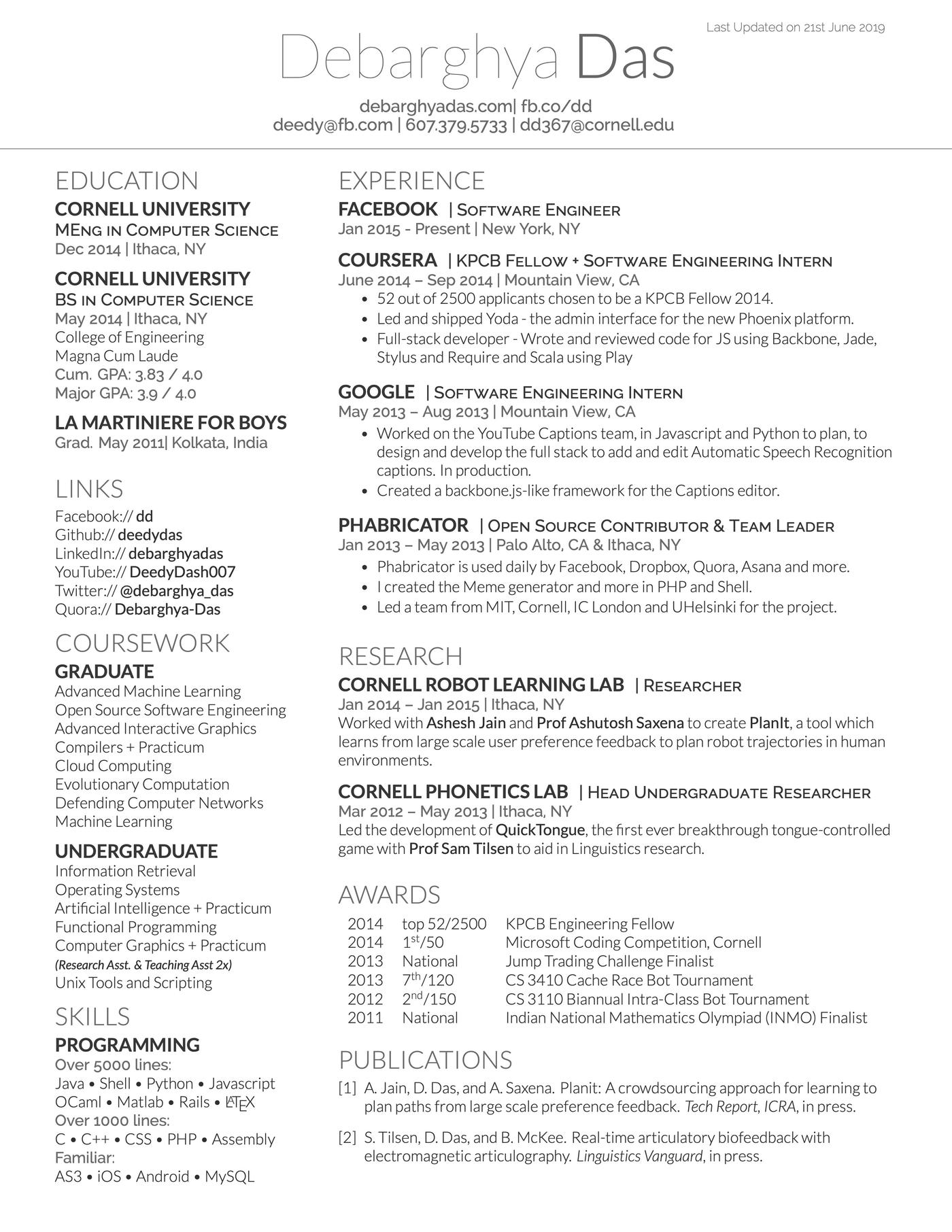
20. Unique
This single-page template lets you elaborate on your academic achievements and expand on your professional experience.
Light shading separates the skills section, language proficiency, and contact details from the two biggest sections of your CV — your work experience and academic accomplishments.
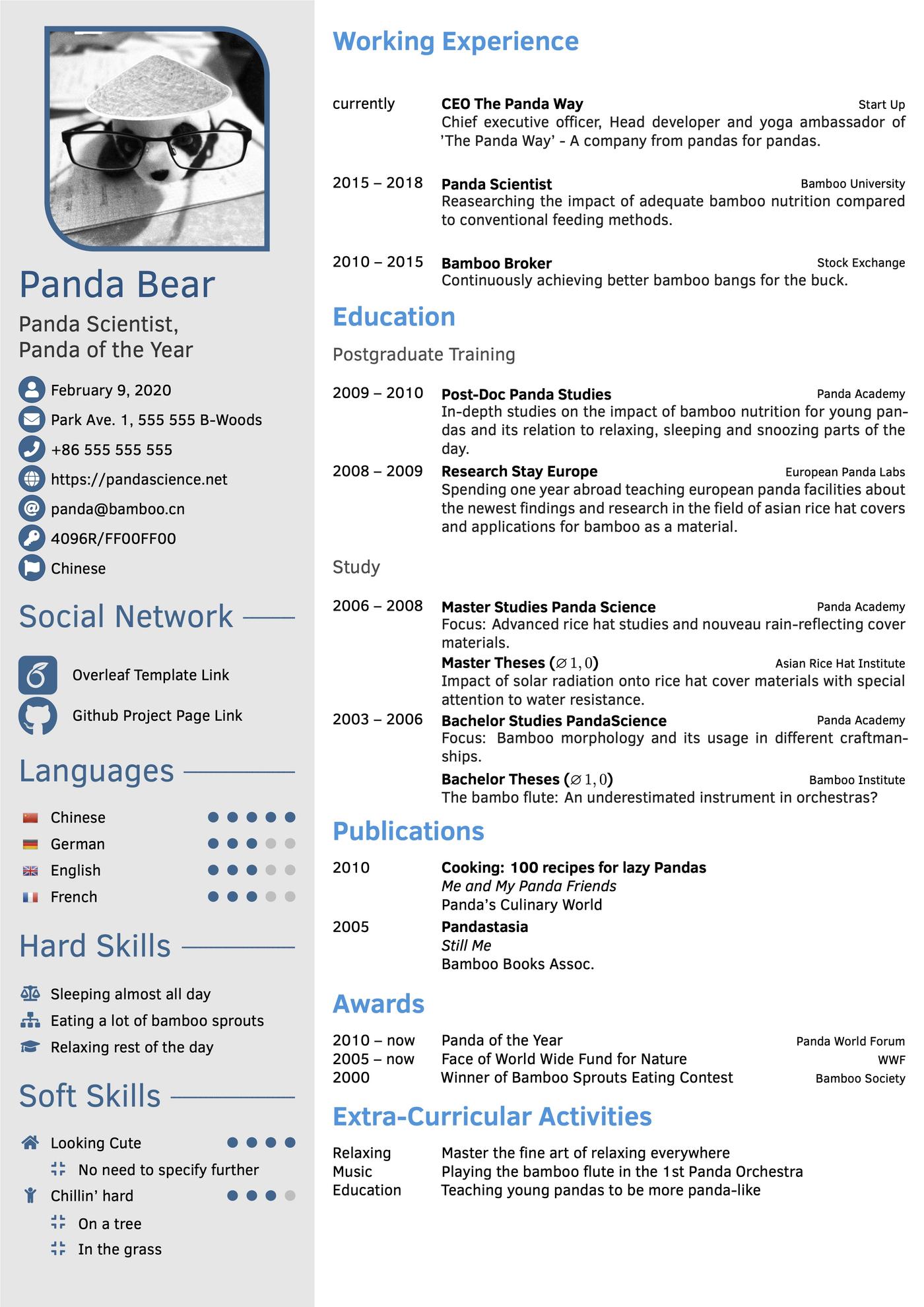
21. Creative
With its bright red colors and bold headers, this template is a great choice if you want to show off your creative side. For example, if you’re a front end developer or UX designer, this is a great template for you because it helps you stand out from other applicants and shows off your design sensibilities.
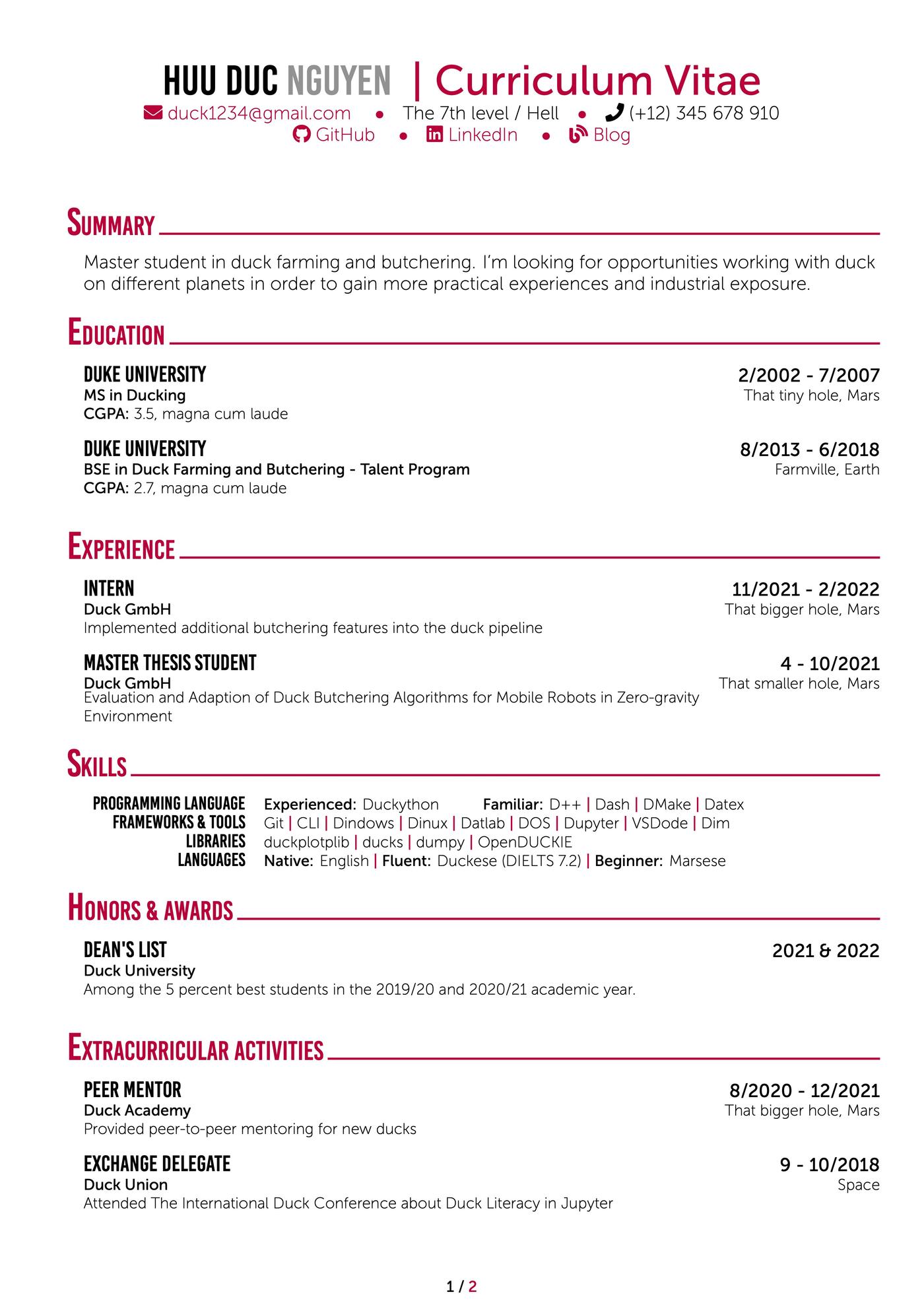
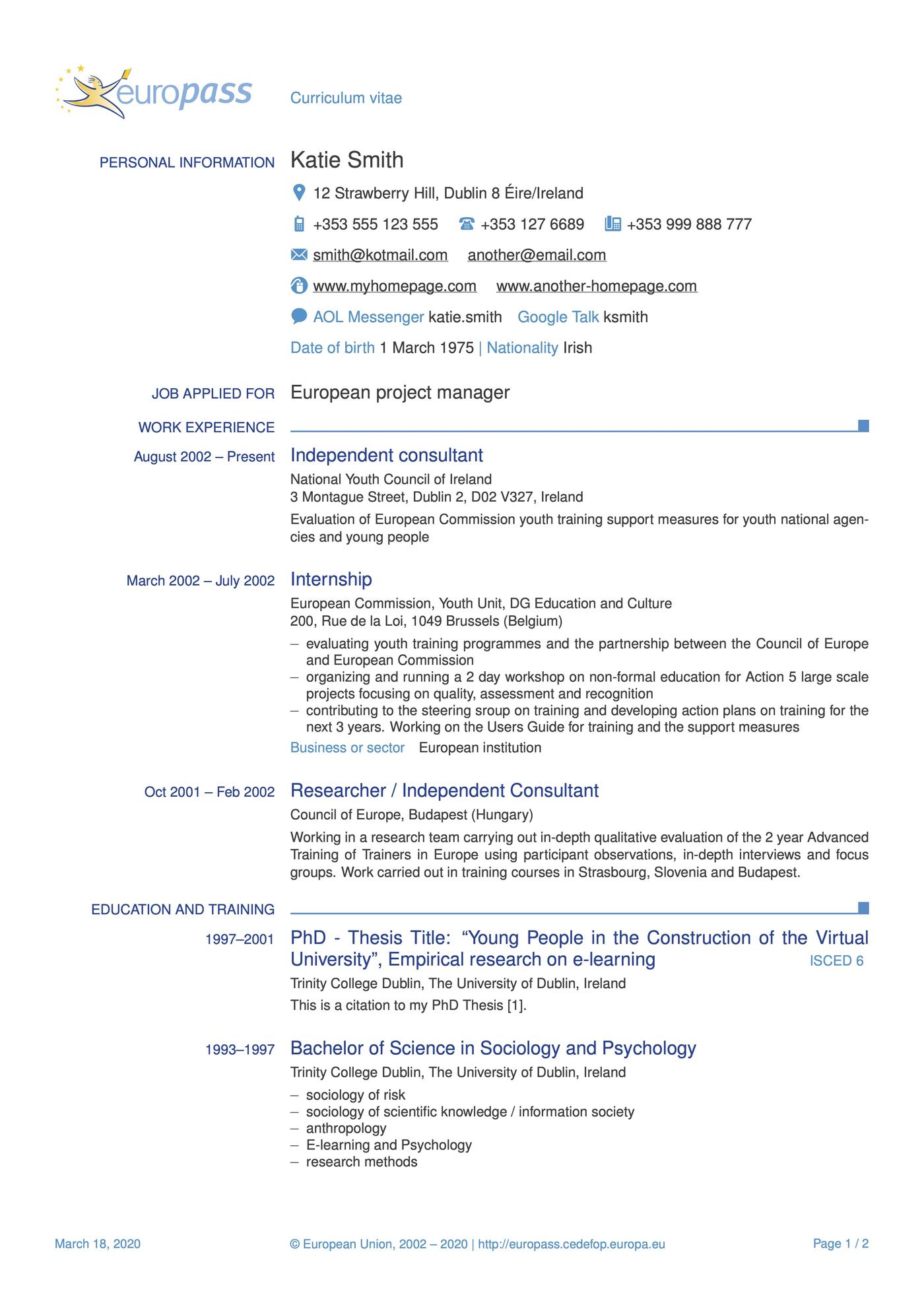
22. Europass
Looking for work in the EU? This neatly organized Europass template gives you space to list all your relevant qualifications in a Europass-compliant format.
More resume templates
Here are a few more resume templates for you to check out:
- Free resume templates to download
- Google Docs resume templates
- Blank resume templates
- Pages resume templates
- LibreOffice resume templates
Frequently asked questions
We’ve compiled answers to some of the most common questions about LaTeX resumes so you have all the information you need to make your LaTeX resume.
1. What is a LaTeX resume?
A LaTeX resume is a professional document created using LaTeX, a powerful typesetting system originally designed for academic and scientific publications. Unlike traditional word processors, LaTeX uses markup commands to format text.
LaTeX resumes are known for their clean, professional typography and consistent formatting. They’re particularly good for engineering resumes, researcher CVs, academic CVs, and tech resumes as these applicants appreciate the system’s precision and the ability to create documents that look polished and mathematically perfect.
2. How do I make a resume in LaTeX?
These steps should get you started on making your LaTeX resume:
- Choose a LaTeX editor such as Overleaf
- Start with a proven template to avoid formatting issues, or choose a
- document class like moderncv, altacv, or awesome-cv
- Compile frequently to catch errors early
- Install necessary packages and set up your document structure
- Use consistent spacing and formatting commands throughout
- Input your personal information, work experience, and skills using LaTeX commands
- Export to PDF for final submission
Here’s a basic outline you could use:
documentclass{article}
usepackage{geometry, enumitem, titlesec}
begin{document}
section{Experience}
subsection{Job Title – Company Name}
Your job description and achievements
end{document}
3. Is LaTeX good for resumes?
LaTeX offers several advantages for resume creation, though it’s not ideal for everyone:
Pros
- Produces exceptionally clean, publication-quality documents
- You can fine-tune spacing, fonts, and layout elements exactly as needed
- Automatic formatting ensures uniform appearance throughout
- Text-based files work seamlessly with Git and other version control systems
- Demonstrates technical proficiency and attention to detail which Tech employers will appreciate
Cons
- Steep learning curve to master markup syntax and commands
- Limited template designs compared to traditional resume builders
- Debugging required to address compilation errors – can be frustrating for beginners
- Overkill for most: May be unnecessarily complex for standard job applications
4. What is the LaTeX format for a resume?
LaTeX resumes typically follow this structured format:
Document setup:
documentclass[11pt,a4paper]{moderncv}
moderncvstyle{classic}
usepackage[scale=0.8]{geometry}
This is the code you’d add when filling in your personal information:
firstname{John}
familyname{Doe}
title{Software Engineer}
address{123 Main St}{City, State 12345}
phone{(555) 123-4567}
email{john.doe@email.com}
And here’s the code for creating separate content sections:
- section{Education} for the academic section
- section{Experience} for work history
- section{Skills} for technical skills and soft skills
- section{Projects} for relevant projects
These four document classes are popular:
- moderncv: Clean, modern design with color accents
- altacv: Alternative CV format with sidebar layout
- awesome-cv: Colorful, eye-catching design
- article: Basic format with custom styling
5. Is LaTeX good for an ATS resume?
LaTeX can be excellent for ATS compatibility when formatted correctly. Be sure to follow these ATS-friendly practices:
- Use standard section headings like “Experience,” “Education,” and “Skills”
- Stick to common fonts (Computer Modern, Times, Arial)
- Avoid complex tables, graphics, or unusual formatting
- Export as PDF with selectable text
- Test your resume with ATS scanners or online checkers
LaTeX’s complex formatting may confuse ATS systems so don’t use unnecessary tables and multi-column layouts.
The best approach is to create a clean, simple LaTeX resume focused on content over design. The precise typography and consistent formatting actually work in your favor with most modern ATS systems, as long as you avoid fancy graphics or unusual layouts.
6. Can you write a CV in LaTeX?
Yes. LaTeX is actually ideal for academic CVs where you need to present extensive information in a well-organized format.
7. Is Overleaf free to use?
Yes, Overleaf’s free plan is more than sufficient for most resume and CV projects. You’ll have access to professional templates, can compile your documents instantly, and export high-quality PDFs without any cost.
Their free plan includes:
- Access to all LaTeX packages and templates
- Real-time collaboration with one collaborator
- Unlimited personal projects
- 15-second compile timeout
- Basic project history (24 hours)
8. What are the best practices for formatting a resume in LaTeX?
Here are some of the best practices to keep in mind when formatting your LaTeX resume:
- Use consistent 11-12pt fonts with uniform spacing and standard margins for professional typography
- Organize content with clear section headings and reverse chronological order for experiences
- Emphasize semantic markup over visual complexity to maintain code clarity
- Compile frequently during development to catch errors early
- Comment your LaTeX code for easy future modifications
- Test your final PDF with ATS checkers to ensure proper parsing
- Avoid over-complicated formatting that sacrifices readability for visual flair
- Prioritize content quality and professional qualifications over showcasing LaTeX technical skills
Additional resume templates
These templates are a small sample of our full selection. Here are more resume template types you can try:
Templates by design style:
- Basic resume templates: No-frills options for any industry
- Blank resume templates: Customizable resume formats for total flexibility
- Creative resume templates: Unique templates that help you stand out
- Entry-level resume templates: Designed specifically for students and recent graduates
- Modern resume templates: Contemporary styles with clean layouts
- Picture resume templates: Templates with room for a professional photo
Templates by software/app type:
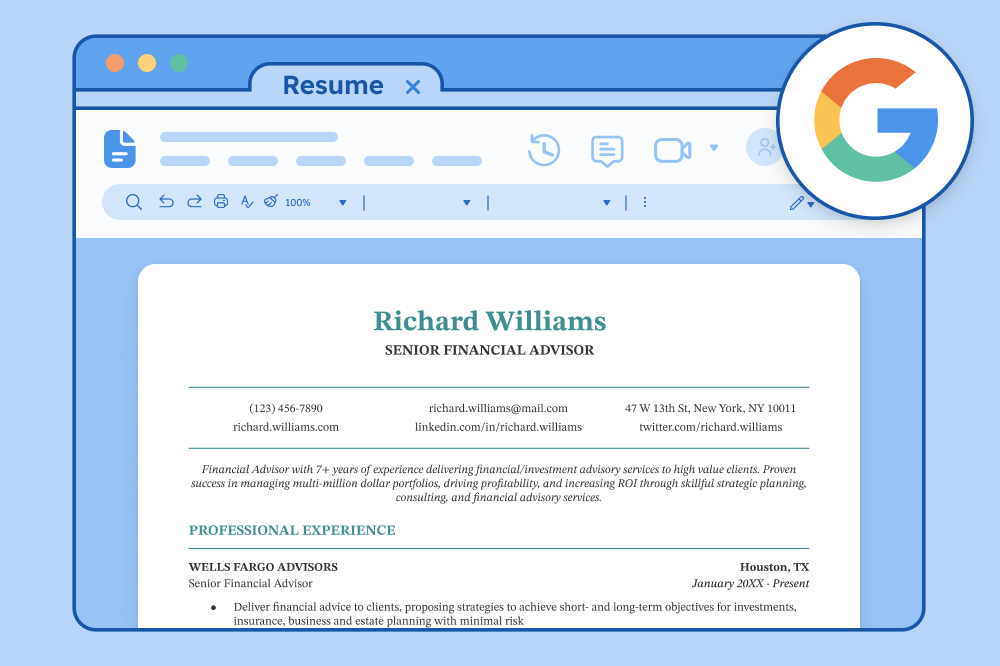
- Google Docs resume templates: Layouts designed to be compatible with Google Docs
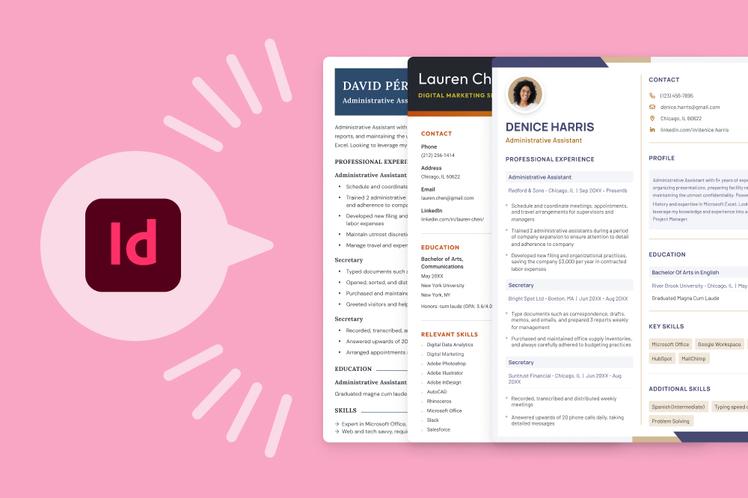
- InDesign resume templates: Polished resume templates you can edit with Adobe InDesign
- LibreOffice resume templates: Free downloadable templates for LibreOffice
- Pages resume templates: Built specifically for Mac users
- Canva resume templates: Fully customizable templates with adjustable fonts, colors, and layouts
Templates by file type:
- PDF resume templates: Templates that display consistently on all devices
- Word resume templates: Editable resume formats designed for Microsoft Word
Click to rate this article
4.8 Average rating













Facebook
Twitter
Linkedin
Pinterest
Reddit
Copy link