



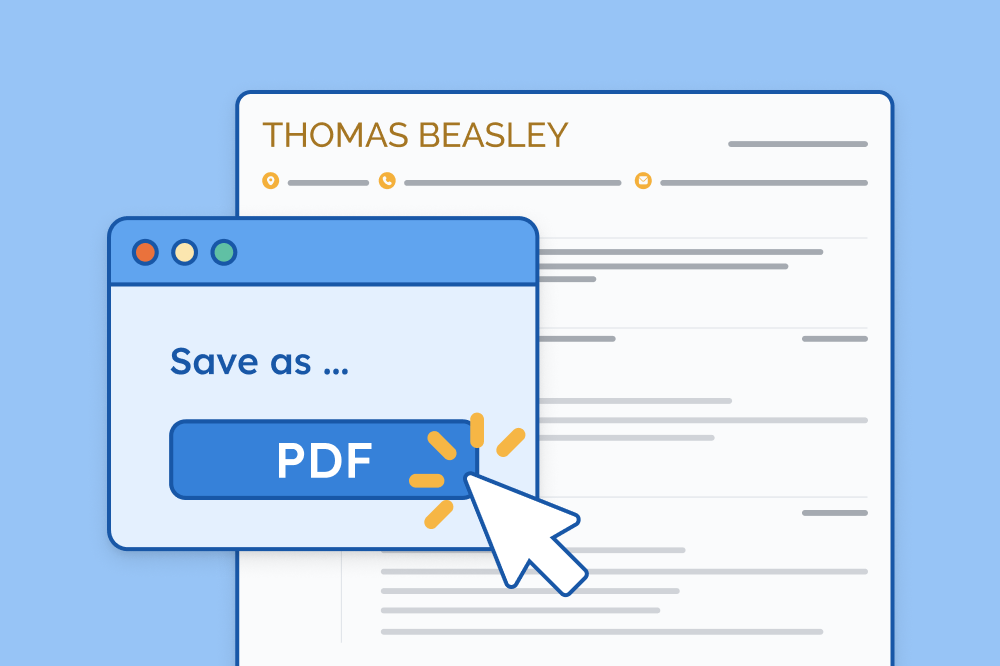
PDF is the preferred resume file format because it preserves your layout, design, and fonts, ensuring it looks perfect no matter what device or system an employer uses.
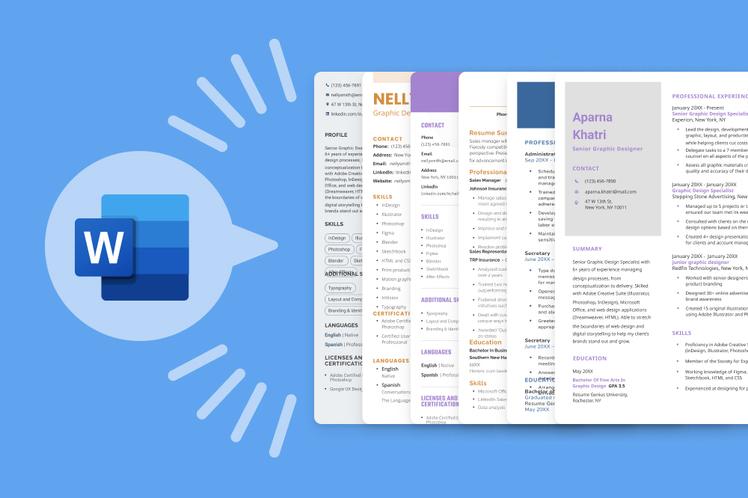
Each of the following resume templates has six color variations in PDF format, as well as editable Word documents so you can easily add your details and save your resume as a PDF when you’re finished (we’ll show you how below).
1. Milano template
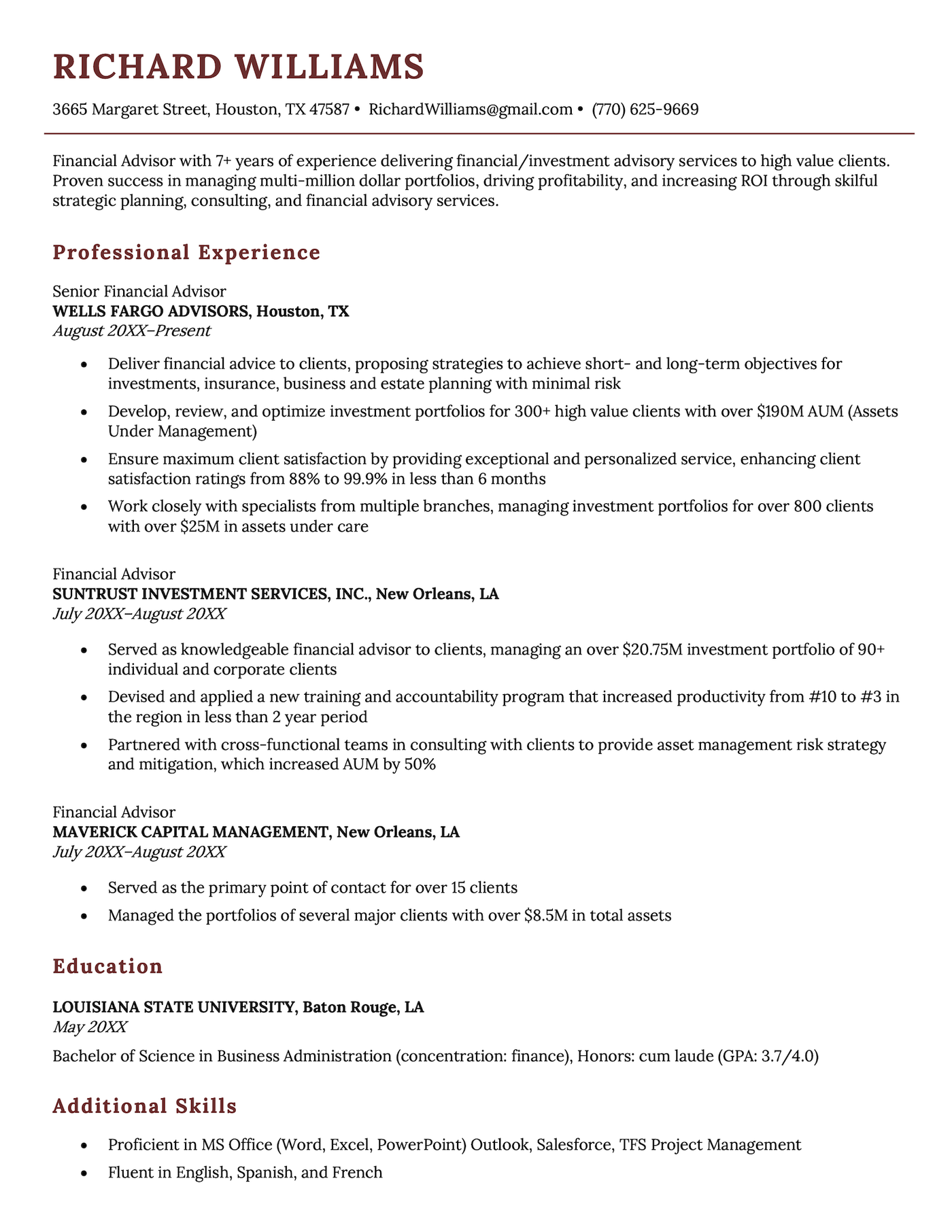
Sleek and sophisticated, our Milano template lets your qualifications speak for themselves. Its straightforward chronological layout makes it easy for hiring managers to scan while providing plenty of space to showcase your professional accomplishments.
2. Windsor template
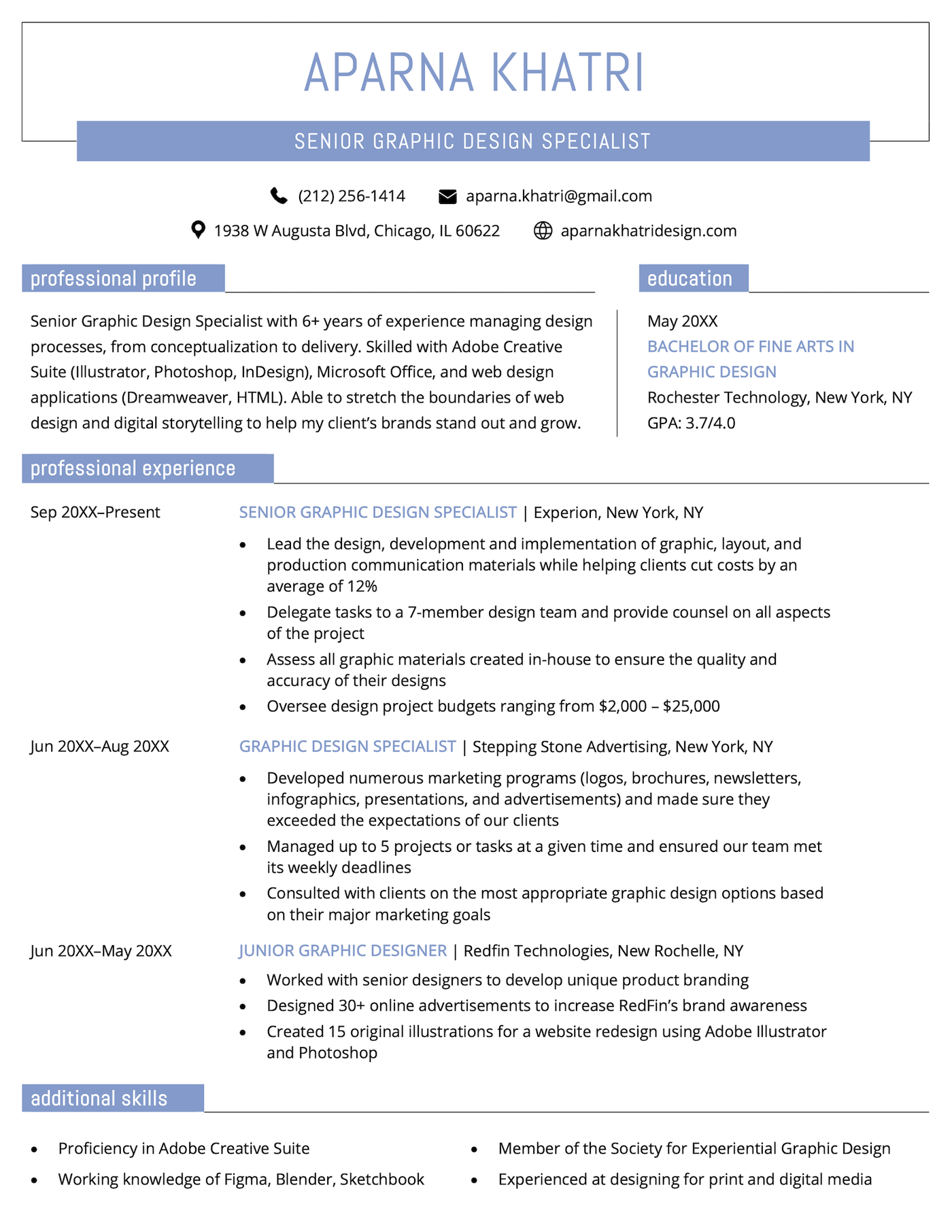
Featuring a bold header, clear job title, and strategic use of color, the Windsor resume template commands attention from the start. Its layout balances visual flair with structured content, making it ideal for roles in creative industries.
3. Corporate template
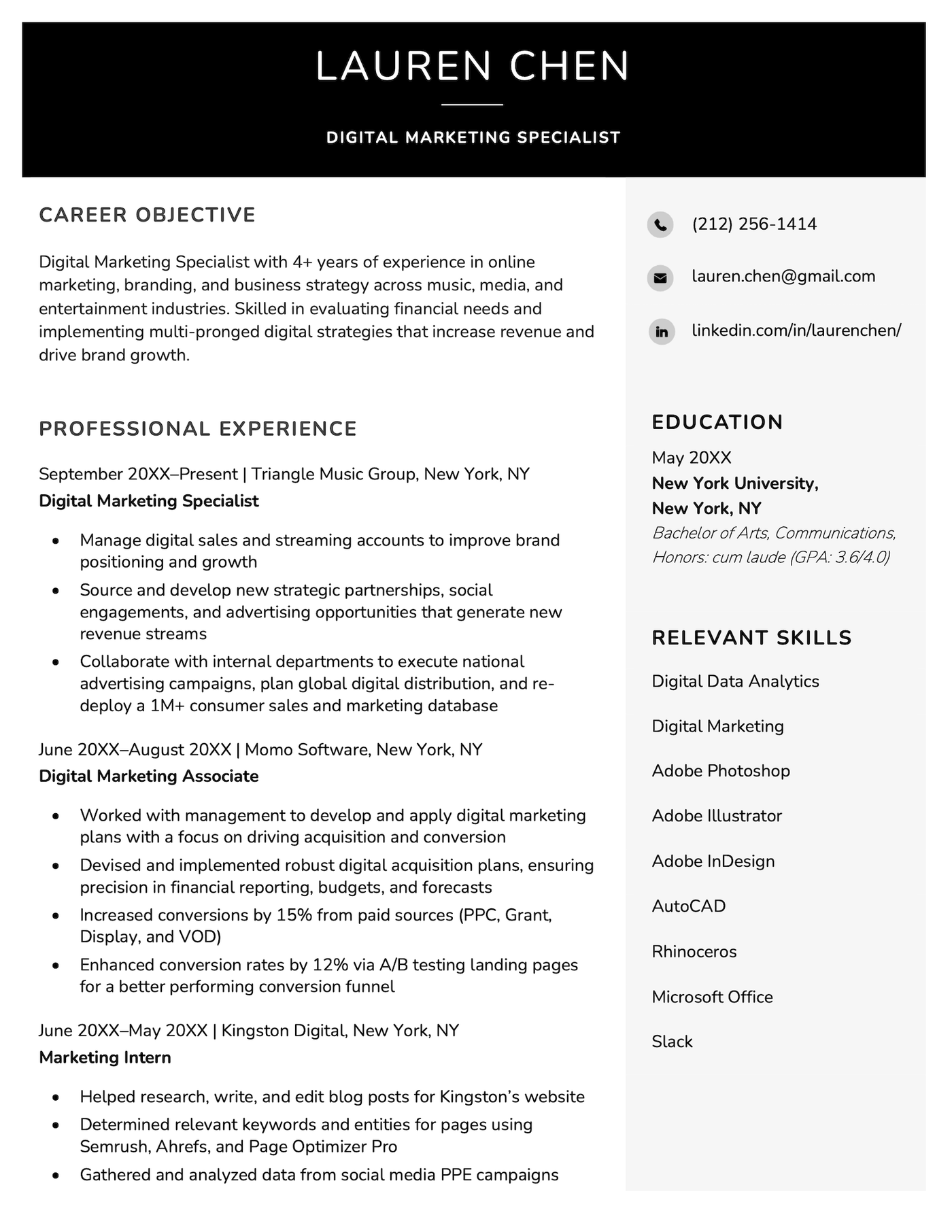
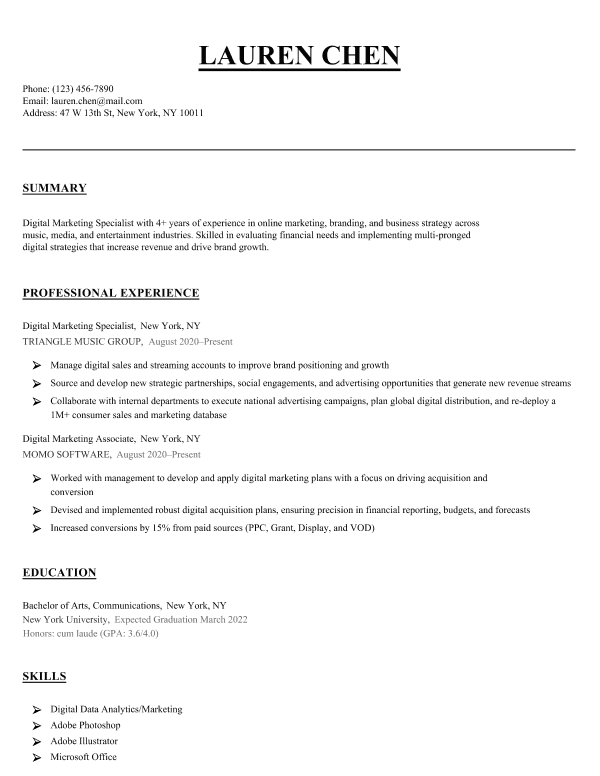
A versatile design suitable for any industry, our Corporate resume template features a classic layout with a bold header. Confident and professional, it makes it easy for recruiters to quickly spot your key skills and qualifications.
4. Majestic template
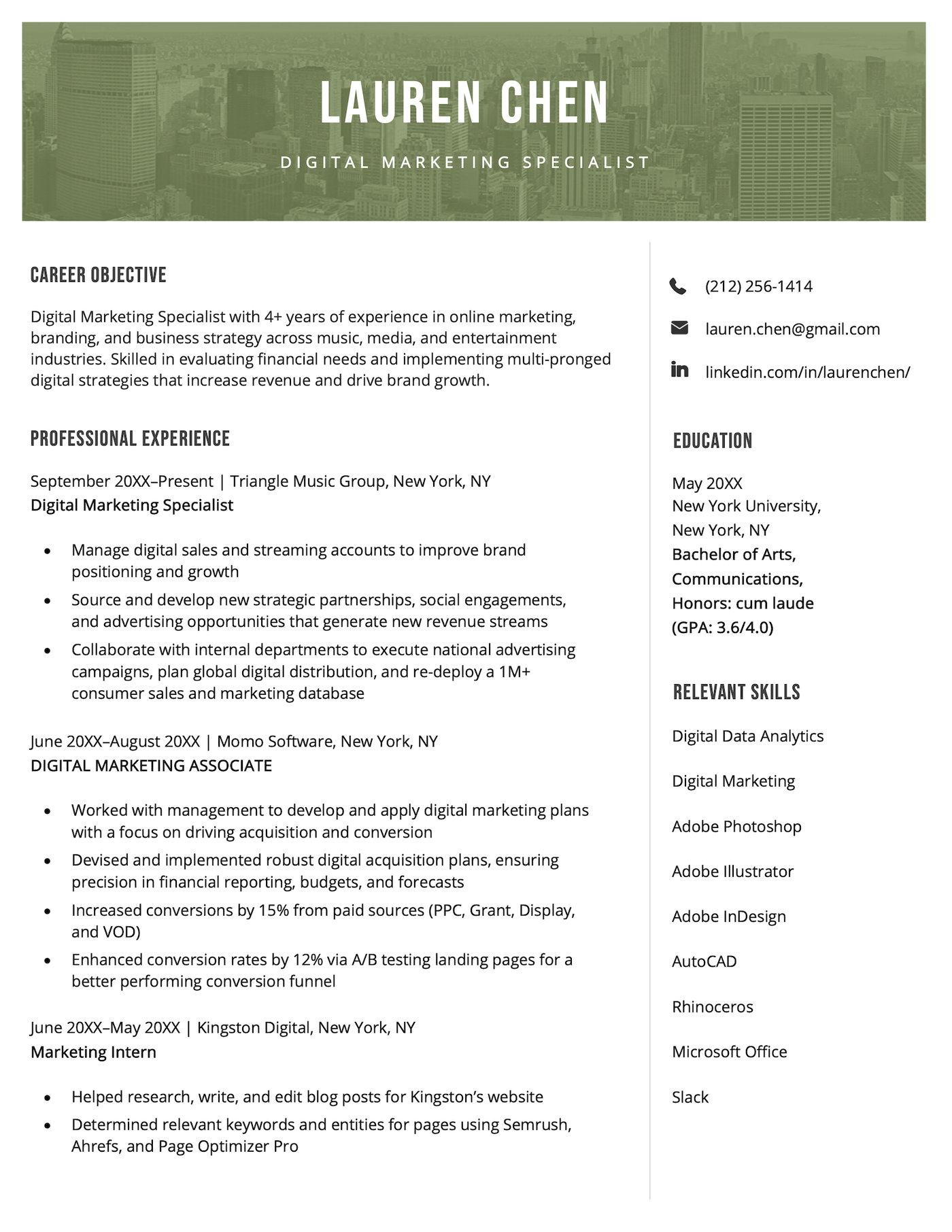
With its tasteful use of color and subtle imagery, the Majestic template offers a polished, modern edge ideal for marketing or creative roles. The sidebar neatly showcases your contact information, education, and skills, while the main column keeps the focus on your experience and achievements.
5. Minimalist template
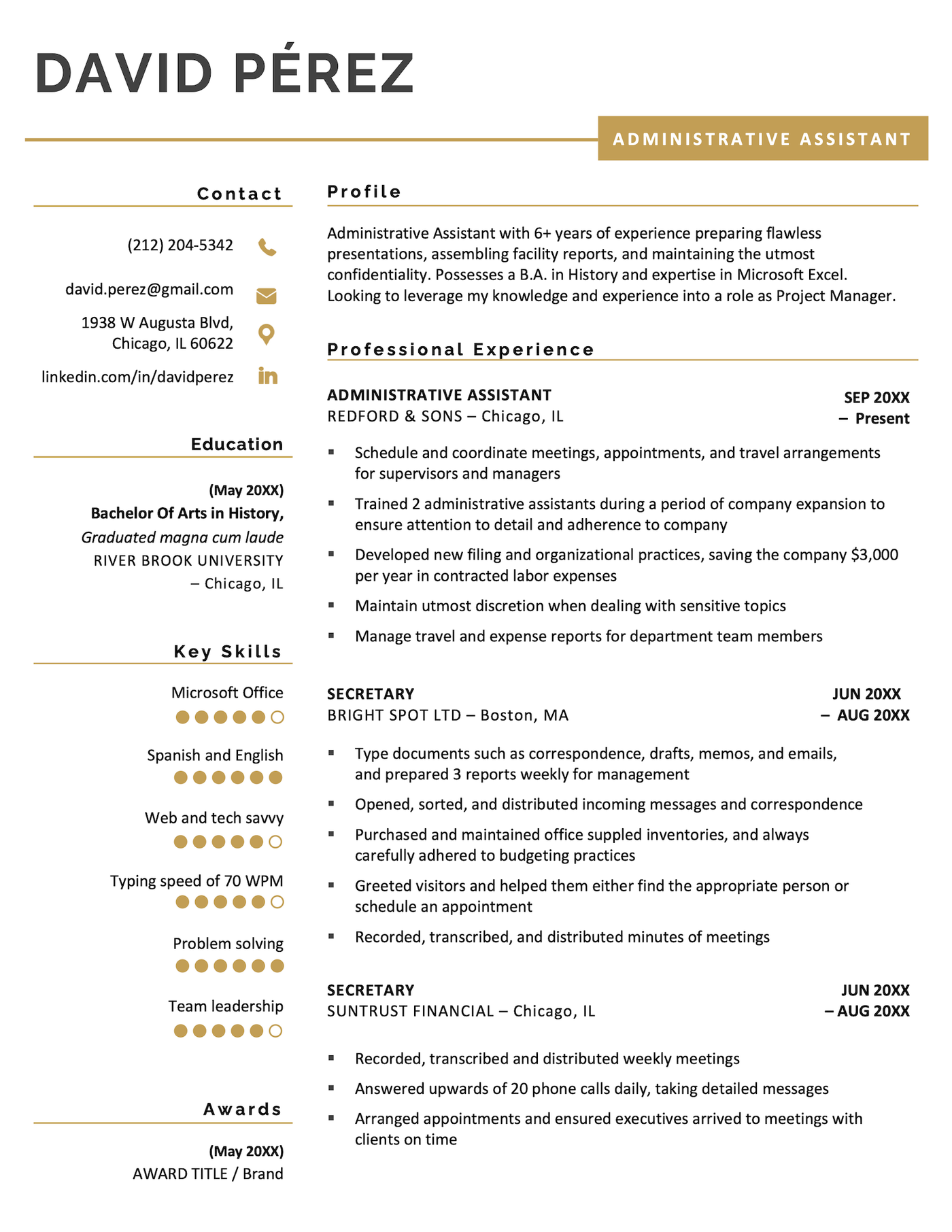
The Minimalist template combines structure and simplicity with a touch of personality, thanks to its soft color accents and icons. Progress dots in the skills section add a reader-friendly element that clearly indicates your level of competency in each key skill.
6. Taj Mahal template
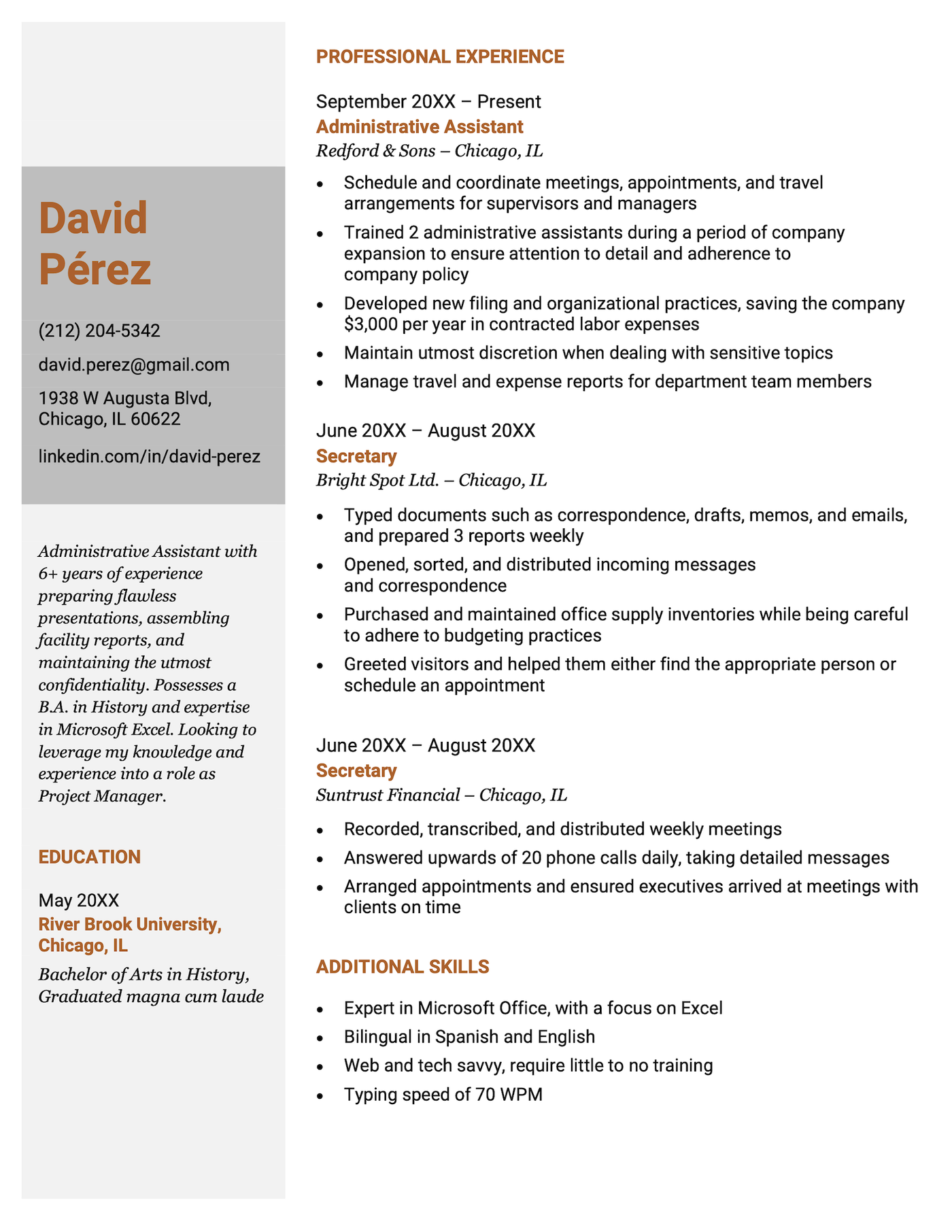
The Taj Mahal template’s design maintains a structured, simple layout, which is perfect for roles that prioritize organization and clarity. Key information is grouped logically, while bold job titles and company names make sure your experience stands out.
7. Elegant template
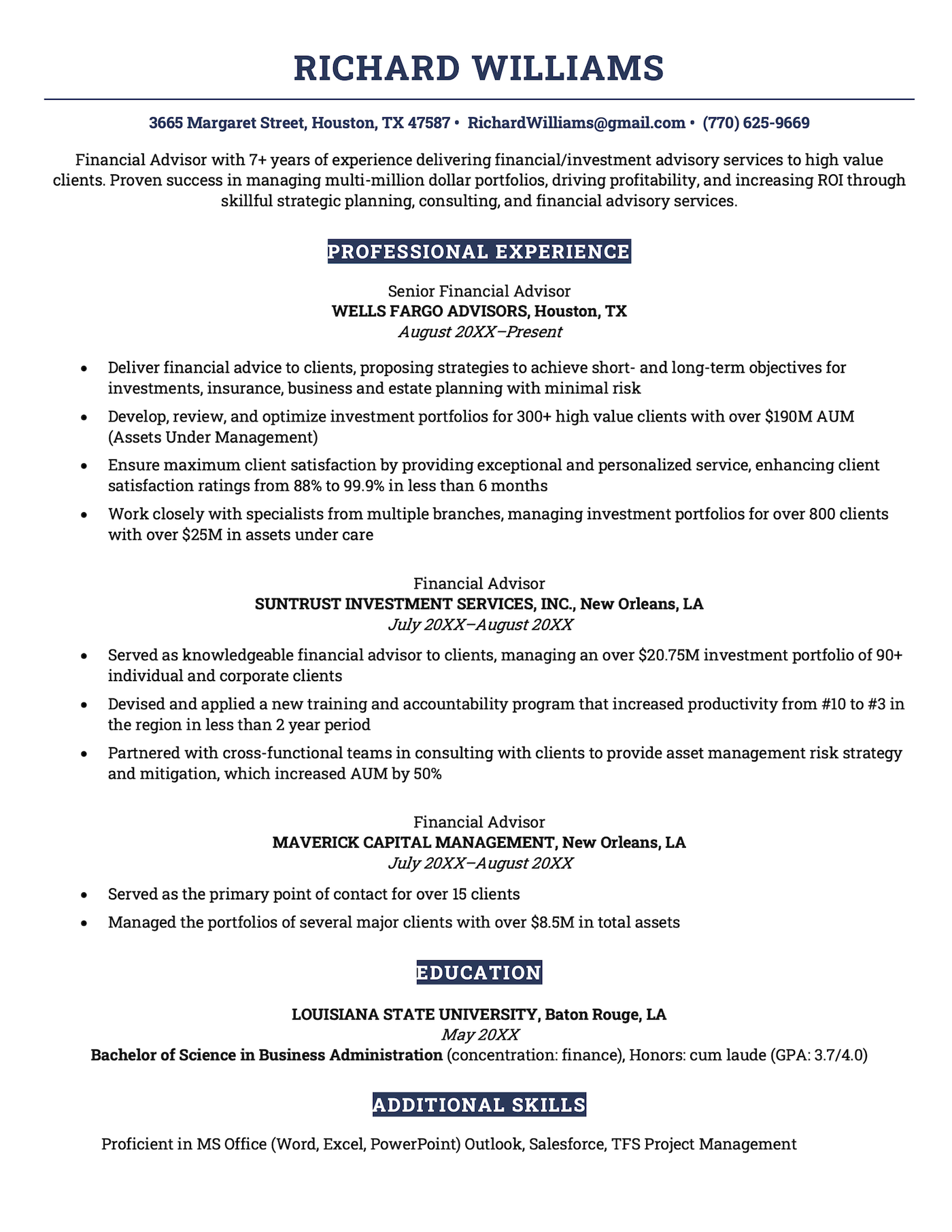
This Elegant template combines symmetry, clean fonts, and subtle color accents to create a truly professional look. Its layout feels organized without being rigid, and the clear headings make it easy to skim.
8. Connery template
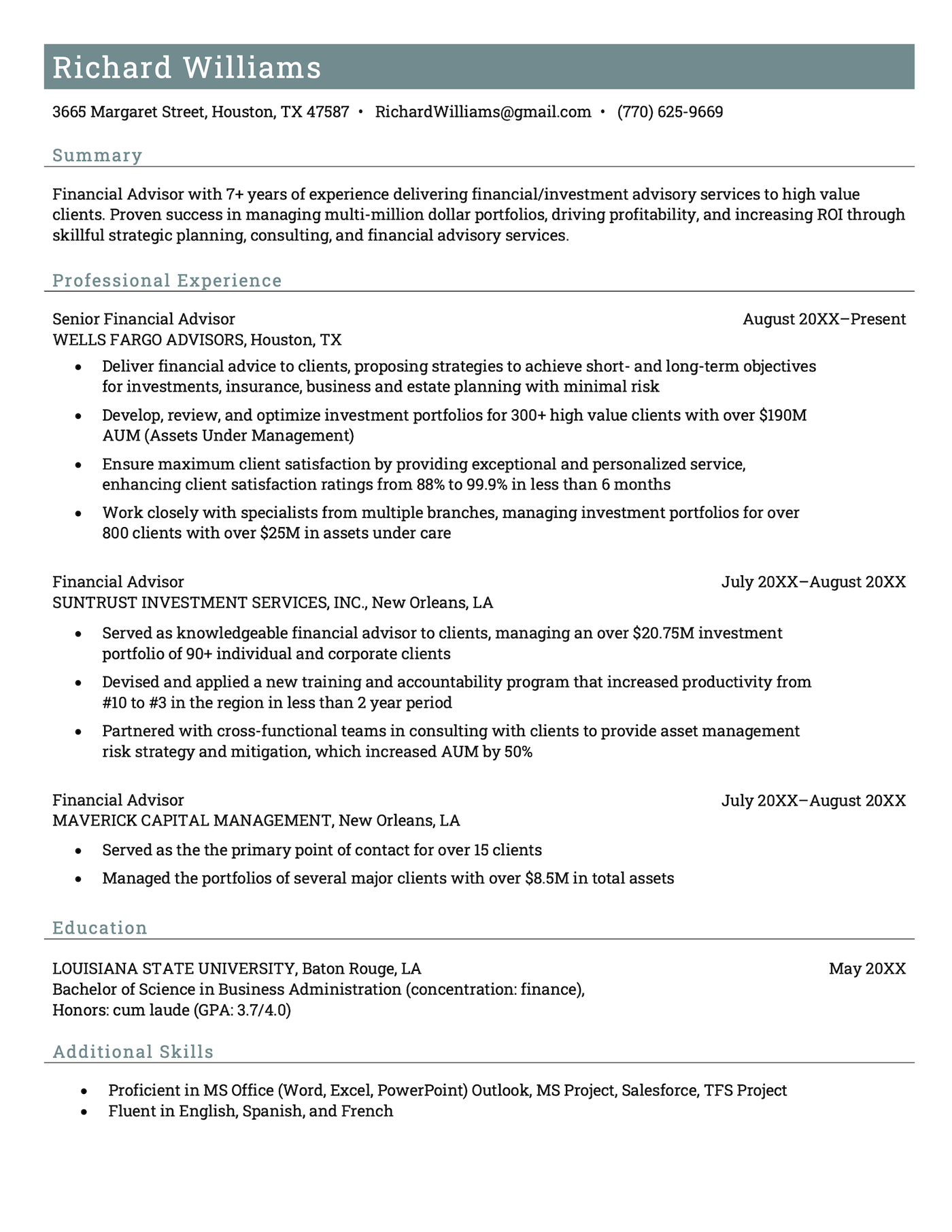
The color-block banner at the top gives the Connery template a fresh, modern feel without overwhelming. Its layout flows naturally, guiding the eye from your summary to your experience and skills sections.
How to save your resume as a PDF in Word and Google Docs
Here’s how to save your own resume as a PDF:
Converting a resume to PDF in Microsoft Word
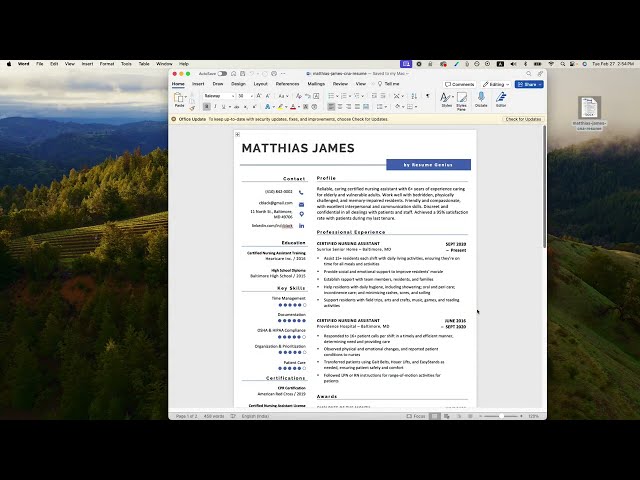
If you’re using Microsoft Word, here are three easy steps to save your resume as a PDF:
1. Click “File,” then select “Save As”
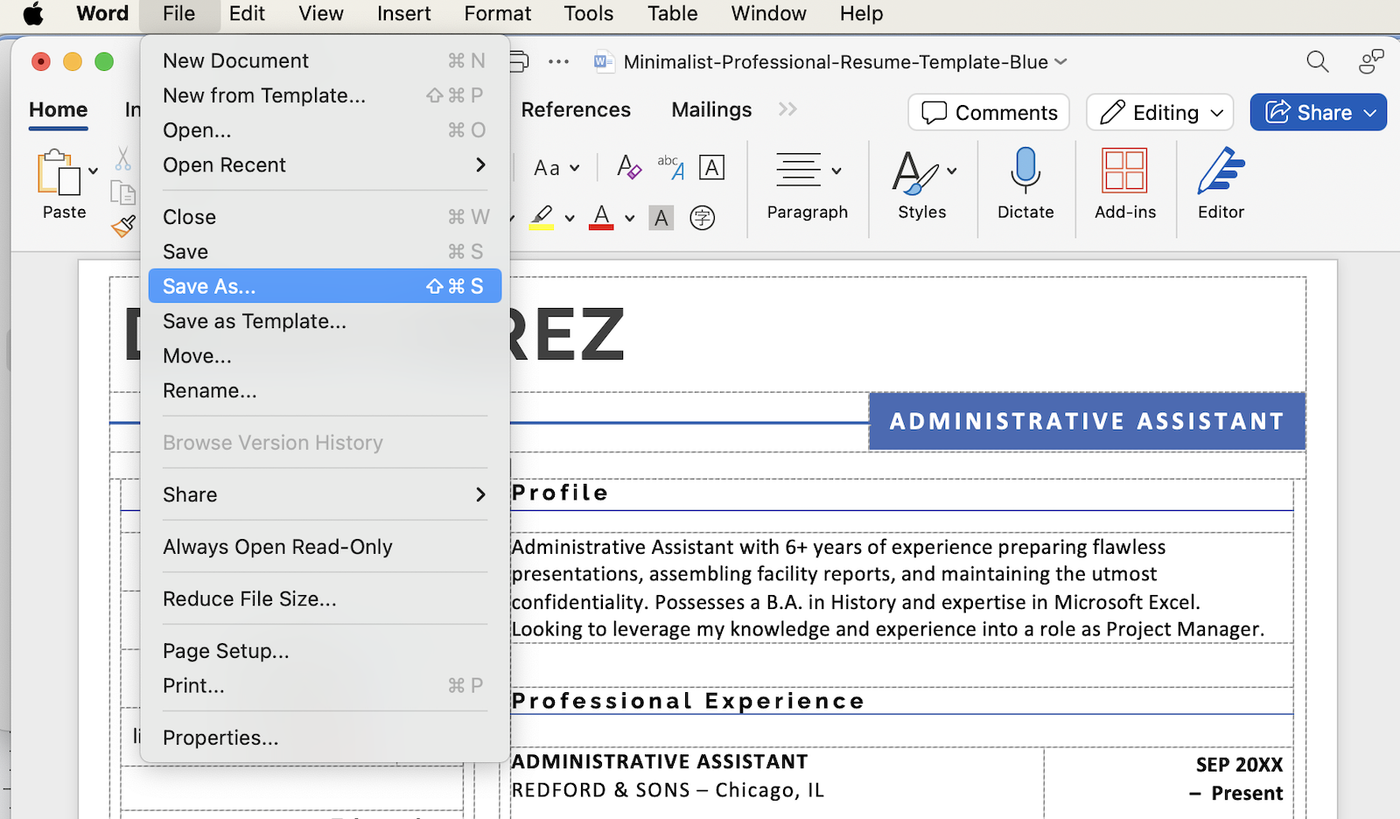
In the top left corner of your Word document, click on “File” to open the dropdown menu, then, select “Save As…”
2. Select the right file format
Click on the dropdown near the bottom of the box labeled “File Format” and select “PDF.”
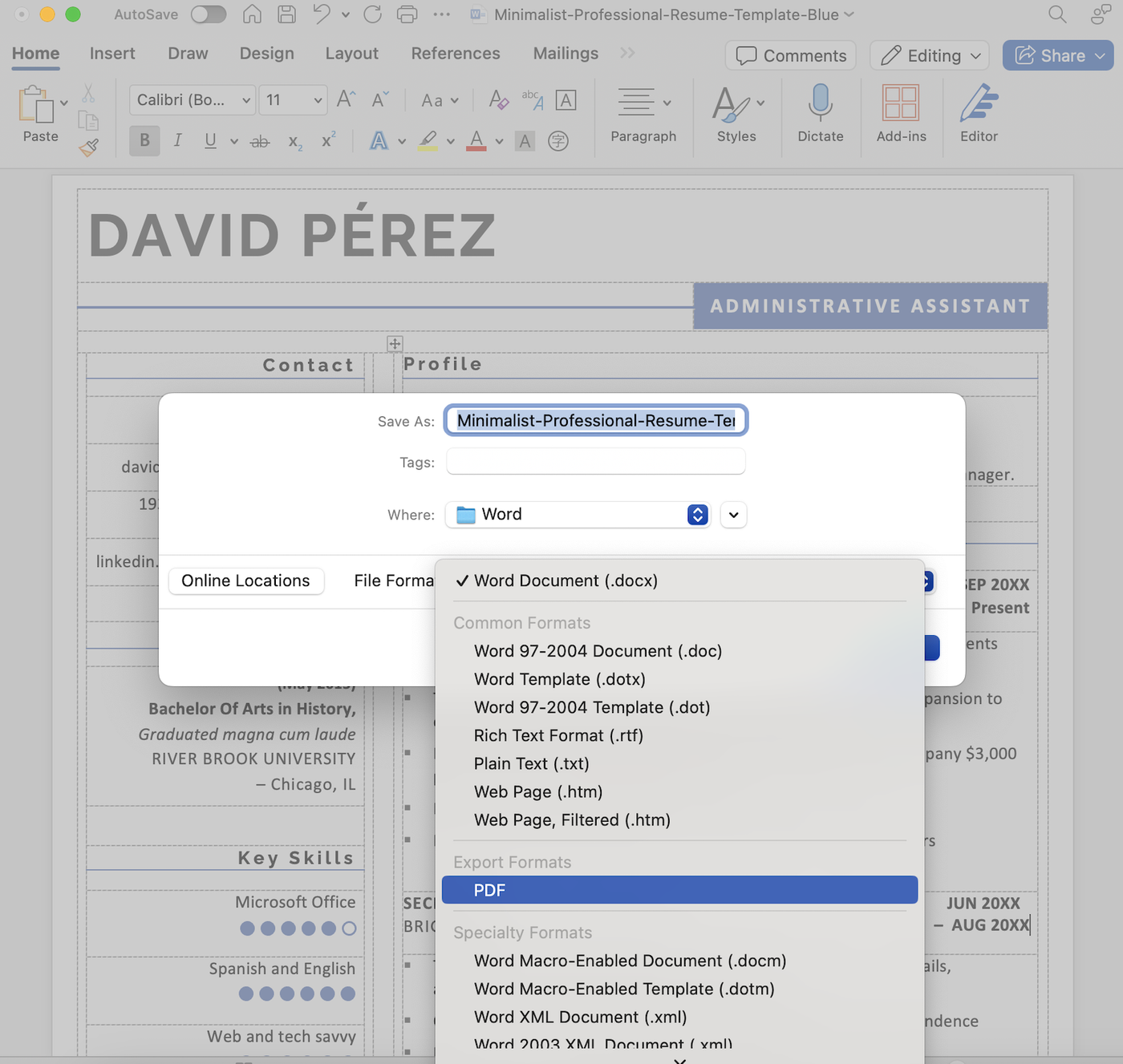
3. Click “Export”
Click “Export” in the bottom right corner to finish saving your resume as a PDF.
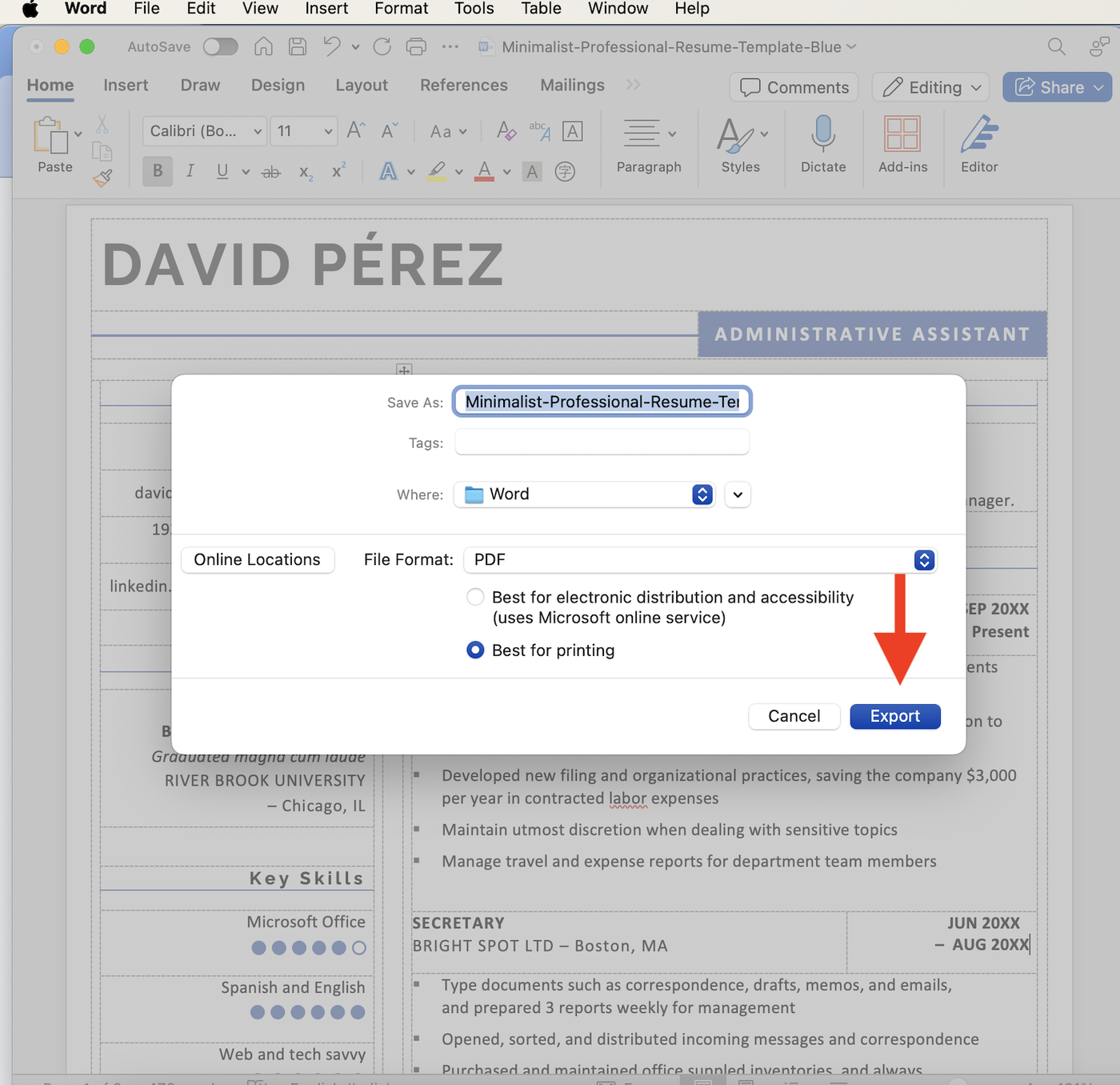
This will save a PDF in the same folder as your original Word document.
Converting a resume to PDF in Google Docs
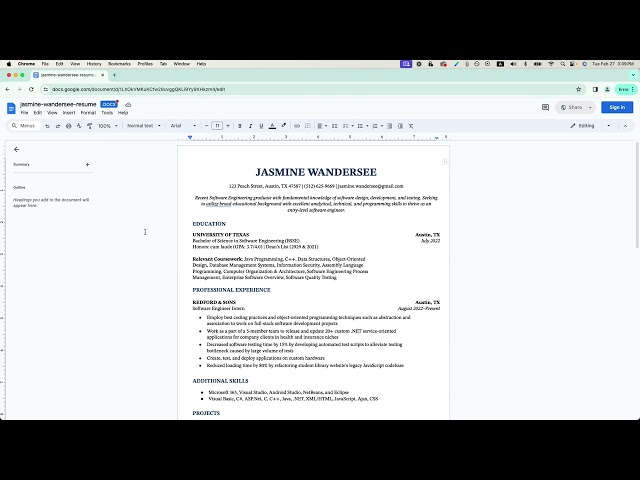
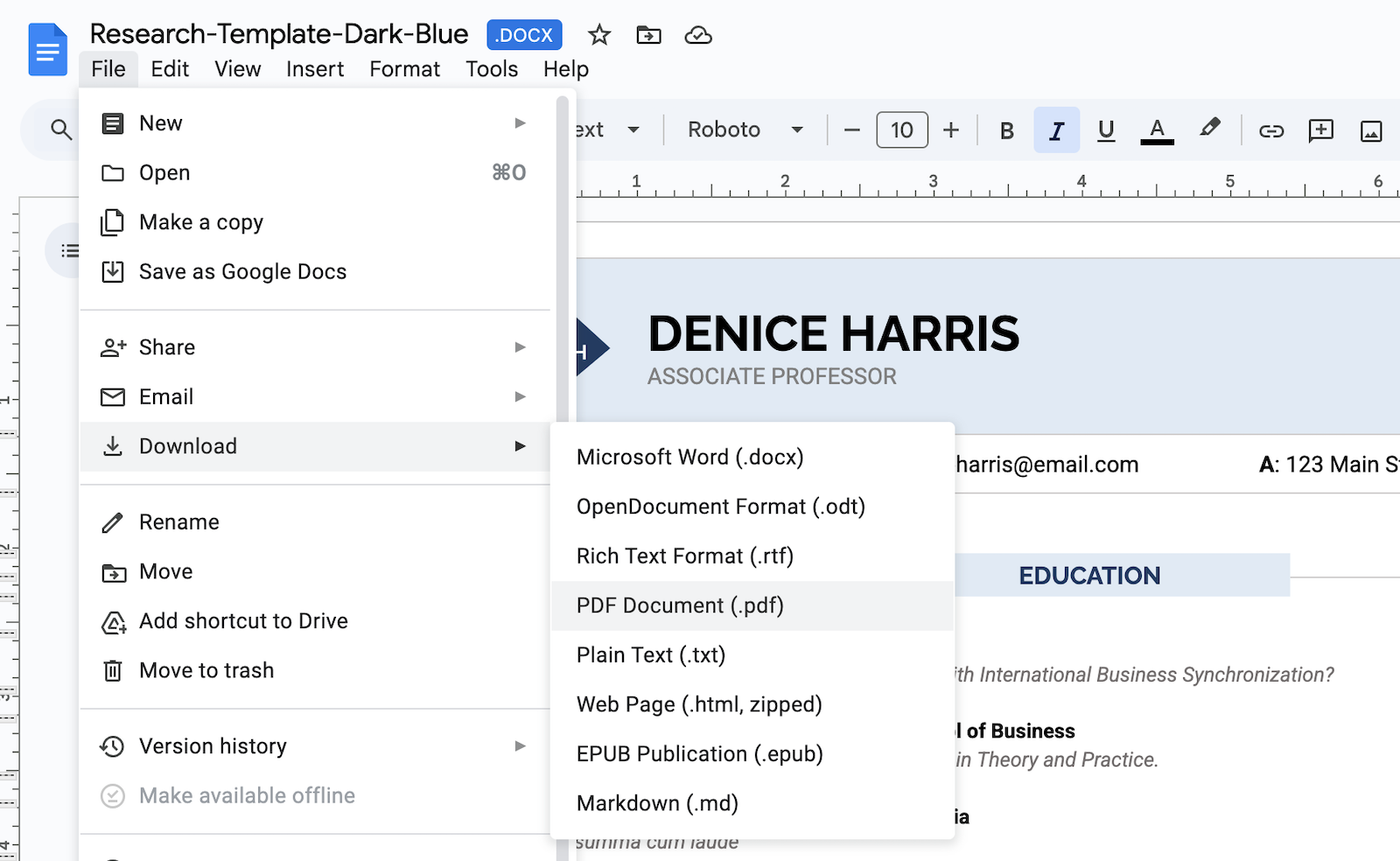
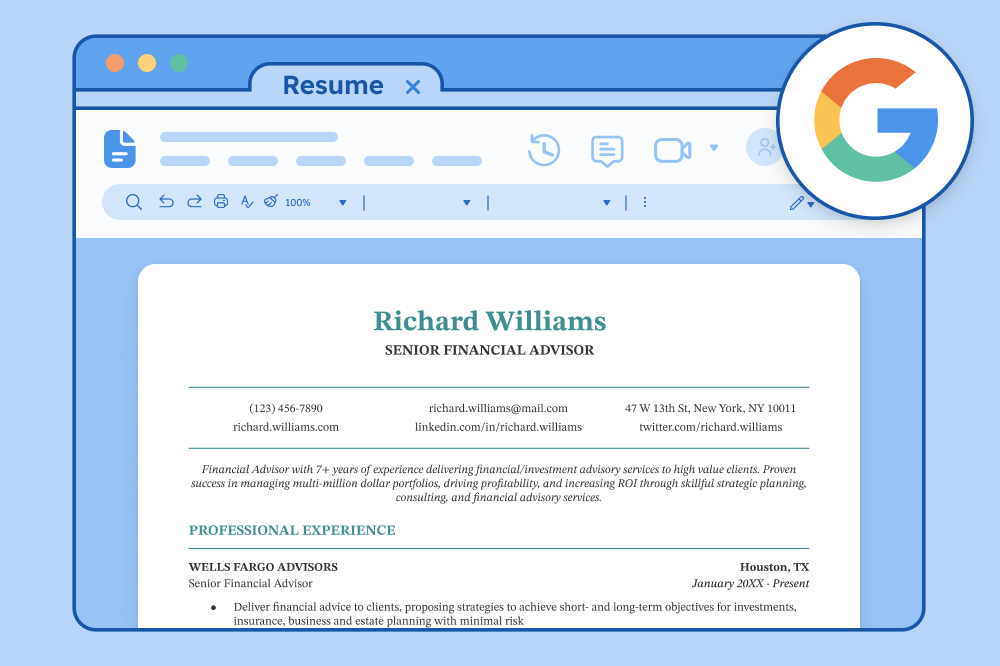
To convert your resume to a PDF in Google Docs, go to “File” in the menu bar, select “Download” and choose “PDF Document (.pdf).”
More resume templates
These templates are a small sample of our full selection. Here are more resume template types you can try:
Templates by design style:
- Basic resume templates: Clean, classic designs that keep the focus on your qualifications and skills
- Blank resume templates: Fill-in-the-blank templates perfect for tailoring to different roles
- Creative resume templates: Innovative and stylish designs that help your resume stand out
- Entry-level resume templates: Designed to highlight academic achievements and transferable skills for new job seekers
- Modern resume templates: Professional, contemporary resume layouts
- Picture resume templates: Templates that give you the option to include a profile photo
Templates by software/app type:
- Word resume templates: Editable resume templates built for Microsoft Word
- Google Docs resume templates: Templates built for Google Docs that make editing and sharing effortless
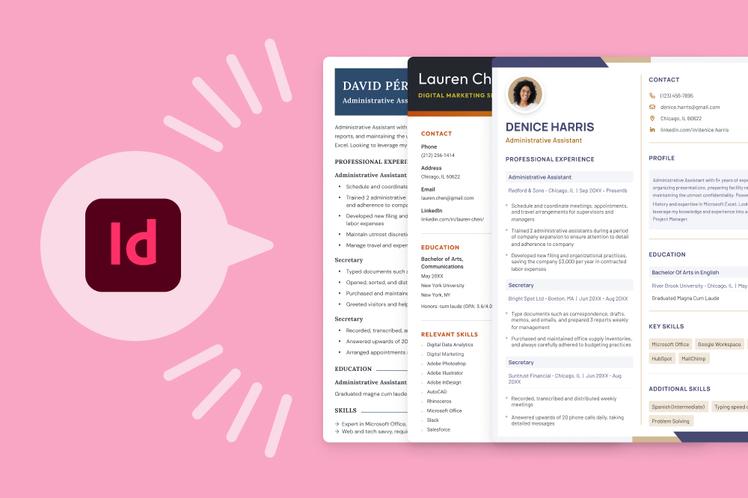
- InDesign resume templates: Polished templates for Adobe InDesign
- LaTeX resume templates: LaTeX-coded templates that allow for precise editing
- LibreOffice resume templates: Free downloadable layouts for LibreOffice users
- Pages resume templates: Built specifically for Apple Pages
- Canva resume templates: Designs you can edit for free in Canva













Facebook
Twitter
Linkedin
Pinterest
Reddit
Copy link