


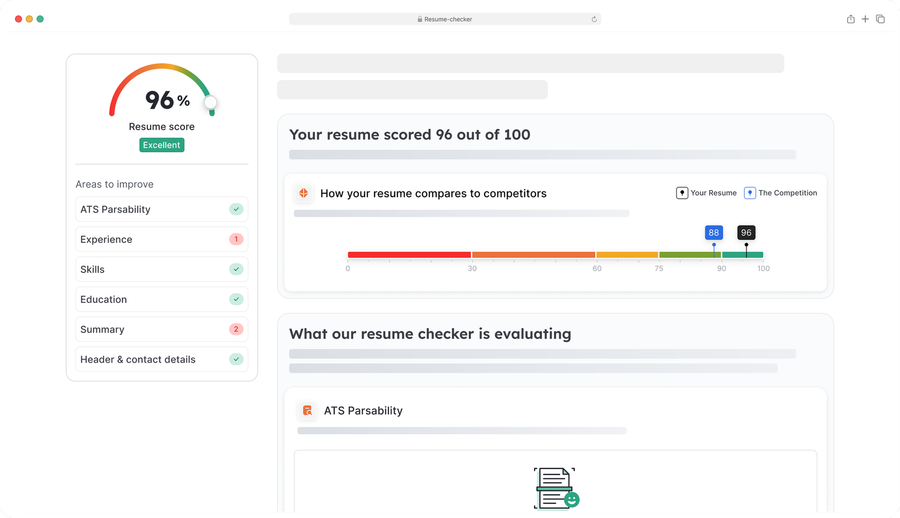


As of November 2025, we now provide users with a free, fully functional ATS resume checker that helps evaluate a resume for its content, formatting, and ATS compatibility.
After you’ve used our resume checker by clicking the orange button above and uploading your resume, try using our online resume builder and improving your score. Paying attention to the various details (some big, some minor) will help ensure you put together a job-winning resume.
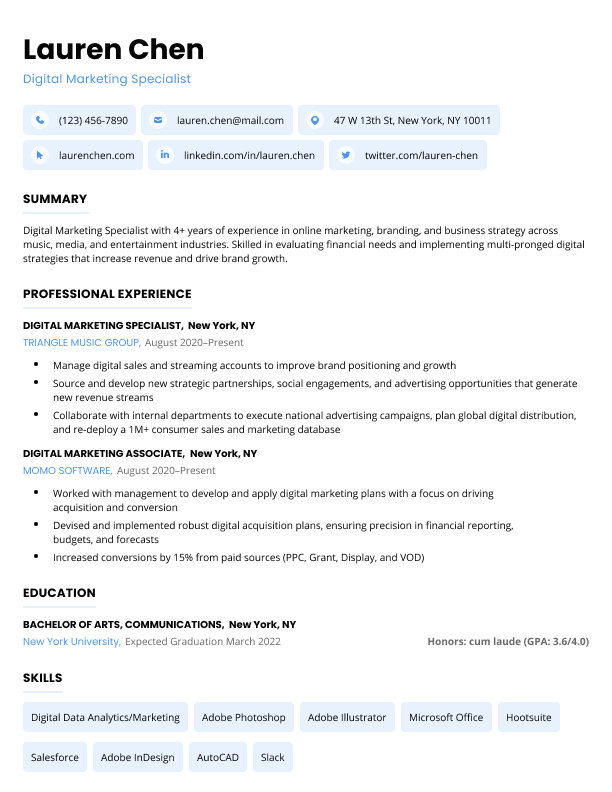
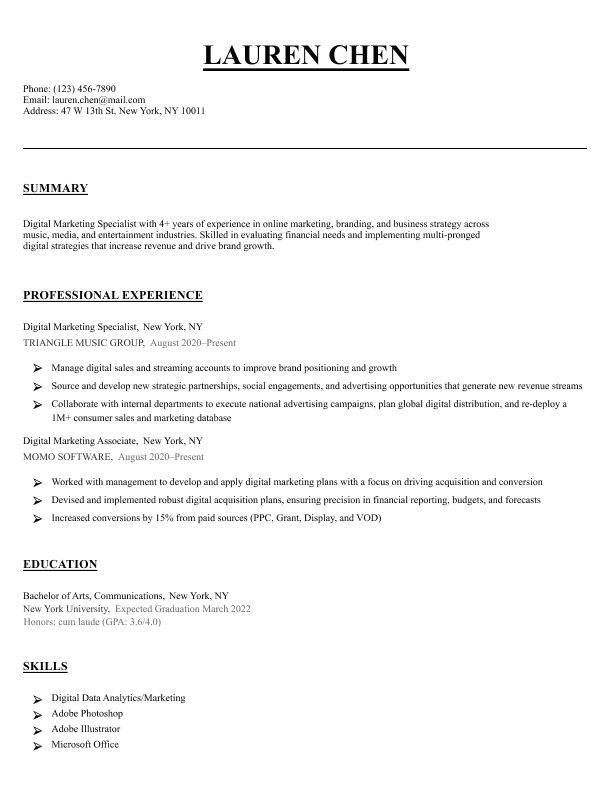
DOC, DOCX, PDF, HTML, RTF or TXT files up to 5MB
How does the Resume Genius ATS resume checker work?
The Resume Genius ATS resume checker works in two steps:
First, the checker attempts to parse your resume. If your resume is largely parsable, the checker will provide a passing score. A passing or failing score doesn’t mean your resume is 100% readable or unreadable by ATS software, but the score does give you an idea of how well your resume can be understood by this software.
The second step involves checking your resume for minor (but important) mistakes related to grammar, punctuation, spacing, and formatting, as well as areas to improve the content of your resume. For instance, if you don’t add numbers to the bullet points in your work experience section, our software will flag this omission and suggest you quantify your responsibilities and achievements.
These suggestions are here to guide you as you refine your resume, and act as another set of (robotic) eyes to make sure your resume is application ready.
Once you’re done checking your resume, try using a resume builder to give your job application a more thorough makeover.
Resume optimization checklist
Here’s a list of things to look for when you check your resume to optimize it for both human readers and ATS software:
- Format: Use standard fonts (e.g., Arial, Calibri, Times New Roman), save your resume as .docx or .pdf, and avoid graphics
- Structure: Use clear, standard section headings (Experience, Education, Skills) and make sure that your work experience is in reverse chronological order
- Keywords: Incorporate job-specific terms and match skills and qualifications from the job description where possible
- Language: Use action verbs and eliminate personal pronouns
- Customization: Tailor the content of your resume to each specific job application
- ATS compatibility: Use simple bullet points (•) and avoid abbreviations for key terms
- Proofreading: Check for typos and inconsistencies and make sure that all information is current
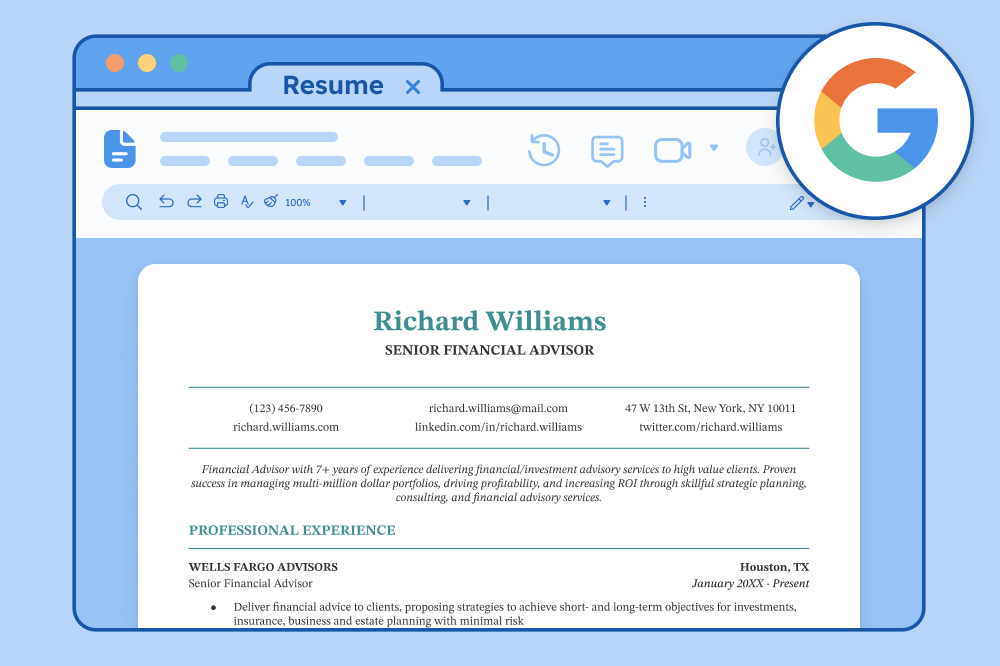
- File naming: Use a clear, professional file name (e.g., Richard_Williams_Resume.pdf)
Frequently asked questions (FAQs)
Here’s what job seekers like you want to know about our resume checker:
How does an ATS reject resumes?
ATS can reject resumes in three ways:
1. Knockout questions
The main way that ATS software rejects resumes is through “knockout questions” — questions set up by employers to filter out ineligible applicants.
Many employers set up knockout questions asking where an applicant currently resides, whether or not they are legally authorized to work, or whether they have a specific license. Answering incorrectly will cause an application to be automatically rejected.
2. Bad formatting
ATS cannot read resumes that aren’t formatted correctly, which is why applicants are often asked to re-enter all of their resume information manually.
Having a properly formatted resume is necessary to ensure your application is read correctly by ATS software.
3. Filtering by keywords
Finally, employers use ATS software to filter and sort resumes that include certain keywords that they are looking for in a candidate. Resumes without these keywords rank low and may not be considered by hiring managers.
What percentage of resumes are rejected by ATS?
No concrete data exists that shows what percentage of resumes are rejected by ATS.
Many online articles claim that ATS software rejects 75% of resumes, but this stat is a myth. ATS are designed to help companies efficiently filter applicants, not automatically reject them.
Nonetheless, companies do use ATS to help find the most qualified candidates. According to a Harvard Business School study, 88% of employers said that because of ATS filtering, skilled candidates could be vetted out of the hiring process because they didn’t match the exact criteria in the job description.
Including skills from the job ad and using a resume template formatted to be easily read by ATS systems will help your application get seen by a real person.
How do I increase the ATS score of my resume?
Here’s how to improve the ATS score of your resume:
1. Use clear section headings
Include standard headings like Professional Summary, Work Experience, Education, and Skills so the system can easily understand your resume’s structure and map information accurately.
2. Mirror the language in the job description
Exact keyword matches with the job description help the algorithm understand your qualifications.
Use the exact same words as the job ad for required tools, skills, and abilities when you write about your achievement
A good approach is to insert a skill keyword when you’re explaining how you did something:
Enhanced service quality by using Zendesk satisfaction surveys to gather feedback and refine support processes.
3. Include a skills list for technical jobs
List of any tools, software, or techniques under a descriptive heading like “Technical Skills”.
This approach is the safest way to prevent the ATS algorithm from missing key information, because presenting your core skills in the simplest format possible makes them easy to pick up in a scan.
Example skills section
Technical Skills:
- SQL
- Data visualization
- Tableau
- Excel
4. Switch your resume to a single-column format
If your resume uses sidebars or tables, paste your content into a single-column resume template.
Some ATS systems are only able to read documents left-to-right, top to bottom. Information can be scrambled on resumes that use tables or multi-column layouts. Using a simple layout will help you achieve a higher ATS score.
Can I tell if a company uses ATS?
Yes, you can usually tell if a company uses ATS.
If you’re asked to fill out an online form with your skills and experience, upload your resume through a portal, or answer screening questions to apply for a job, the company likely uses ATS to screen candidates. Other clues include resume file format requirements (like .docx or .pdf only), URLs that redirect to platforms like greenhouse.com or workday.com, and generic contact information like careers@company.com instead of a recruiter’s name.
ATS systems are extremely common, especially at larger companies — somewhere between 98 and 99% of all Fortune 500 companies use them. For large organizations overall, about 80-90% rely on ATS software. Small businesses have lower adoption rates, typically falling under 50% depending on their industry and size.
If you’re applying to a mid-sized or large company, it’s safe to assume they’re using an ATS. When in doubt, format your resume and cover letter to be ATS-friendly.
Which resume format is ATS-friendly?
The most ATS-friendly resume format is a single-column reverse chronological resume, which lists your work history starting with the most recent first.
Common resume file formats that are ATS-friendly include PDF, DOCX (Microsoft Word), and ODF (LibreOffice/OpenOffice). These file types preserve your formatting while allowing ATS software to scan your resume text accurately.
Once you’ve chosen a resume template that meets these format requirements, avoid adding the following elements that can confuse ATS software and prevent it from reading your resume correctly:
- Non-standard fonts
- Infographics
- Logos
- Icons
- Text boxes
- Tables














Facebook
Twitter
Linkedin
Pinterest
Reddit
Copy link