





The parser instantly scans each section of your resume to confirm that your resume is ATS-friendly.
What does a resume parser do?
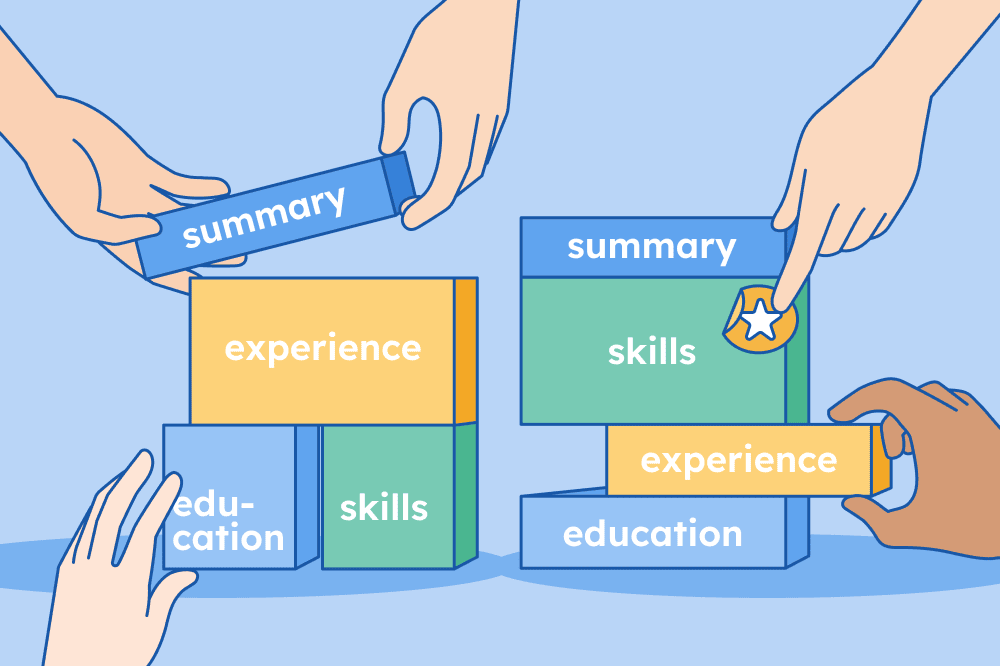
A resume parser scans your resume and extracts key information about your background, such as your education, skills, and past job titles.
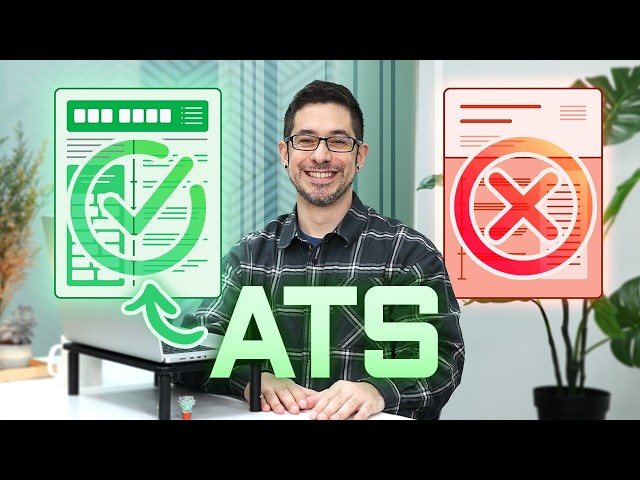

Many employers use ATS with built-in resume parsing features to quickly review large volumes of resumes and identify the most qualified applicants.
As a job seeker, running your resume through a parser before submitting it can help you spot formatting errors that confuse ATS software.
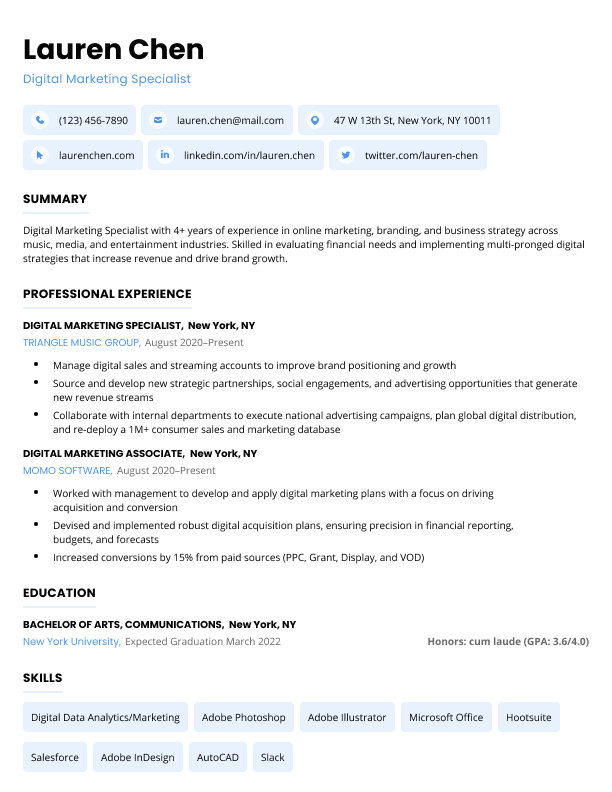
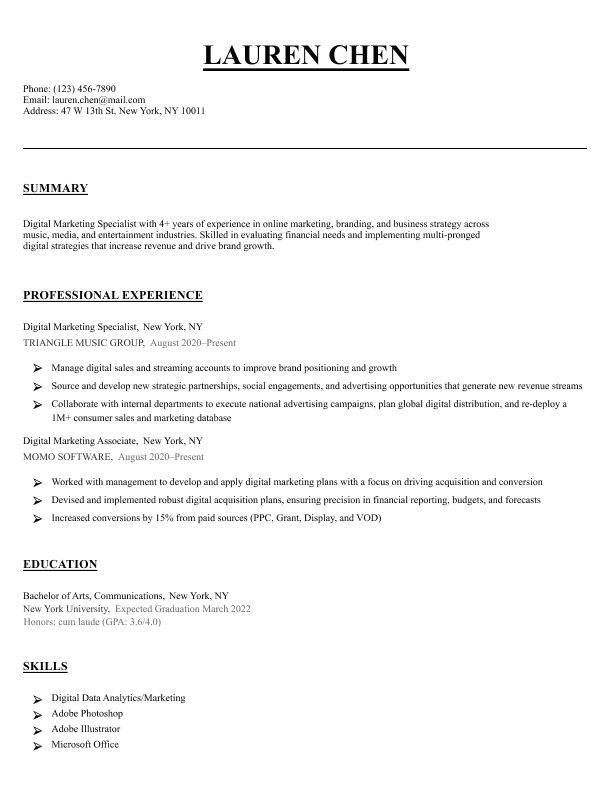
DOC, DOCX, PDF, HTML, RTF or TXT files up to 5MB
What makes our resume parser different?
There’s no shortage of tools that scan your resume and offer ATS tips, often for a fee.
| Feature | Resume Genius | Zety | Jobscan | Affinda |
| Free resume parsing | ✅ | ❌ | ❌ | ❌ |
| Optimization tips | ✅ | ✅ | ✅ | ❌ |
| ATS-friendly templates | ✅ | ✅ | ✅ | ❌ |
| Download feedback as text | ✅ | ✅ | ❌ | ✅ |
Here’s why job seekers trust the Resume Genius parser:
1. Built to reflect real hiring systems
Our parser is designed to simulate how ATS systems used by Fortune 500 companies scan resumes. Just upload your resume, and you’ll immediately see what issues you need to fix.
2. No signup required
No need to sign up for an account or input your credit card information, just upload your resume and get your results.
3. Get results fast
Within seconds, you’ll know if your resume is missing sections, includes improperly formatted information, or needs changes to improve scanability.
How to use our resume parsing software
The Resume Genius parser is quick and easy to use. Just follow these four simple steps:
1. Upload your resume
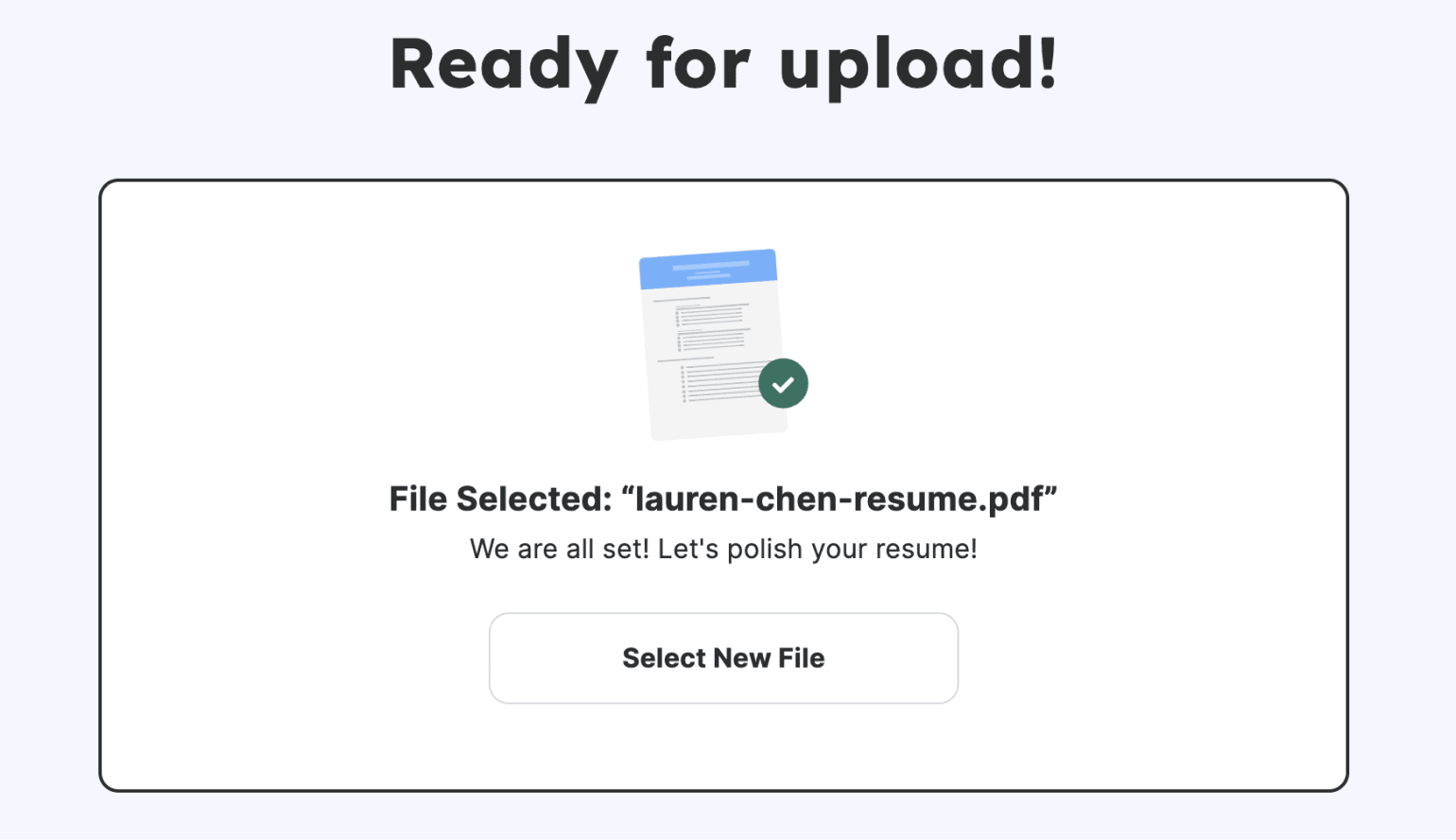
Click the “Upload Your Current Resume” button and select your resume file.
Our parser accepts all common file formats, including DOC, DOCX, PDF, HTML, RTF, and TXT files.
2. Check each section for errors or missing information
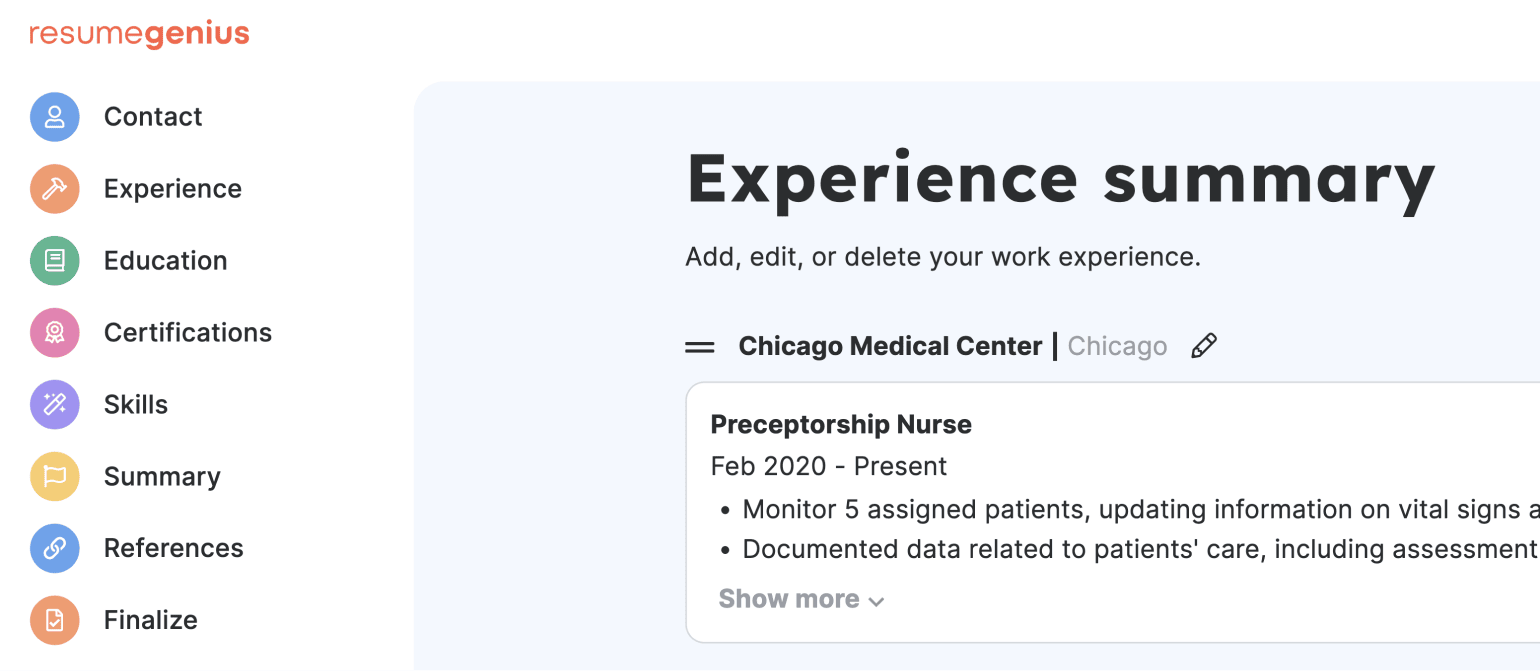
Once uploaded, the parser will display your resume section by section. Carefully check that all your information has been scanned correctly.
If anything is missing or incorrectly displayed, it means that an ATS may also struggle to read your resume. This is your chance to optimize your formatting and structure before applying for a job.
3. Get personalized recommendations
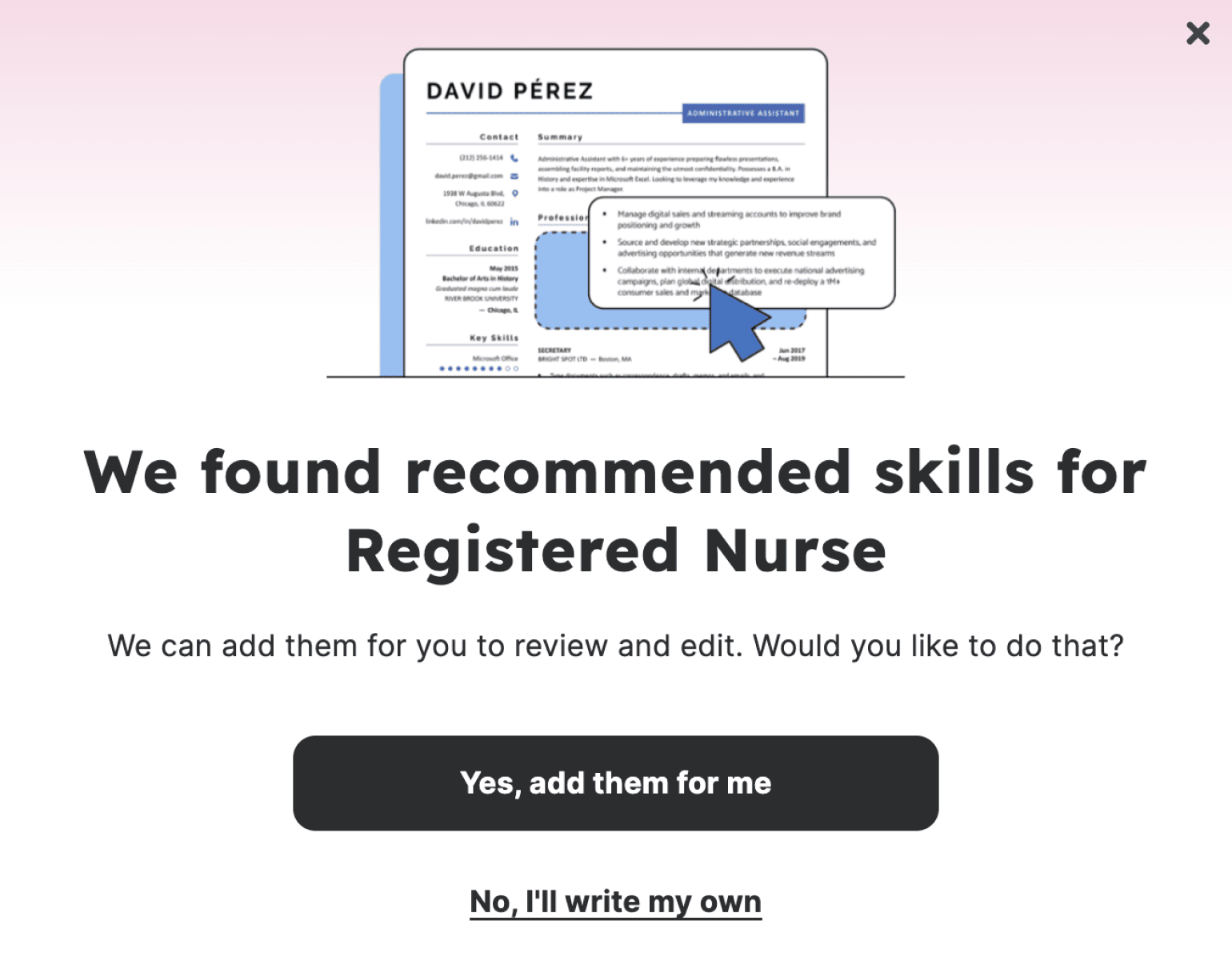
Our parser provides tailored suggestions based on your uploaded experience.
These recommendations are reviewed by our team of resume experts and are designed to make your resume more ATS-friendly.
4. Download your new and improved resume
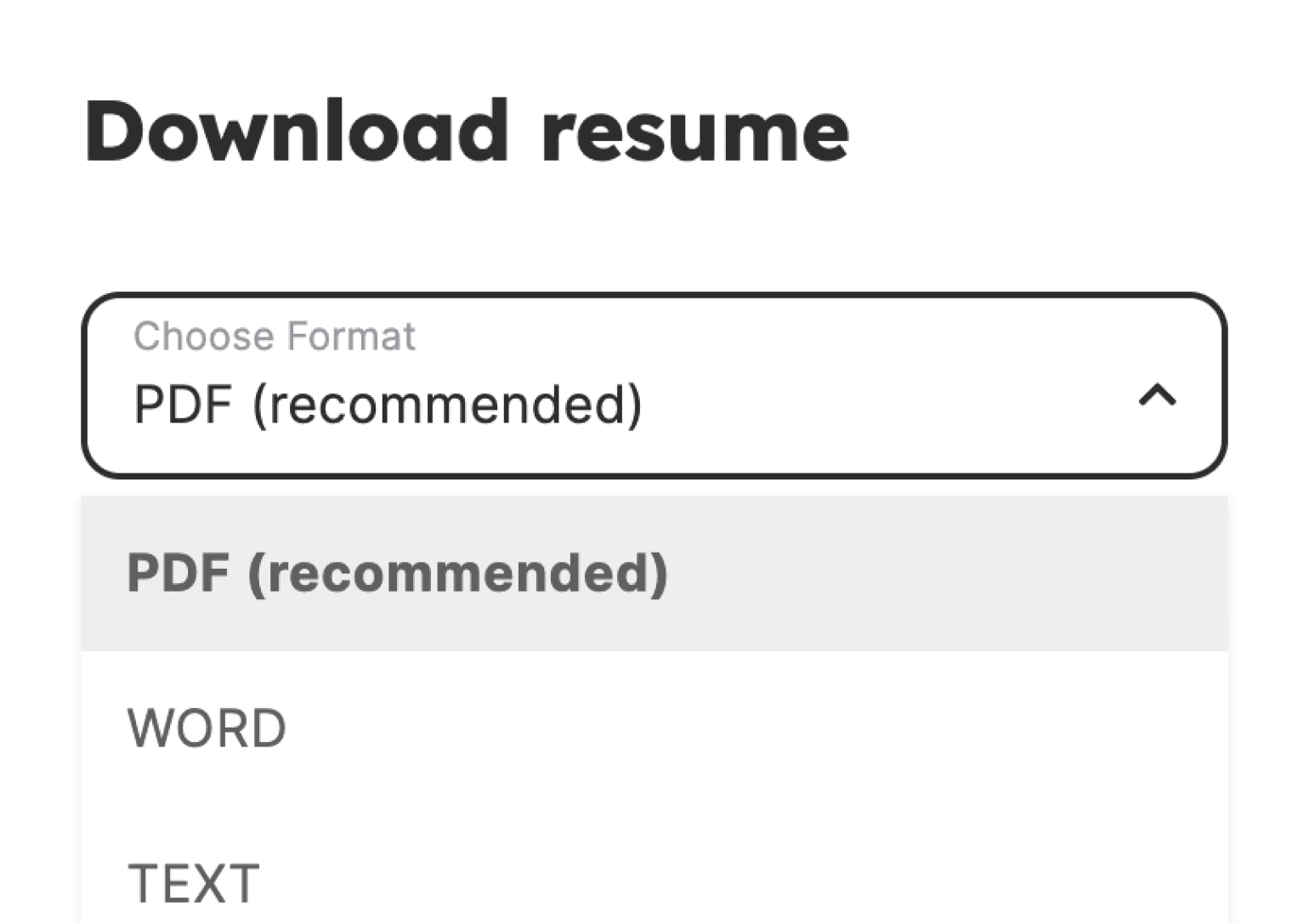
Once you’ve parsed your resume and made any necessary adjustments, the final step is to download your optimized resume.
You can download your resume as a text file for free and continue editing it on your own. However, if you want to format your resume using one of our premium templates, you’ll need to create an account.
Frequently asked questions about resume parsers
Here are some of the most commonly asked questions about our resume parser:
Should I parse my resume?
Yes, you should parse your resume to ensure that ATS software can easily identify your skills, qualifications, experience, and other details.
Having a well-formatted resume minimizes the risk of applicant tracking systems, and, in turn, hiring managers, overlooking key information that makes you a competitive applicant.
How accurate is a resume parser?
The accuracy of a resume parser can vary depending on the specific software used.
Our resume parser effectively parses your resume in a similar way to the software used by Fortune 500 companies.
How does ATS parse my resume?
ATS parses your resume by scanning it for keywords and phrases and formatting them in a standardized way that makes it easier for employers to get a quick overview of your qualifications.
Additional resources for optimizing your resume
Once you’ve parsed your resume, you might see issues you need to resolve. We have a variety of tools to help you build a winning job application:














Facebook
Twitter
Linkedin
Reddit
Copy link